Caption and Notice
Complete court caption, case number, title of the opposition, and the motion being opposed. Include counsel contact details and a certificate of service to document delivery to opposing counsel and the court clerk.
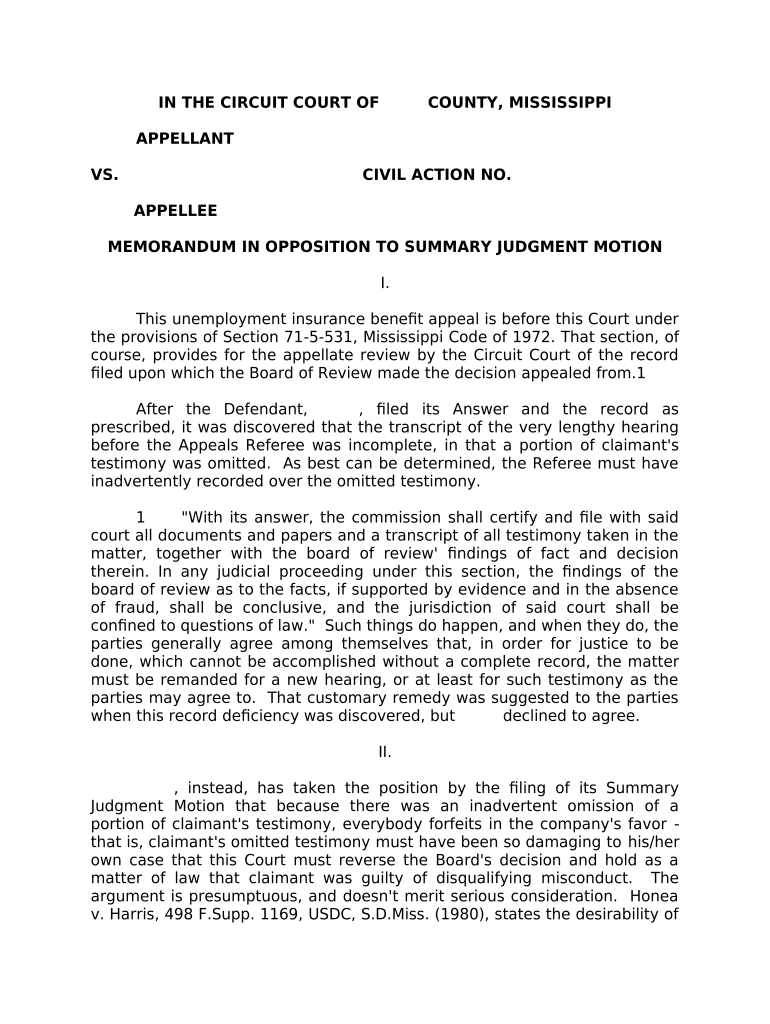
A thorough Opposition to Summary Judgment protects litigants from premature resolution, preserves appellate issues, and frames factual disputes for the judge. Clear organization and evidentiary support increase the likelihood the court will deny or narrow the motion, keeping the case on a merits track.

Several parties prepare oppositions depending on case posture and resources; each has different priorities and responsibilities.
Tailor the opposition to the audience: judges prioritize legal standards and admissible evidence, while clerks enforce local formatting and filing rules.
Experienced defense counsel craft oppositions to highlight disputed facts, offer witness declarations, and argue evidentiary exclusions. They balance preserving trial issues with minimizing discovery exposure and often coordinate service and e-filing under local rules.
Plaintiff attorneys focus on demonstrating triable issues of fact, tying admissible evidence to claims, and rebutting legal arguments. They prioritize admissibility (authentication, foundation) and ensure exhibits and declarations meet court rules.
Complete court caption, case number, title of the opposition, and the motion being opposed. Include counsel contact details and a certificate of service to document delivery to opposing counsel and the court clerk.
Concise, numbered facts with citations to the record and specific exhibit references. Emphasize disputes supported by admissible evidence such as declarations, deposition excerpts, or authenticated documents.
Explain the legal standard governing summary judgment in the jurisdiction, emphasizing that disputes about material facts and credibility ordinarily resolve at trial.
Apply facts to law in organized subsections; address each element the moving party claims lacks support and explain why genuine issues of material fact exist.
Attach and paginate exhibits, include sworn declarations or deposition excerpts, and provide exhibit lists with exhibit numbers for easy citation and clerk review.
Conclude with the requested ruling (denial or partial denial) and, where appropriate, alternatives such as leave for limited discovery or in limine rulings on admissibility.
| Field | Configuration |
|---|---|
| Document Upload | PDF/A format, OCR where possible |
| Signer Assignment | Lead counsel signs declaration and verifies identity |
| Authentication | Use two-factor or email verification as required |
| Notifications | Auto-notify co-counsel and opposing counsel on finalization |
Many courts set specific response deadlines; consult the local rules
Adhere to dates set in the case-specific scheduling order
Allow time for service method specified by rule or agreement
Moving party often has a short window (e.g., 7–14 days) for a reply
Request stipulations or court relief early if more time is needed
| signNow | DocuSign | Adobe Sign | PandaDoc | HelloSign | |
|---|---|---|---|---|---|
| Starting Price | $8/user/mo | $15/user/mo | $14/user/mo | $19/user/mo | $15/user/mo |
| Free Trial | 7-day free trial | Varies by vendor | Varies by vendor | Varies by vendor | Varies by vendor |
| Bulk Send | Yes (Business Premium adds bulk send) | Yes | Yes | Yes | No |
| Audit Trail | Yes | Yes | Yes | Yes | Yes |
| HIPAA Compliant | Yes | Yes | Yes | No | No |
| Envelope Cap | No envelope cap | 100 envelopes/user/year | Varies | Varies | Varies |
Ensure your e-signature provider integrates with case management, cloud storage, and court e-filing systems to streamline submissions.
Confirm the platform supports role-based signing, audit trails, and the authentication level required by your jurisdiction and court rules.
A mid-size firm automated exhibits and declarations for multiple oppositions
Healthcare counsel used secure e-signing for HIPAA-sensitive affidavits