Case Caption
Complete court name, docket number, and caption naming plaintiff(s) and defendant(s) exactly as in the original filing to ensure correct docket entry and record linkage.
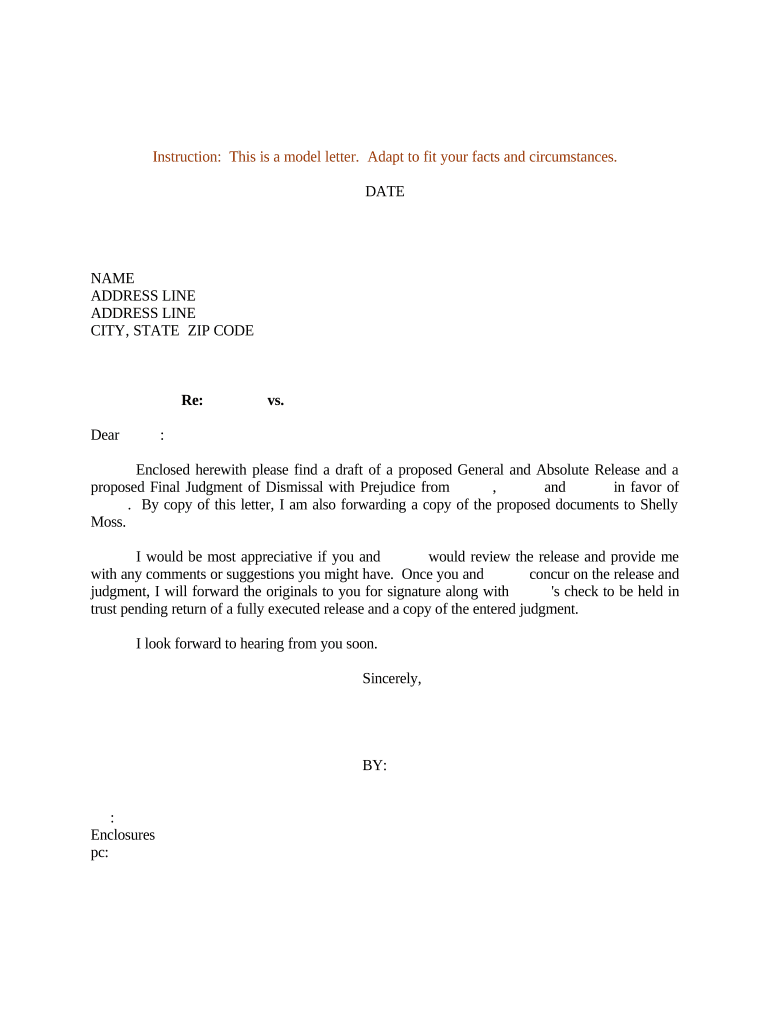
This order provides finality and claim preclusion, protecting defendants from repeated litigation on the same cause of action and providing a clear record for enforcement or appellate purposes. It also documents any agreed dispositions, fee allocations, or retention directives, which helps clerks, counsel, and parties close the docket cleanly.

Typical professionals who prepare or accept these orders are counsel for plaintiff and defendant, court clerks, mediators, and compliance officers who maintain litigation records.
The document is primarily used in litigation practice and court administration to record final disposition and prevent relitigation of the same claims.
Plaintiff counsel typically drafts or approves the proposed order when the plaintiff agrees to dismissal with prejudice. Their signature or stipulated approval is required to ensure the order reflects the plaintiff’s consent and any negotiated terms concerning costs or releases.
The judge or magistrate signs and enters the order to make it effective. Once entered by the court, the dismissal with prejudice is docketed as a final judgment, and the clerk’s entry finalizes the case record.
Complete court name, docket number, and caption naming plaintiff(s) and defendant(s) exactly as in the original filing to ensure correct docket entry and record linkage.
A short clause stating the case is dismissed with prejudice as to specified claims or parties and that the dismissal is final and binding.
If part of a settlement, record any agreed terms such as payment, mutual releases, or confidentiality obligations that the court should note.
Specify allocation of costs or attorney’s fees if agreed or awarded; indicate whether statutory fees apply or have been waived.
If the court or parties request retention of jurisdiction for enforcement, state the limited scope and duration clearly.
Provide lines for the judge’s signature, date of entry, and clerk’s notation; include counsel signatures or stipulated approval where required by local rules.
| Field | Configuration |
|---|---|
| Caption Template | Lock fields for court name and docket number to prevent accidental edits |
| Signature Placement | Set judge signature as final signer or placeholder per court rule |
| Approval Step | Add a reviewer step for opposing counsel to record stipulated approval |
| File Export | Export as PDF/A to preserve format for court submission |
Electronic signing and filing are common, but ensure your platform supports the court’s required file formats and signature evidence requirements.
Confirm local court e-filing rules for accepted electronic signatures and file types before submitting any proposed order to avoid rejection.
File the proposed order promptly after settlement or court direction
The clerk’s entry date starts appeal timelines
Calculate appeal deadlines from entry per appellate rules
Retention periods begin at entry or as otherwise specified
Serve all parties when the order is filed and entered
Parties execute settlement terms and agree to dismissal
Prepare an order that reflects the parties’ terms and complies with local form rules
File any stipulated dismissal or notice asking the court to enter the order
Court signs the order and clerk stamps and dockets it as final
Parties resolved contract dispute in mediation and asked the court to enter dismissal with prejudice
Defendant’s motion to dismiss for failure to state a claim was granted with prejudice by the court
| signNow | DocuSign | Adobe Sign | PandaDoc | HelloSign | |
|---|---|---|---|---|---|
| Starting Price | $8/user/mo | $15/user/mo | $14/user/mo | $19/user/mo | $15/user/mo |
| Free Trial | 7-day free trial | Varies | Varies | Varies | Varies |
| Bulk Send | Yes | Yes | Yes | Yes | No |
| Audit Trail | Yes | Yes | Yes | Yes | Yes |
| HIPAA Compliant | Yes | Yes | Yes | No | No |