Establishing secure connection…Loading editor…Preparing document…

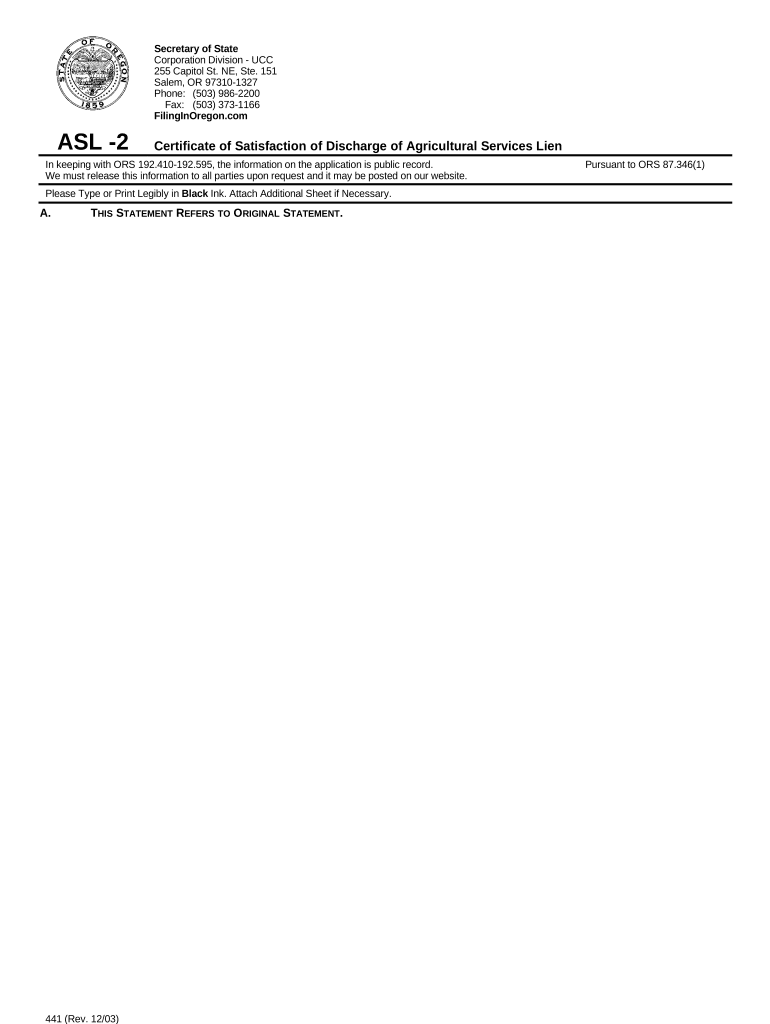
Oregon Certificate

This template is fully customizable. Edit the text, fill out the fields, and send it for signature. Give it a try!
Oregon Certificate

What the Oregon Certificate Is and When It’s Used

An Oregon Certificate is any formal document created or issued in Oregon that certifies a fact, status, or transaction under state law or private agreement. Examples include certificates of good standing, completion certificates, residency or tax certificates, and agency-issued certifications. Depending on purpose, an Oregon Certificate may be issued by a state agency, local government, business, or authorized professional and may require authentication steps such as signature, notarization, witness attestations, or a record number.

Why a Clear, Compliant Oregon Certificate Matters

A properly completed Oregon Certificate documents legal status, triggers rights or obligations, and speeds administrative processing. Accuracy reduces rejections, avoids delays, and supports enforceability when paired with required authentication and retention practices under applicable federal and state law.

Why a Clear, Compliant Oregon Certificate Matters

Who Typically Prepares and Receives an Oregon Certificate

The recipient and preparer determine required fields, authentication, and filing pathway; follow agency instructions when an official state-issued certificate is requested.

  • Businesses and corporate officers who obtain certificates of good standing or authority for banking, contracting, or licensing purposes.
  • Attorneys, notaries, and paralegals preparing authenticated documents or attestations for court, closing, or compliance needs.
  • Individuals requesting residency, completion, or identity certificates from state or local agencies for benefits or registrations.

Step-by-Step: Complete an Oregon Certificate

Follow these core steps to prepare, authenticate, and submit most Oregon Certificates accurately and efficiently.

  • 01
    Gather Documents: Collect IDs, formation papers, and any supporting affidavits before starting.
  • 02
    Complete Fields: Fill required entries exactly, using MM/DD/YYYY and full legal names.
  • 03
    Authenticate: Apply signatures, notarization, or witness attestations as required.
  • 04
    File or Deliver: Submit to the issuing agency, recipient, or record office following instructions.

Frequently Asked Questions About Oregon Certificates

Answers to common issues encountered when preparing, authenticating, or submitting an Oregon Certificate.


Need help? Contact support

Authentication and Security Elements to Include

Document Title: Clear reproduction
Issuing Authority: Agency name or official
Unique Identifier: Certificate number
Signature Evidence: Signed and dated
Notary Block: Acknowledgement when required
Audit Trail: Timestamp and signer attribution

Consequences of an Incorrect or Incomplete Certificate

Rejection: Processing denied
Delays: Service or registration delayed
Additional Fees: Refiling or amendment costs
Legal Risk: Contractual disputes possible
Tax Impact: Backup withholding triggers
Invalidation: Document may be voided

Common Pitfalls to Avoid When Preparing an Oregon Certificate

  • Using nicknames or initials instead of full legal names, which can cause mismatches with agency records and trigger rejections or identity verification requests.
  • Failing to follow a required date format (e.g., writing 2026-07-20 when MM/DD/YYYY is expected) leading to processing errors or interpretation disputes.
  • Omitting notary or witness blocks where the issuing authority requires them; missing notarization often forces re-execution in person.
  • Sending incomplete supporting attachments or failing to include required exhibits, which commonly leads agencies to return the request as incomplete.

Key Parts of a Professional Oregon Certificate

A complete certificate combines identity, authority, and traceability elements so recipients and recorders can verify the certified fact quickly.

Title

A clear title identifying the certificate type (for example, Certificate of Good Standing) so reviewers can immediately determine purpose and routing.
Issuing Authority

The name of the agency, business, or authorized officer issuing the certificate; official letterhead or seal improves trust.

Recipient / Subject

Full legal name of the person, entity, or property being certified; include identifiers like EIN, registration number, or property parcel ID when relevant.

Statement of Certification

A concise declaration of the fact being certified (status, completion, residency) including applicable dates and scope of the certification.

Authentication

Signature, date, and notarization or witness block as required by the issuing authority or recording office.

Record Controls

Certificate number, issuance date, and contact information for verification requests or reissuance.

Typical Workflow for Creating and Sending an Oregon Certificate

A standard workflow moves from preparation to authentication and delivery; digital workflows add audit trails and faster distribution.

  • Prepare Document: Draft certificate and attach supporting documents.
  • Add Authentication: Place signature, notary, and witness fields as required.
  • Sign and Notarize: Signers complete and notary acknowledges the signing event.
  • Submit or Store: Deliver to agency or archive in secure storage.

Digital Workflow Settings to Configure

Configure signing, authentication, and storage settings to align with the certificate’s legal and agency requirements.

Field Configuration
Authentication Email link | SMS code | KBA
Notary In-person | RON if permitted
Storage PDF/A archival | audit trail
Routing Sequential or parallel signer order

Platform Considerations for eSigning and eSubmission

Verify the recipient or agency accepts electronic submissions and that your platform retains an audit trail to support authenticity.

  • Integrations: Salesforce, NetSuite, Google Workspace
  • Formats: PDF, DOCX, HTML supported
  • Authentication: Email, SMS, KBA, or advanced methods

Timing Considerations and Typical Deadlines

Plan ahead: some certificates are needed immediately, others must be obtained before filings, closings, or benefit applications.

Request Timing:

Obtain certificates early when required for closings or licensing; agency queues can add days to weeks.

Notary Appointment:

Schedule notarization in advance; mobile notaries add travel time.

Agency Processing:

Processing can range from same-day to multiple weeks depending on workload.

Renewals:

Some certificates expire and must be renewed annually or when circumstances change.

Record Retention:

Keep issuance and delivery proof for the applicable retention period.

Pricing and Feature Comparison for eSignature Providers

Common cost and capability dimensions for eSignature platforms relevant when electronically completing or distributing certificates; signNow is listed first for comparison.

signNow DocuSign Adobe Sign PandaDoc HelloSign
Starting Price $8/user/mo $15/user/mo $14/user/mo $19/user/mo $15/user/mo
Free Trial 7-day free trial Varies by vendor Varies by vendor Varies by vendor Varies by vendor
Bulk Send Yes Yes Yes Yes No
Audit Trail Yes Yes Yes Yes Yes
HIPAA Compliant Yes Yes Yes No No
be ready to get more
Join over 28 million airSlate SignNow users