Appointment clause
Specify the receiver's name, appointment mechanism, scope of takeover, and triggering events so authority is clear and enforceable across stakeholders and third parties.
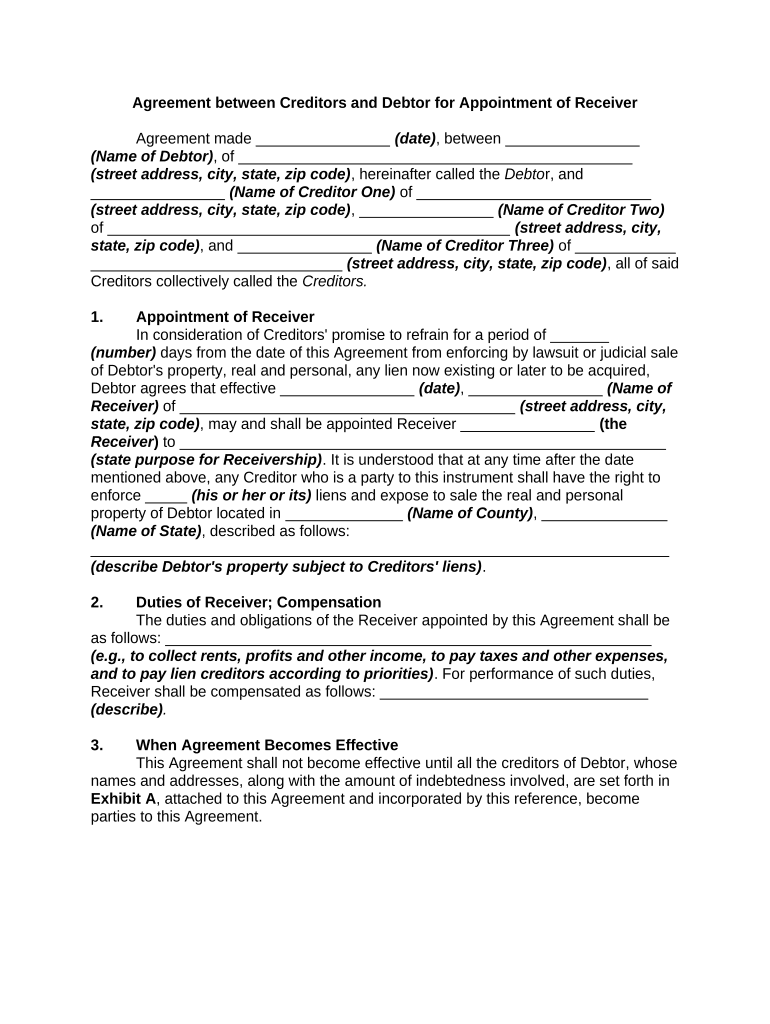
This agreement creates a predictable, documented process for appointing a receiver without protracted court battles, protects collateral value, clarifies authority and reporting, and can speed recovery for secured creditors while preserving business continuity for the debtor.

Creditor groups, debtors, and professionals use this agreement when secured claims and control of assets must be resolved quickly and transparently.
The agreement is often negotiated by counsel for both sides and signed by authorized representatives, then implemented by the appointed receiver under the documented rules.
Represents the lead secured creditor or banking syndicate and negotiates terms that protect collateral, set repayment priorities, and define the receiver's authority to operate or liquidate assets.
Signs on behalf of the debtor entity to consent to appointment provisions, identify covered assets, and agree to reporting and access arrangements that affect ongoing business operations.
Specify the receiver's name, appointment mechanism, scope of takeover, and triggering events so authority is clear and enforceable across stakeholders and third parties.
List express powers (collect rents, operate business, sell assets), limits on disposition, and required approvals to prevent overreach and litigation risk.
Attach an itemized schedule or exhibit describing secured assets, locations, account numbers, and liens to avoid ambiguity about what is controlled by the receiver.
State whether the receiver must post a bond, carry insurance, or maintain indemnities to protect creditors and third parties from receiver conduct.
Define reporting cadence, required financial statements, access to books, and audit rights so creditors receive timely oversight.
Describe termination events, assets disposition procedures, creditor priority, and how remaining funds will be distributed or returned to the debtor.
| Field | Configuration |
|---|---|
| Signing order | Specify creditor approval first, then debtor and receiver |
| Authentication | Use email plus SMS or KBA for high-assurance identity |
| Attachments | Attach loan documents, schedules, and security instruments |
| Retention | Enable export to PDF/A and secure archive for required periods |
Use a secure eSignature platform that supports PDF and DOCX, audit trails, and required authentication for legal validity.
Ensure the chosen provider supports ESIGN and UETA compliance, audit logs for attribution, and secure storage with AES-256 encryption to meet retention and evidentiary needs.
Date agreement becomes operative; use MM/DD/YYYY
Date by which all parties must sign to effect appointment
When receiver assumes custody and control
Deadline for posting bond where required
Dates for initial and recurring financial reports
Formal agreement among secured creditors to proceed
Signatures collected and copies distributed to parties
Operational takeover and asset preservation tasks begin
Receiver delivers final report and funds are distributed
| Criteria | Creditor Agreement | Court-Ordered Receiver |
|---|---|---|
| Speed | faster | slower |
| Control level | negotiated limits | court-defined powers |
| Court filing required | usually no | |
| Typical cost | lower negotiated fees | higher court and litigation fees |
| signNow | DocuSign | Adobe Sign | PandaDoc | HelloSign | |
|---|---|---|---|---|---|
| Starting Price | $8/user/mo | $15/user/mo | $14/user/mo | $19/user/mo | $15/user/mo |
| Free Trial | 7-day free trial | Yes | Yes | Yes | Yes |
| Bulk Send | Yes | Yes | Yes | Yes | No |
| Audit Trail | Yes | Yes | Yes | Yes | Yes |
| HIPAA Compliant | Yes | Yes | Yes | No | No |