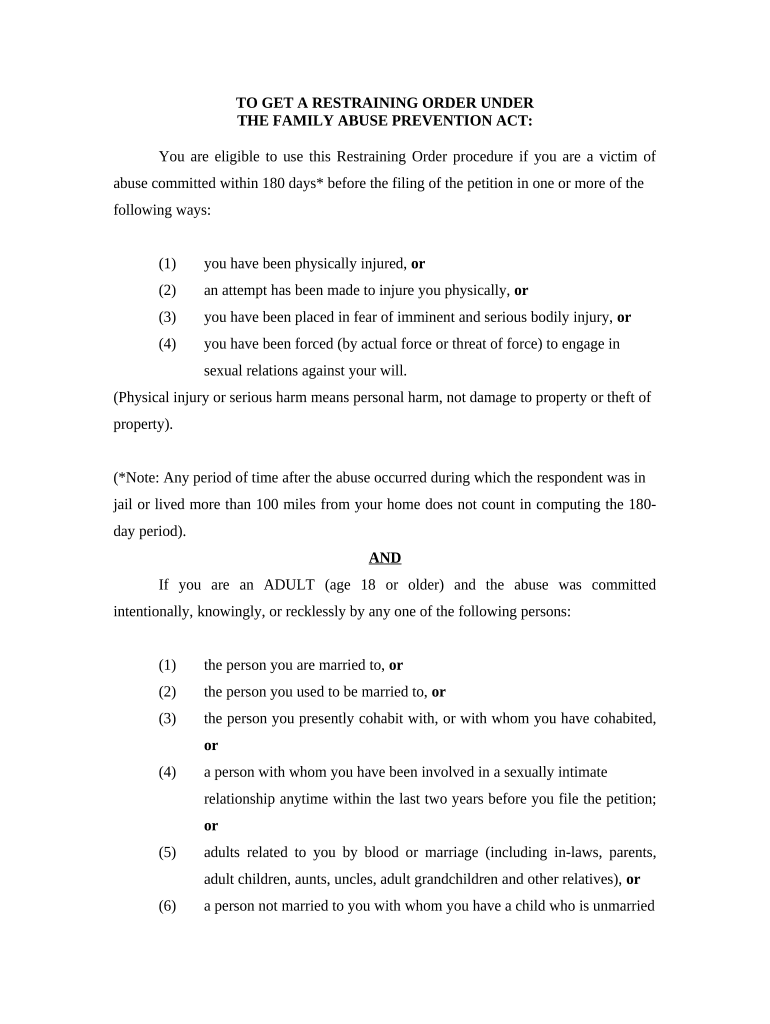
Restraining Order Information
What Restraining Order Information Is and why it matters
Why precise Restraining Order Information helps the case
Complete, accurate Restraining Order Information reduces intake delays, helps judges assess imminent risk, preserves admissible evidence, and improves coordination with law enforcement and advocates involved in safety planning.
Who commonly prepares and relies on this information
Courthouses, victim advocates, and law enforcement commonly receive and use Restraining Order Information during intake, evaluation, and filing.
- Family or civil court clerks processing petitions, scheduling hearings, and maintaining case records.
- Victim advocates or legal aid staff assisting petitioners with forms, evidence collection, and safety planning.
- Law enforcement officers compiling incident reports, coordinating temporary protections, and supporting service of process.
Step-by-step: prepare and submit Restraining Order Information
-
01Gather Details: Collect IDs, incident notes, and supporting documents.
-
02Draft Affidavit: Summarize incidents in chronological affidavit language.
-
03File with Court: Submit petition and exhibits per local clerk rules.
-
04Serve Respondent: Ensure respondent receives papers following court procedures.
Typical digital workflow settings for online completion
| Field | Configuration |
|---|---|
| Full Name Field | Required, exact-match validation |
| Date Fields | MM/DD/YYYY format, calendar picker |
| Evidence Upload | Allow PDF, JPEG; set max file size |
| Signer Authentication | Email + optional SMS code or ID verification |
Technical considerations for eSubmission and signatures
Ensure your platform supports secure uploads, signer authentication, and a complete audit trail for court and law enforcement review.
- File formats: PDF, DOCX accepted
- Authentication: Email, SMS, or ID verification
- Audit trail: Timestamps, IP, action log
Digital submission flow for Restraining Order Information
-
Upload Documents: Submit petition, affidavit, and exhibits.
-
Place Fields: Add signature, date, and attachment placeholders.
-
Authenticate Signer: Confirm identity via email or code.
-
Submit to Court: Send package and retain audit trail.
Timing considerations and common filing timeframes
File Promptly:
Submit as soon as safety concerns arise or evidence is available.
Emergency Orders:
Courts may issue temporary relief at intake where imminent danger is shown.
Hearing Schedules:
Courts set hearings per local rules; check clerk for dates.
Service Deadlines:
Serve respondent within time limits required by the court.
Evidence Deadlines:
Provide exhibits as required before or at the hearing.
Representative eSignature vendor pricing and capability snapshot
| signNow | DocuSign | Adobe Sign | PandaDoc | HelloSign | |
|---|---|---|---|---|---|
| Starting Price | $8/user/mo | $15/user/mo | $14/user/mo | $19/user/mo | $15/user/mo |
| Free Trial | 7-day free trial | Varies by plan | Varies by plan | Varies by plan | Varies by plan |
| Bulk Send | Yes | Yes | Yes | Yes | No |
| Audit Trail | Yes | Yes | Yes | Yes | Yes |
| HIPAA Compliant | Yes | Yes | Yes | No | No |
| Envelope Cap | No cap | 100 envelopes/user/year | Varies | Varies | Varies |
Common preparation mistakes and how they cause delays
- Omitting precise incident dates forces clerks to request clarifications and can delay emergency review by the court.
- Using inconsistent names or initials across documents can prevent matching records and may require sworn affidavits to correct.
- Attaching low-quality photos or unlabeled files makes evidence harder to verify and may reduce admissibility at hearing.
- Filing in the wrong court division or jurisdiction often requires re-filing, wasting time and potentially forfeiting prompt relief.
Legal risks and penalties for incorrect or falsified information
Practical tips to ensure completeness and admissibility
How courts and clinics typically use Restraining Order Information
Court Intake Streamlining
A busy urban intake unit standardized a one-page incident summary
- The summary captured key dates and evidence
- Standardization reduced follow-ups, let clerks forward complete petitions for emergency review, and improved coordination with on-call advocates.
Remote Legal Aid Intake
A legal aid clinic shifted to digital submission for remote clients
- Clients uploaded photos and police reports securely
- The change reduced travel barriers, allowed advocates to prepare affidavits faster, and improved hearing readiness for low-income petitioners.
Frequently asked questions about Restraining Order Information
-
Can I sign this electronically?
Yes in most cases. The ESIGN Act (15 U.S.C. §7001) and UETA permit electronic signatures for many court-related documents, but exceptions exist for specific court orders or local rules; confirm with the clerk before submission.
-
Do I need a notary or witnesses?
Not all jurisdictions require notarization for petitions, but some affidavits or sworn statements may require a notary; witness requirements vary by state and document type—check local court rules or clerk guidance.
-
What supporting documents should I include?
Include police reports, medical records, photographs, text logs, and witness contact information. Label exhibits clearly and include an exhibit index so the court can readily identify and admit items at hearing.
-
How do I correct an error after filing?
Contact the court clerk immediately. Many courts permit amended petitions or supplementary affidavits; in urgent situations, request a quick clerk review to file a corrected packet under the court's procedures.
-
Are e-signed attachments admissible?
E-signed or electronically submitted exhibits are generally admissible when accompanied by an audit trail and authentication. Preserve metadata, timestamps, and chain-of-custody details to support admissibility at hearing.
-
What happens if respondent can't be located?
Courts allow alternative service methods where personal service fails, such as publication or service by mail, subject to strict local rules; document all good-faith efforts to locate the respondent.