Establishing secure connection…Loading editor…Preparing document…

Letter Addressing Unsatisfactory Behavior

This template is fully customizable. Edit the text, fill out the fields, and send it for signature. Give it a try!
Letter Addressing Unsatisfactory Behavior

What the Letter Addressing Unsatisfactory Behavior Is

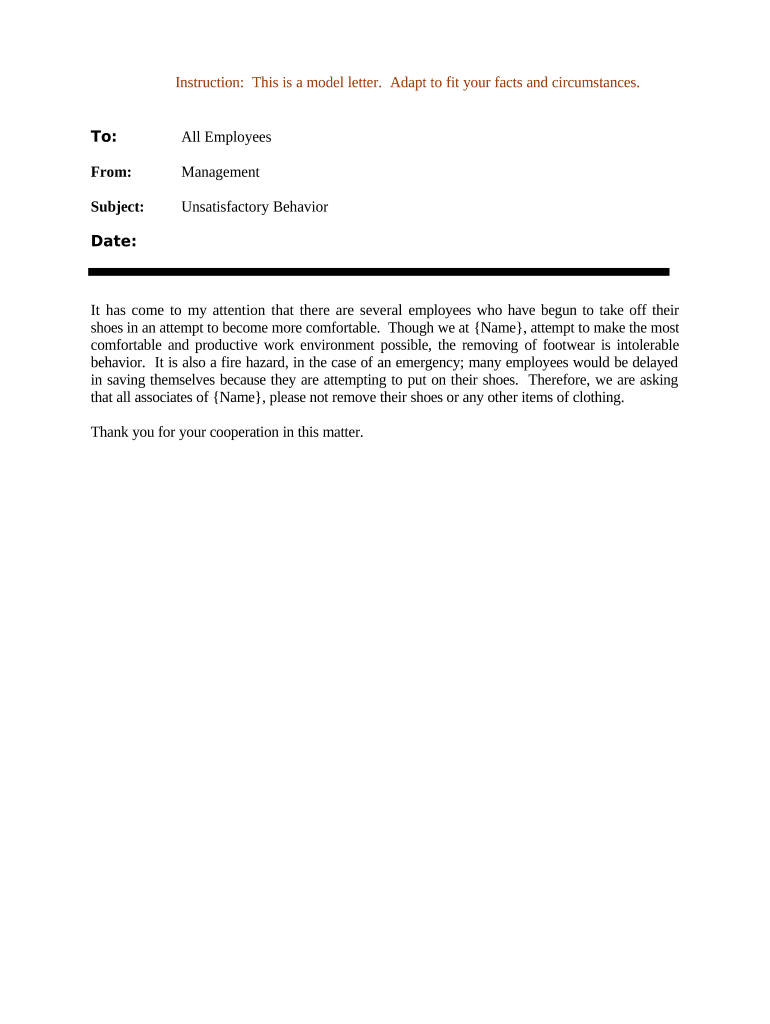
A Letter Addressing Unsatisfactory Behavior is a formal written communication from an employer, manager, or school official to an individual whose conduct, performance, or compliance falls short of expectations. It documents specific incidents, explains the standard or policy that was not met, and describes the corrective actions required. The letter creates a clear record of notice and next steps, helps set expectations for improvement, and may be used in personnel files, disciplinary processes, or performance improvement plans.

Why this Letter Matters for Clear, Defensible Documentation

A concise, factual letter reduces ambiguity, preserves a timeline of events, and supports consistent treatment of employees or students. It helps protect the organization by documenting warnings and proposed remediation.

Why this Letter Matters for Clear, Defensible Documentation

Who Typically Prepares and Receives This Letter

The recipient is the employee, contractor, or student whose behavior is at issue; copies are usually placed in the personnel file and shared with HR or academic records as required.

  • Direct supervisors issuing a first or second formal warning following internal policy
  • Human resources professionals documenting progressive discipline or performance improvement plans
  • School officials addressing student or staff conduct where policy remediation is required

Core Components to Include in a Professional Unsatisfactory Behavior Letter

A complete letter is factual, dated, and structured so each element — incident, policy, impact, expectation, timeline, and consequences — is clear and defensible.

Incident Details

State dates, times, locations, and objective descriptions of the conduct or performance that was unsatisfactory without commentary or opinion.
Policy Reference

Cite the specific company, school, or contract policy or standard that the behavior violated, including section or page where possible.

Impact

Explain how the conduct affected operations, teammates, clients, or safety, using concrete examples where applicable.

Required Actions

Describe specific corrective actions, measurable expectations, and any training or support offered to facilitate improvement.

Timeline

Set clear deadlines and review dates for expected improvement and explain when follow‑up meetings will occur.

Consequences

State the potential outcomes if behavior does not improve, including further discipline up to termination or academic measures.

Step‑by‑Step: Completing and Issuing the Letter

Follow a standard sequence to ensure fairness, accuracy, and defensibility when issuing the letter.

  • 01
    Gather Facts: Collect contemporaneous records, timestamps, and witness statements if available.
  • 02
    Draft Factual Text: Describe incidents without editorializing; avoid emotive language.
  • 03
    Specify Remedies: List concrete steps the recipient must take and how HR will support them.
  • 04
    Deliver and File: Provide the letter in writing, note delivery method, and save a copy in the official file.

Digital Workflow Settings for Online Completion and Tracking

Configure fields and routing to ensure signatures, dates, and audit trails are captured consistently in electronic workflows.

Field Configuration
Recipient Name Mandatory text field; format: First Last
Incident Dates Date field; enforce MM/DD/YYYY
Signature Signature field with timestamp and signer attribution
HR Copy Routing Automatic routing to HR inbox after signing

How Electronic Issuance Typically Works

A standard e‑letter workflow reduces paperwork, preserves an audit trail, and records delivery and acknowledgment events.

  • Prepare Document: Upload template, populate fields, and attach evidence if needed.
  • Assign Signer: Enter recipient email and designate HR or manager as CC signer.
  • Authenticate: Use email or SMS code for signer authentication as appropriate.
  • Complete and Archive: Save signed copy with audit trail in personnel file.

Distribution Methods and Integration Considerations

When choosing a platform, ensure it supports audit trails, secure storage, and any required integrations with HRIS or records systems to maintain a single authoritative personnel record.

  • Email Delivery: Sends a copy immediately; track read receipts where available.
  • In‑Person Delivery: Useful when personal discussion is required and signatures are collected onsite.
  • eSignature Platforms: Capture timestamped signatures and audit trails for secure records.

Required Information Fields to Preserve Clear Records

Recipient: Full legal name
Date: Letter date
Incident: Dates and short description
Policy: Policy title or section
Action: Required corrective steps
Signature: Manager/HR sign and date

Common Mistakes to Avoid When Preparing the Letter

  • Using vague language or subjective labels instead of specific dates and observable facts, which weakens the record and may invite dispute.
  • Failing to cite the exact policy or standard allegedly violated, making it difficult to link behavior to an objective rule.
  • Delivering the letter without offering reasonable opportunity for the recipient to respond or improve, which can create fairness concerns.
  • Neglecting to preserve a signed copy or audit trail when using electronic delivery, complicating later review or arbitration.

Risks and Potential Consequences of an Incorrect or Incomplete Letter

Employment Claims: May undermine defense against wrongful termination
Regulatory Exposure: Could trigger agency complaints if protected classes are implicated
Recordkeeping Risk: Missing audit trail complicates investigations
Reputational Harm: Poorly handled matters can affect morale
Disciplinary Drift: Inconsistent letters lead to disparate treatment risks
Legal Cost: Inaccurate documentation increases litigation expense

Typical Timelines and Response Expectations

Set realistic response windows and follow‑up checkpoints so expectations are clear for both the recipient and the organization.

Initial Response Window:

Allow 3–5 business days for an acknowledgment or reply

Improvement Period:

Specify 30, 60, or 90 days depending on the issue

Review Meeting:

Schedule a formal check‑in at the end of the improvement period

Escalation Deadline:

State when progressive discipline will commence if no improvement

File Retention Start:

Record the date letter was issued for retention counting

eSignature Vendor Comparison for Issuing and Storing the Letter

Basic vendor capabilities and starting prices for eSignature platforms used to deliver and archive letters; signNow is listed first per comparison conventions.

signNow DocuSign Adobe Sign PandaDoc HelloSign
Starting Price $8/user/mo $15/user/mo $14/user/mo $19/user/mo $15/user/mo
Free Trial 7-day free trial Varies Varies Varies Varies
Bulk Send Yes Yes Yes Yes Yes
Audit Trail Yes Yes Yes Yes Yes
Envelope Cap No cap 100 envelopes/user/year Varies Varies Varies

Frequently Asked Questions About Letters Addressing Unsatisfactory Behavior

Answers to common procedural and legal questions when preparing, delivering, and storing these letters.


Need help? Contact support

be ready to get more
Join over 28 million airSlate SignNow users