Unit Identification
Include the condominium name, building address, unit number, legal description or tax parcel ID, and any parking or storage space identifiers so the covered unit is unmistakable.
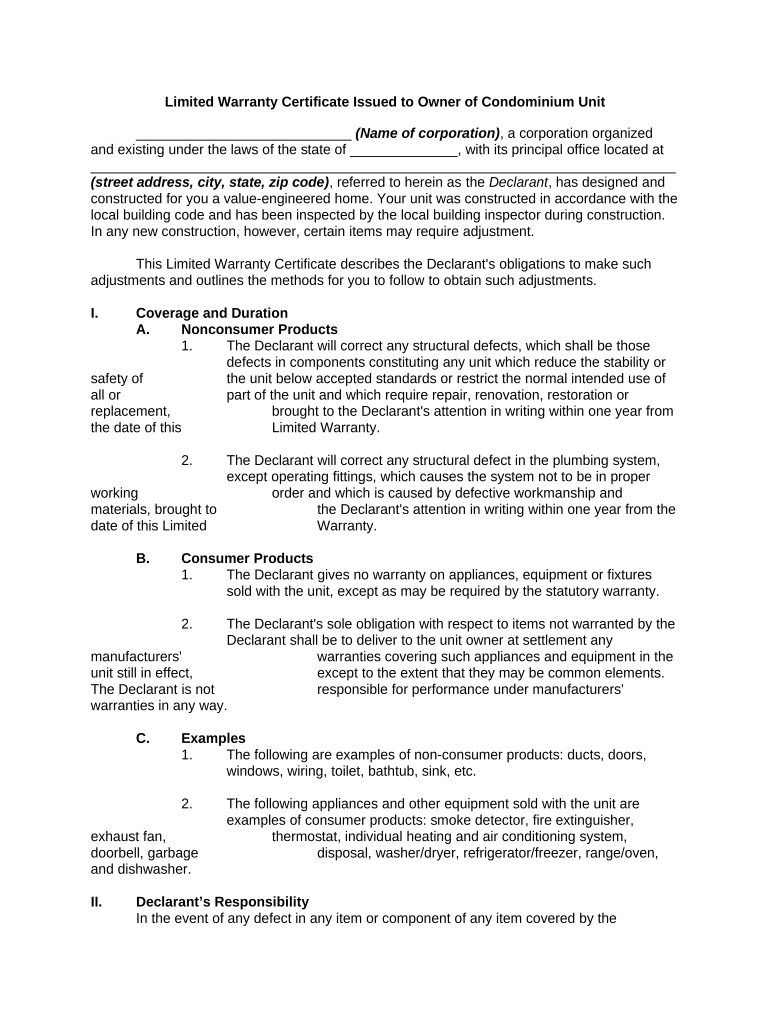
A properly drafted certificate sets expectations about what is covered and for how long, defines notice and repair procedures, and limits uncertainty in disputes. It aids claims handling, preserves legal rights, and supports resale or financing by documenting transferable warranty obligations.

Understanding these roles clarifies who completes, signs, and retains the certificate during the unit’s warranty life.
The developer or its authorized officer signs to pledge warranty performance. Include company name, officer title, and capacity to bind the developer; attach corporate resolution if requested by a third party such as a lender.
The purchaser or unit owner signs to acknowledge receipt and acceptance of warranty terms. Provide the owner’s full legal name, contact information, and the date signed; mismatched names can complicate claims or transfers.
Include the condominium name, building address, unit number, legal description or tax parcel ID, and any parking or storage space identifiers so the covered unit is unmistakable.
Name the warrantor (developer/entity) and the unit owner(s) with full legal names, mailing addresses, and a point of contact for warranty administration.
List systems and components covered (structure, roofing, mechanical, electrical, plumbing, finishes) and whether coverage is limited to repair, replacement, or both.
State exact warranty periods for each component, any aggregate monetary caps, and survival clauses limiting developer liability after delivery or resale.
Describe notice requirements, required documentation, inspection rights, cure periods, and escalation steps, including where to send written notices.
List typical exclusions (normal wear, misuse, alterations) and specify owner remedies (repair, replacement, pro rata contribution, or arbitration) and any dispute-resolution method.
| Field | Configuration |
|---|---|
| Required Fields | Make unit ID, owner name, effective date required inputs. |
| Signature Order | Set developer signer first, then owner signer, with date fields auto-filled. |
| Authentication | Use email+SMS code for basic ID or stronger methods for high-value transactions. |
| Audit Trail | Enable timestamping, IP logging, and PDF certificate of completion. |
Retain signed PDFs and metadata in a secure repository to meet retention policies and third-party requests.
Deliver certificate at closing or record promptly thereafter.
Require prompt written notice; many contracts expect notice within 30–60 days of discovery.
Specify developer inspection and cure periods, commonly 14–60 days.
Effective date is typically the closing date or certificate date.
Retain signed original for the warranty term plus recommended retention period.
The developer issues certificates at closing to each buyer with component-specific terms and contact details for warranty claims.
A condominium association collects and stores unit warranty certificates to coordinate common-element claims and repairs.
| signNow | DocuSign | Adobe Sign | PandaDoc | HelloSign | |
|---|---|---|---|---|---|
| Starting Price | $8/user/mo | $15/user/mo | $14/user/mo | $19/user/mo | $15/user/mo |
| Free Trial | 7-day free trial | Varies by plan | Varies by plan | Varies by plan | Varies by plan |
| Bulk Send | Yes | Yes | Yes | Yes | Yes |
| Audit Trail | Yes | Yes | Yes | Yes | Yes |
| HIPAA Compliant | Yes | Yes | Yes | No | No |