Header
Agency name and address, date of submission, and subject line referencing the original charge
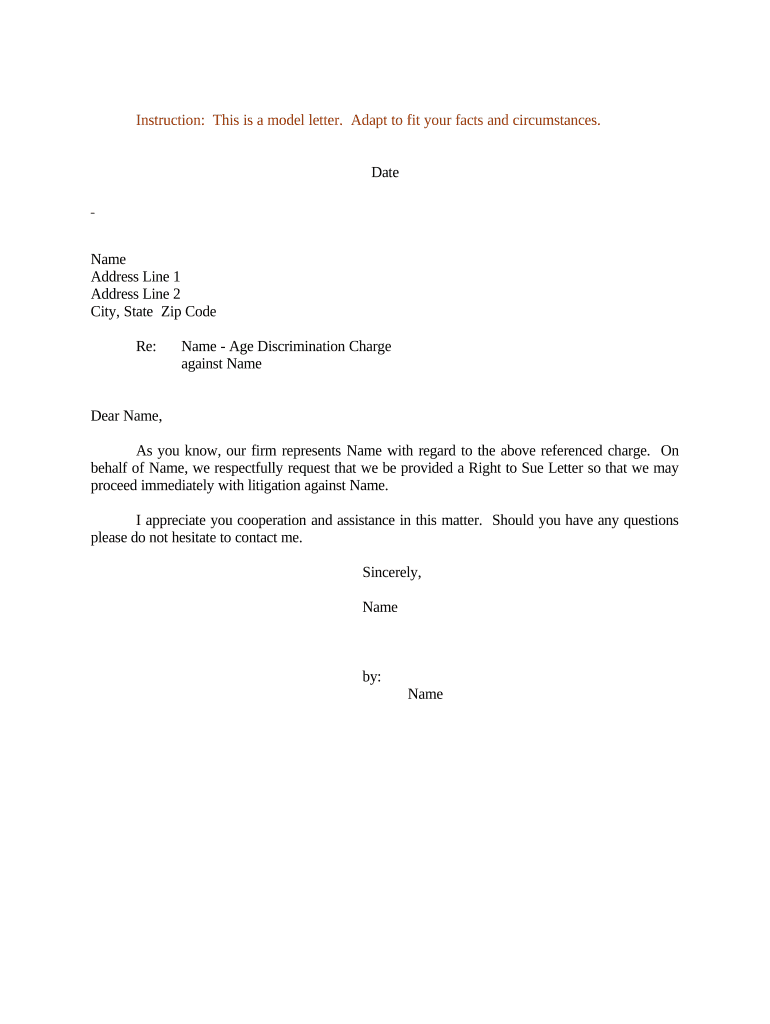
A properly drafted request letter establishes the requester, references the agency charge, and creates a clear administrative record. It clarifies timelines, preserves legal rights, and enables counsel or pro se litigants to proceed when administrative remedies conclude.

Each party has distinct responsibilities: claimants must confirm dates and signatures, attorneys must verify charge numbers, and agencies must confirm receipt and issuance details.
An individual who filed the administrative charge or their authorized representative. The claimant provides identifying information, the charge number if available, and attests to the request in writing.
A licensed attorney may prepare and submit the letter on behalf of the claimant. Counsel should include bar identification, contact details, and a representation statement to ensure the agency recognizes the legal representative.
Agency name and address, date of submission, and subject line referencing the original charge
Full legal name, mailing address, email, and daytime phone number for the complainant or representative
Agency case or charge number and the original filing date to connect the request to the administrative record
A clear sentence asking the agency to issue a right-to-sue letter or notice authorizing court action
One-paragraph summary of the claims or statutory basis (e.g., discrimination grounds) — keep it factual and succinct
Typed or handwritten signature with printed name and MM/DD/YYYY date of signing
Agency records the request and links it to the original charge file
Agency determines whether issuance criteria are met and whether additional information is required
Agency mails or emails the official notice authorizing court filing
Statutory period to commence litigation begins on issuance date
Some requests are eligible only after a set period following the charge (commonly 180 days for federal charges)
Agencies generally issue notices within weeks to months after review, subject to caseload
The right-to-sue letter specifies how long you have to file in court from issuance
State civil rights agencies may have distinct waiting periods and filing windows
Keep originals and confirmations; loss of proof can complicate subsequent litigation
A small business HR lead files a charge and requests a right-to-sue to preserve litigation options while internal review proceeds
A healthcare provider's compliance officer logs the request and stores agency receipts in the patient privacy file
| Field | Configuration |
|---|---|
| Signature Type | Electronic signature with audit trail |
| Authentication | Email link or SMS code for signer verification |
| Document Format | PDF/A for long-term preservation |
| Retention | Secure storage with access logging |
Ensure the chosen method meets agency acceptance rules and that copies are retained according to compliance requirements.
| signNow | DocuSign | Adobe Sign | PandaDoc | HelloSign | |
|---|---|---|---|---|---|
| Starting Price | $8/user/mo | $15/user/mo | $14/user/mo | $19/user/mo | $15/user/mo |
| Free Trial | 7-day free trial | No | No | Yes, limited | Yes, limited |
| Bulk Send | Yes | Yes | Yes | Yes | No |
| Audit Trail | Yes | Yes | Yes | Yes | Yes |
| Envelope Cap | No cap | 100 envelopes/user/year | Varies by plan | Varies by plan | Varies by plan |