Digital Doc Editor

Discover how to easily digital doc editor and make the most of your documents
Create secure and intuitive eSignature workflows on any device, track the status of documents right in your account, build online fillable forms – all within a single solution.
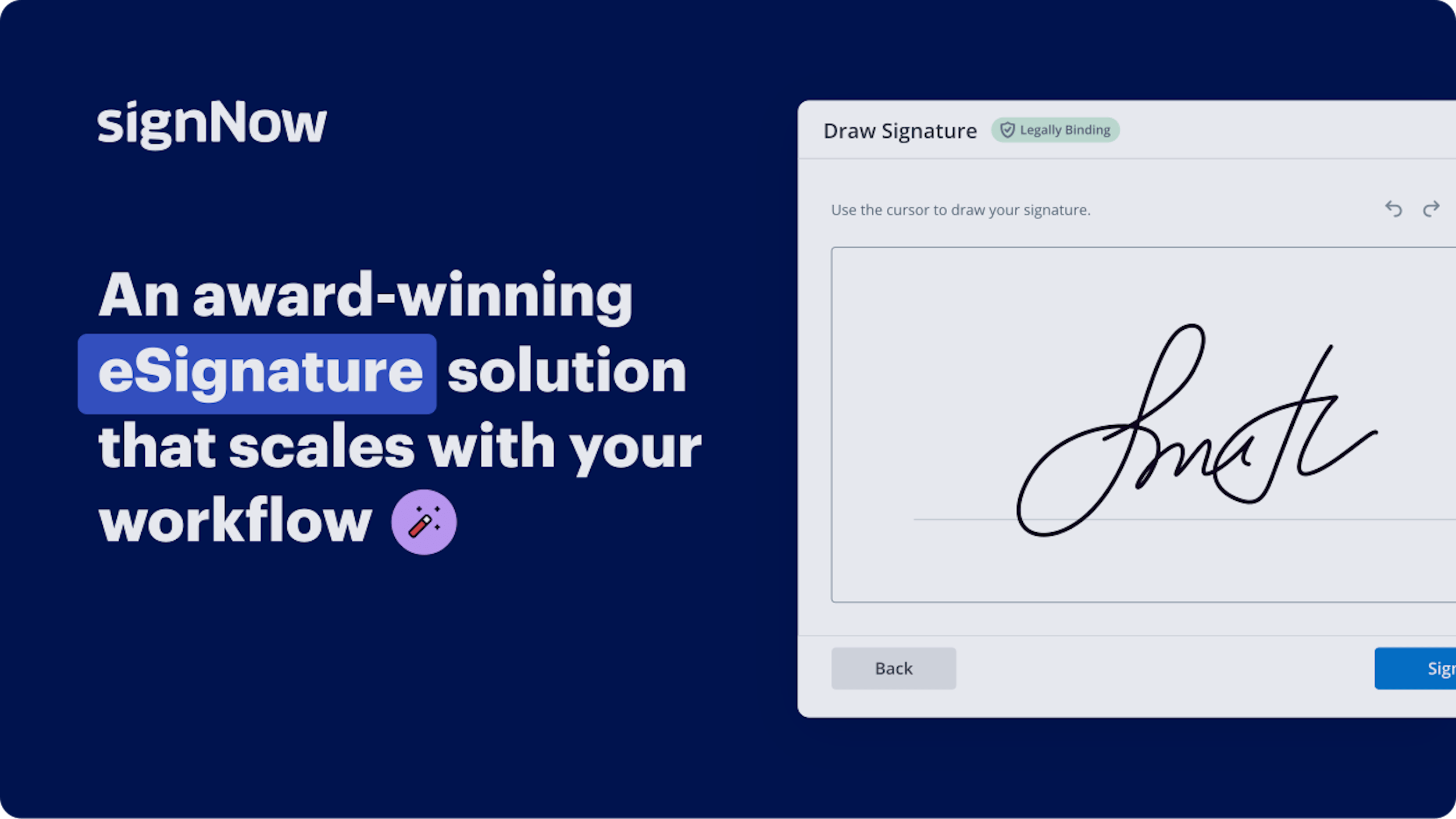
airSlate SignNow regularly wins awards for ease of use and setup




The Ultimate Approach to Digital Document Editor
Are you struggling to discover a reliable option for all your document management requirements, including the capability to edit digital documents? airSlate SignNow is crafted to ensure your file editing and completion journey is as smooth as possible, regardless of the challenges. Our platform provides a comprehensive selection of professional-grade document editing, signing, collaboration, and organization tools that are user-friendly enough for beginners and experienced users alike.
- Visit the airSlate SignNow homepage.
- Create or log into your existing account.
- Select one of the methods to upload your document.
- Access your file in the editor.
- Explore the left and top toolbar to find the option to edit your digital document.
- Utilize additional tools to enhance or arrange your documents.
- Preserve the modifications and download your file.
Regardless of the tool you utilize or the task you engage in, airSlate SignNow consistently ensures that your tasks are safe and straightforward. Sign up for airSlate SignNow today and receive a comprehensive solution that integrates seamlessly into any workflow!
How it works
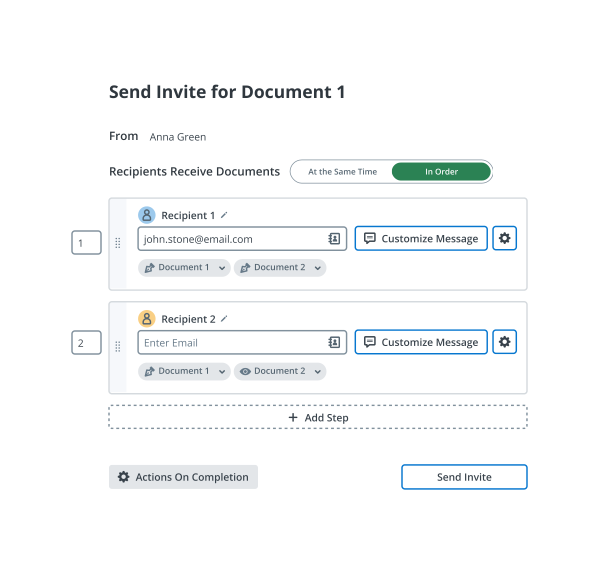
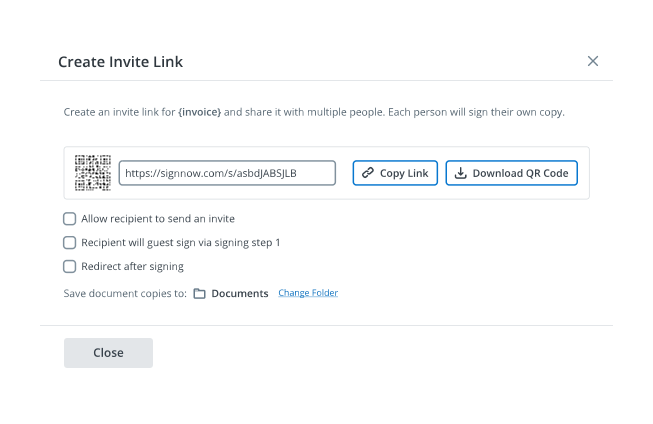
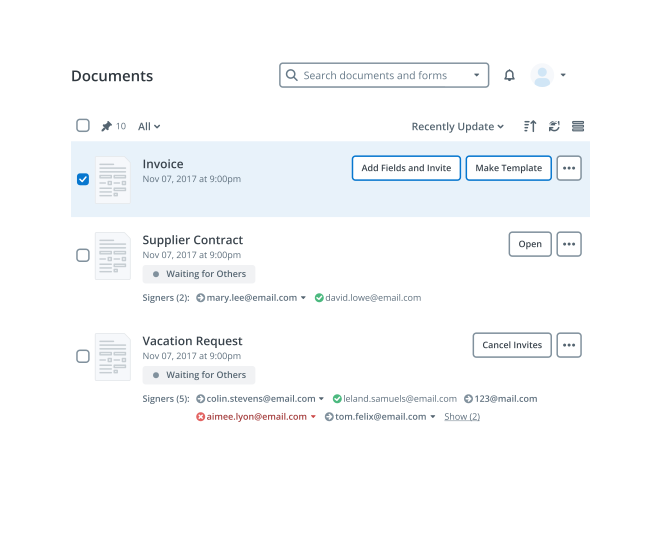
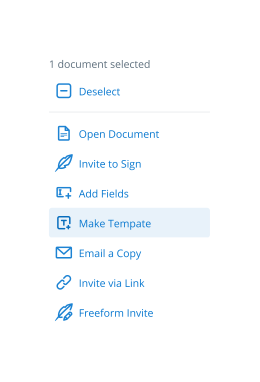
eSignatures and beyond — simplify document workflows with advanced airSlate SignNow features
-
Best ROI. Our customers achieve an average 7x ROI within the first six months.
-
Scales with your use cases. From SMBs to mid-market, airSlate SignNow delivers results for businesses of all sizes.
-
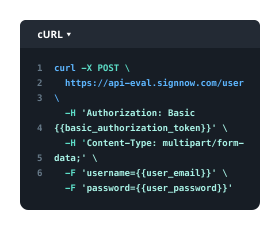
Intuitive UI and API. Sign and send documents from your apps in minutes.
Our user reviews speak for themselves












FAQs
-
What is a Digital Doc Editor and how does it work?
A Digital Doc Editor is a powerful tool that allows users to create, edit, and manage documents electronically. With airSlate SignNow's Digital Doc Editor, you can easily customize templates, add fields for signatures, and collaborate in real-time with team members, making document management seamless and efficient. -
Is there a free trial available for the Digital Doc Editor?
Yes, airSlate SignNow offers a free trial of the Digital Doc Editor, allowing you to explore its features without any commitment. During the trial, you can test various functionalities such as eSigning, template creation, and collaboration tools to see how it fits your business needs. -
What are the key features of airSlate SignNow's Digital Doc Editor?
The Digital Doc Editor by airSlate SignNow includes features such as drag-and-drop editing, customizable templates, real-time collaboration, and secure cloud storage. These functionalities empower users to streamline their document workflows and enhance productivity, making it an essential tool for businesses. -
How can the Digital Doc Editor benefit my business?
Utilizing the Digital Doc Editor can significantly benefit your business by reducing the time spent on document preparation and signing. This tool allows for faster turnaround times, improved accuracy, and enhanced collaboration, ultimately leading to increased efficiency and cost savings.
-
What pricing plans are available for the Digital Doc Editor?
airSlate SignNow offers flexible pricing plans for the Digital Doc Editor, catering to various business sizes and needs. You can choose from monthly or annual subscriptions, with options for additional features and user seats to ensure you get the best value for your investment. -
Can I integrate the Digital Doc Editor with other applications?
Absolutely! The Digital Doc Editor seamlessly integrates with many popular applications such as Google Drive, Salesforce, and Microsoft Office. These integrations allow you to enhance your workflow by connecting your existing tools with airSlate SignNow's capabilities, making document management even more efficient. -
Is the Digital Doc Editor secure for managing sensitive documents?
Yes, the Digital Doc Editor prioritizes security by implementing advanced encryption and compliance with industry standards. airSlate SignNow ensures that your sensitive documents are protected, providing you with peace of mind while managing your business's important files. -
How can I get support for the Digital Doc Editor?
airSlate SignNow provides comprehensive customer support for users of the Digital Doc Editor. You can access help through live chat, email, or an extensive knowledge base filled with tutorials and FAQs to assist you in maximizing your use of the platform.