Justify Text Field
01. Upload a document from your computer or cloud storage.
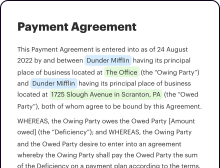
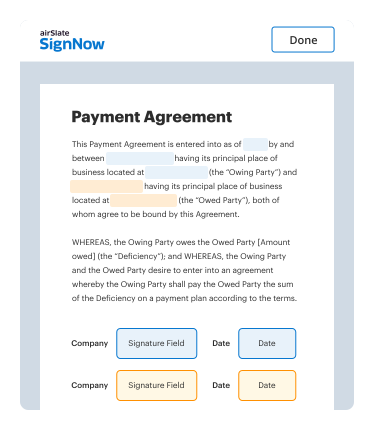
02. Add text, images, drawings, shapes, and more.
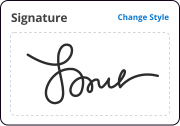
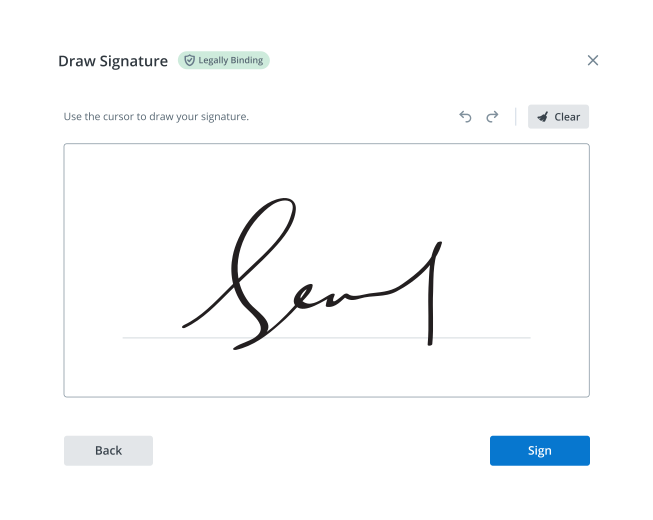
03. Sign your document online in a few clicks.

04. Send, export, fax, download, or print out your document.
See airSlate SignNow eSignatures in action
Create secure and intuitive eSignature workflows on any device, track the status of documents right in your account, build online fillable forms – all within a single solution.
airSlate SignNow regularly wins awards for ease of use and setup




The Optimal Method to Align Text Field
Are you struggling to locate a trustworthy service for all your document editing and signing requirements, including the functionality to Align Text Field? airSlate SignNow is crafted to ensure that your document editing and approval workflow is as smooth as possible, irrespective of the complexity. Our platform offers a diverse array of business-ready document editing, signing, and collaboration tools that are user-friendly enough to cater to both novices and expert users.
- Visit the airSlate SignNow homepage.
- Create or log in to your current account.
- Choose one of the alternatives to upload your document.
- Access your document in our editor.
- Explore the left and top toolbar and locate the option to Align Text Field.
- Utilize other features to enhance or manage your document.
- Save the changes and download the file.
Regardless of the tools you use or the tasks you perform, airSlate SignNow consistently ensures that your work is protected and hassle-free. Register for airSlate SignNow today and obtain a comprehensive solution that seamlessly integrates into any workflow!
How it works
Open your document in our editor.
Edit, modify, sign, and send your document out for completion.
Save and store your file securely.
eSignatures and beyond — simplify document workflows with advanced airSlate SignNow features
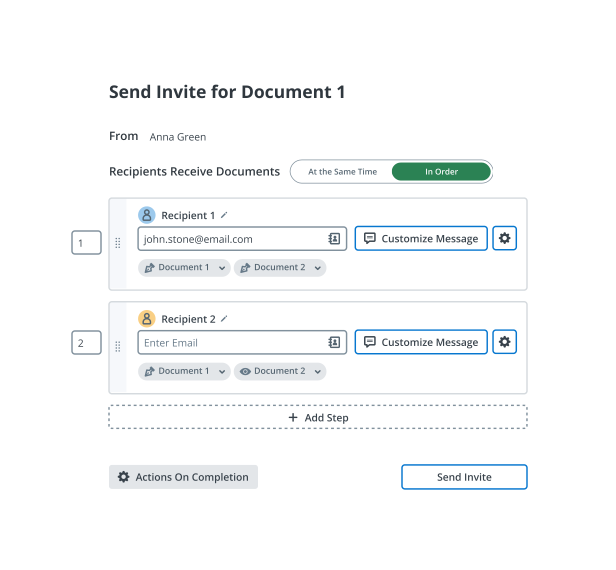
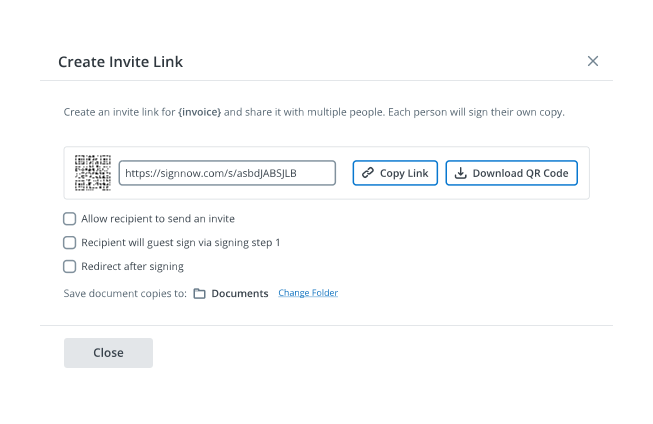
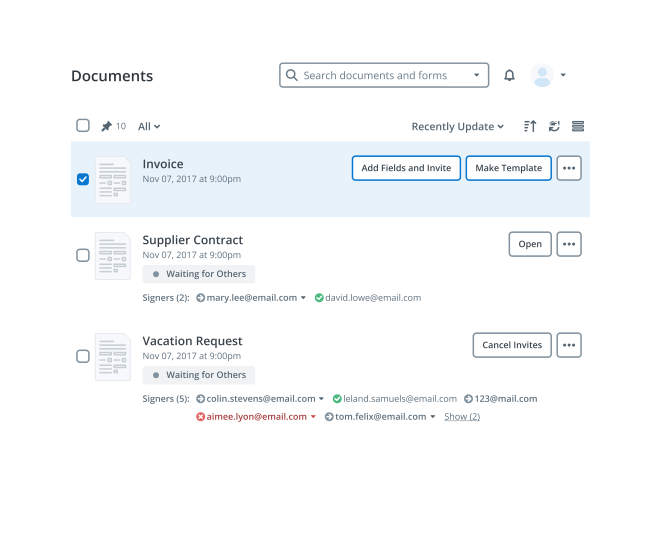
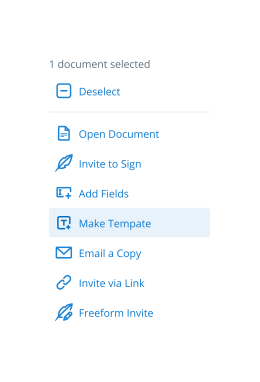

-
Best ROI. Our customers achieve an average 7x ROI within the first six months.
-
Scales with your use cases. From SMBs to mid-market, airSlate SignNow delivers results for businesses of all sizes.
-
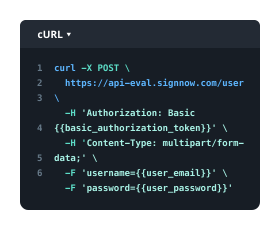
Intuitive UI and API. Sign and send documents from your apps in minutes.
Our user reviews speak for themselves

Kodi-Marie Evans
Director of NetSuite Operations at Xerox


Samantha Jo
Enterprise Client Partner at Yelp


Megan Bond
Digital marketing management at Electrolux







FAQs
-
What is a Justify Text Field in airSlate SignNow?
A Justify Text Field in airSlate SignNow is a customizable input area that allows users to enter text with justified alignment. This feature is particularly useful for creating professional-looking documents where text alignment is crucial. With the Justify Text Field, businesses can enhance the visual appeal of their documents, making them more organized and easier to read. -
How can I add a Justify Text Field to my document?
To add a Justify Text Field in airSlate SignNow, simply open your document in the editor and select the 'Text Field' option. From there, you can adjust the settings to justify the text alignment. This functionality is designed to be user-friendly, so even those with minimal technical skills can easily incorporate a Justify Text Field into their documents. -
Is there a cost associated with using the Justify Text Field feature?
The Justify Text Field feature comes included with airSlate SignNow's various pricing plans, which are designed to offer flexibility and value. Whether you choose the basic or premium package, you can utilize the Justify Text Field without any additional costs. This makes it a cost-effective solution for businesses looking to enhance their document design. -
What are the benefits of using a Justify Text Field in documents?
Using a Justify Text Field in your documents can significantly improve their professionalism and readability. Justified text creates a clean and structured appearance, which is particularly important for business communications. By leveraging the Justify Text Field, you can ensure that your documents convey a polished image to clients and stakeholders.
-
Can I integrate the Justify Text Field with other software?
Yes, airSlate SignNow allows for integrations with various third-party applications, enhancing the functionality of the Justify Text Field. You can easily connect your document workflows with CRM systems, project management tools, and more, ensuring seamless data transfer and improved efficiency. This integration capability makes it easier to leverage the Justify Text Field across your business processes. -
Are there any limitations to the Justify Text Field feature?
While the Justify Text Field is a powerful tool for text alignment, it is important to note that it is designed for text input only, without complex formatting options. Users should ensure that the text they input is concise and relevant, as excessive formatting can detract from the overall document structure. However, the Justify Text Field remains a versatile feature for most document needs. -
How does the Justify Text Field improve document collaboration?
The Justify Text Field enhances document collaboration by ensuring that all team members can input text in a consistent and visually appealing manner. This uniformity is crucial for collaborative projects, as it helps maintain a professional look throughout the document. With airSlate SignNow’s tools, using the Justify Text Field fosters better communication and teamwork when finalizing important documents. -
Is technical support available for issues related to the Justify Text Field?
Absolutely! airSlate SignNow offers comprehensive technical support for all features, including the Justify Text Field. If you encounter any issues or need assistance with using the Justify Text Field, our customer service team is available to help you troubleshoot and make the most of your document creation experience.
be ready to get more
Get legally-binding signatures now!
be ready to get more