Caption
Complete case caption with court name, cause number, plaintiff and defendant names, and accurate property parcel identification so clerk indexing and future searches match official records.
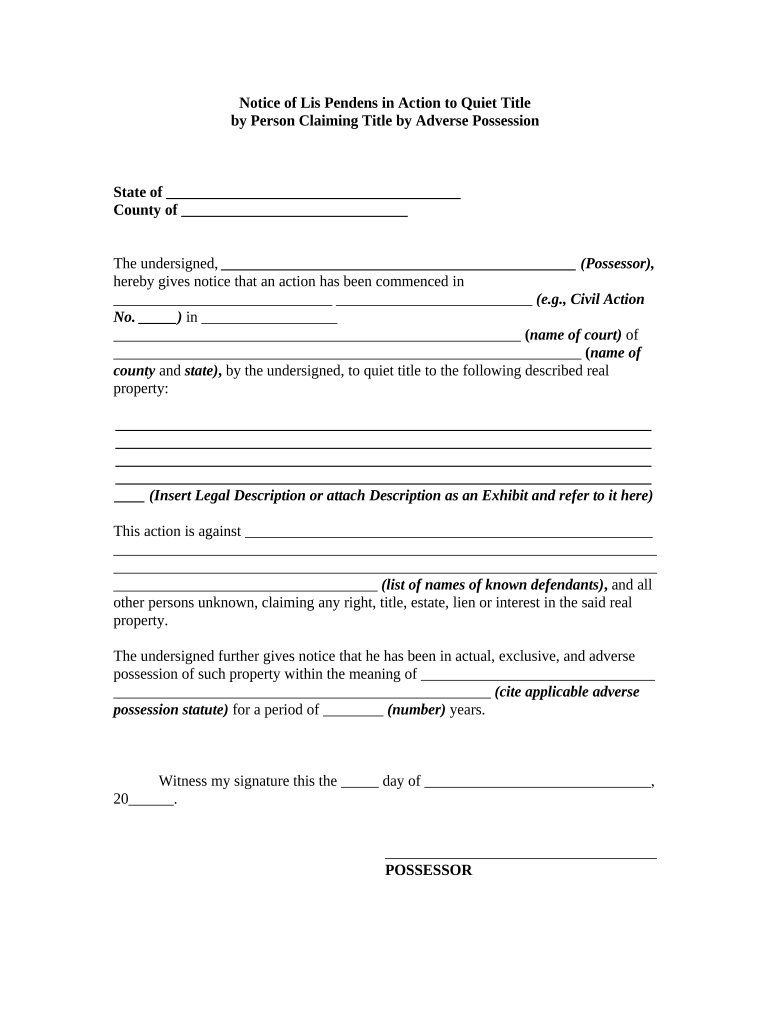
Use an Action Quiet Title Form to remove clouds on title, eliminate competing claims, and create a clear public record enabling resale, financing, or development. It provides court-sanctioned resolution where administrative remedies or informal cures are insufficient.

Typical users include property owners, title companies, lenders, and attorneys preparing court pleadings to clear title defects.
Complete case caption with court name, cause number, plaintiff and defendant names, and accurate property parcel identification so clerk indexing and future searches match official records.
Insert the recorded metes-and-bounds or instrument reference (book/page or instrument number); avoid informal addresses and attach the referenced recorded instrument pages.
List all known claimants, lienholders, mortgagees, and heirs by full legal name, including entities and trustees, to ensure proper service and adjudication.
State the legal grounds (quiet title, declaratory relief, reformation, ejectment if needed) with clear factual allegations and statutory or case-law support.
Attach certified copies of deeds, mortgages, tax records, title reports, possession affidavits, and any recorded instruments that support the plaintiff's claim to title.
Specify relief requested: judgment quieting title, cancellation of defective instruments, order to record corrected deeds, and award of costs and fees as allowed by law.
| Document Template Field Name | Configuration |
|---|---|
| Signature and Notary Field Placement | Place signature, date, and notary fields on the final page for recording compliance. |
| Automatic Date and Timestamp Settings | Enable MM/DD/YYYY auto-fill and audit timestamp on execution. |
| Signer Identity Authentication Method Settings | Use email plus SMS code for primary authentication and stronger methods where required. |
| Recording Package and County Export Options | Generate certified judgment copy and attach county-specific recording cover sheet. |
Digital signing and eSubmission options vary; choose tools that support PDF signing, RON, and certified audit trails for court filings.
Typically 20–30 days after service; state rules vary.
File proof of service promptly as required by local rules.
Discovery schedules and hearings are set by the court's calendar.
Record judgment immediately to perfect cleared title with the county recorder.
Standard appellate window is often 30 days from judgment entry.
Collect deeds, liens, tax records, and title reports to confirm claims and evidence.
File with the appropriate court and serve all defendants according to procedure rules.
Present documentary and testimonial proof at hearing or trial to support the quiet title claim.
Obtain the court order, prepare certified copies, and record with the county recorder promptly.
An executor files a quiet title action to resolve conflicting deeds and identify lawful heirs after an unclear probated estate.
A purchaser of tax-sale property brings a quiet title action to extinguish old liens and confirm marketable title following redemption period.
| signNow | DocuSign | Adobe Sign | PandaDoc | HelloSign | |
|---|---|---|---|---|---|
| Starting Price | $8/user/mo | $15/user/mo | $14/user/mo | $19/user/mo | $15/user/mo |
| Free Trial | 7-day free trial | Varies by plan | Varies by plan | Varies by plan | Varies by plan |
| Bulk Send | Yes | Yes | Yes | Yes | No |
| Audit Trail | Yes | Yes | Yes | Yes | Yes |
| HIPAA Compliant | Yes | Yes | Yes | No | No |