Establishing secure connection…Loading editor…Preparing document…

Letter Regarding Application for Exemption of Ad Valorem Taxes

This template is fully customizable. Edit the text, fill out the fields, and send it for signature. Give it a try!
Letter Regarding Application for Exemption of Ad Valorem Taxes

What the Letter Regarding Application for Exemption of Ad Valorem Taxes Is

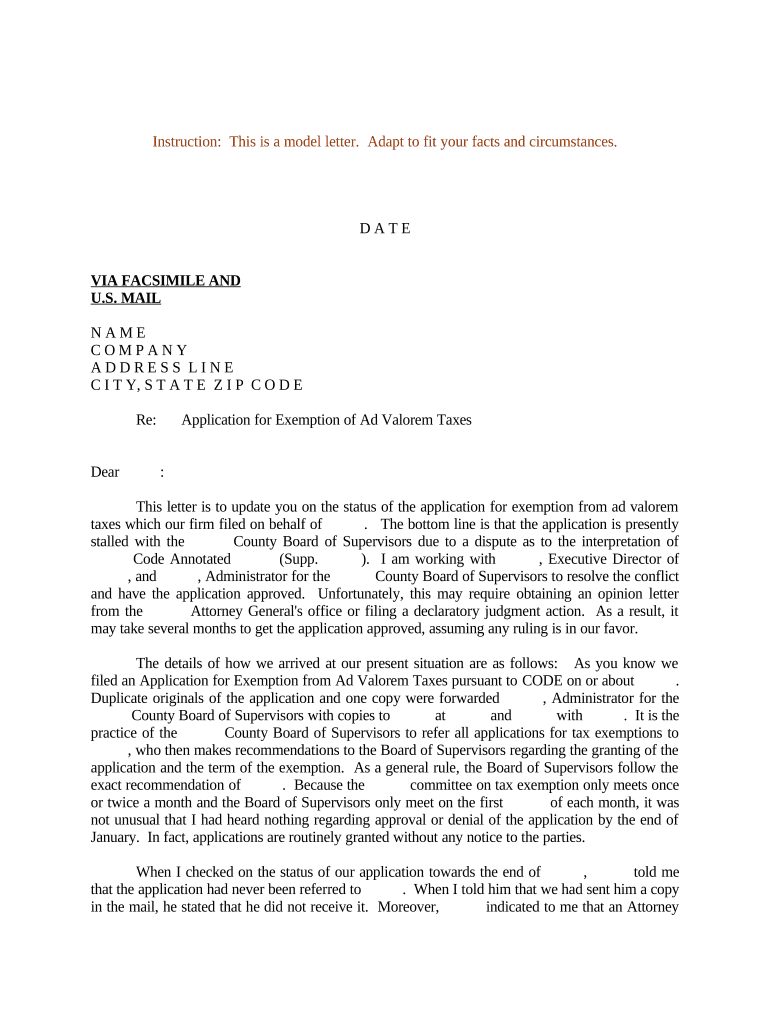
A Letter Regarding Application for Exemption of Ad Valorem Taxes is a formal written request to a county assessor or local tax authority asking for exemption or reduced assessment of ad valorem (property) taxes for a parcel or account. The letter typically summarizes the legal basis for exemption, describes the property and ownership, cites relevant statutory or program qualifications, and attaches supporting documents such as deeds, exemption certificates, or nonprofit status proof. It serves as the initiating document for administrative review and is often required before formal hearings, refunds, or abatement requests proceed.

Why a Clear, Complete Exemption Letter Matters

A precise letter organizes the facts the assessor needs to evaluate exemption eligibility, reduces back-and-forth requests, and helps preserve appeal and refund rights under local procedures.

Why a Clear, Complete Exemption Letter Matters

Who Commonly Prepares and Submits This Letter

Typical filers include property owners, nonprofit organizations, public agencies, tax consultants, and attorneys who seek exemption or reduction based on statutory or program criteria.

  • Property owners and managers seeking homestead, senior, or disabled exemptions
  • Nonprofit organizations documenting charitable or educational status for tax relief
  • Tax professionals or attorneys preparing formal administrative appeals

Representative Roles That Sign the Letter

County Assessor

An assessor reviews the submission and applies valuation and exemption rules. The office may request additional documentation or schedule an inspection before granting relief; processing timelines vary by county.

Property Owner

The owner or authorized representative must certify the facts in the letter and sign to attest to accuracy. Incorrect or unsigned letters can delay eligibility determinations and affect appeal deadlines.

Essential Data Elements to Include

Property Identifier: Parcel number or tax ID
Owner Name: Full legal name of owner
Property Address: Street, city, state, ZIP
Exemption Type: Statutory basis or program name
Effective Period: Dates or tax year involved
Supporting Docs: Deed, IRS letter, or certificate

Risks and Consequences of an Incorrect Letter

Delayed Processing: Missing data can stall review
Denial of Exemption: Insufficient proof may result in denial
Loss of Refund Rights: Late or incorrect filings can forfeit refund claims
Assessment Adjustments: Improper statements may trigger revaluation
Penalties: False statements risk civil penalties
Audit Exposure: Inaccurate claims can prompt further audit

Common Preparation Pitfalls to Avoid

  • Failing to cite the precise statutory exemption or program name can force assessors to request clarification and extend processing times.
  • Providing mismatched owner names between the letter and deed or tax records can trigger identity verification issues and delay action.
  • Omitting the parcel or tax account number often prevents staff from locating the record and causes unnecessary follow-up.
  • Submitting unsigned or undated letters removes the attestation needed for administrative acceptance and can nullify the filing.

Step-by-Step: Prepare and Submit Your Exemption Letter

Follow these steps to assemble a complete Letter Regarding Application for Exemption of Ad Valorem Taxes and to reduce the chance of return or rejection.

  • 01
    Identify Eligibility: Confirm statute or program you claim
  • 02
    Gather Documents: Collect deeds, IRS letters, or certification
  • 03
    Draft Letter: State facts, tax ID, exemption basis, and dates
  • 04
    Sign and Submit: Sign, date, and deliver to assessor’s office

How the Submission and Review Process Works

An organized submission moves through administrative intake, verification, decision, and any appeals in predictable stages.

  • Intake: Assessor receives and logs the letter
  • Verification: Staff confirm ownership and documents
  • Decision: Exemption granted, modified, or denied
  • Appeal: If denied, petitioner may request hearing

What a Professional Exemption Letter Should Contain

A well-structured letter improves clarity for the assessor and pre-empts common requests for supplemental evidence; include precise facts and a concise legal basis.

Clear Identification

Open with the parcel/tax account number and complete property address so staff can immediately match the file without additional searches.
Ownership Statement

State owner name exactly as on the deed and include contact information and mailing address for notice and correspondence.

Legal Basis

Specify the statute or local code section and program name that supports the exemption claim to guide the reviewer to applicable criteria.

Factual Summary

Concise chronology of facts (acquisition date, use, occupancy, qualifying events) that demonstrate eligibility under the cited exemption.

Attachments

List and attach supporting documents such as deed, nonprofit determination, utility statements, or certification forms required by the assessor.

Certification

Include a signed statement certifying truthfulness, date of signature, and a printed name and title of the signer for authentication.

Configure an Electronic Submission Workflow

When submitting electronically, set up fields and routing to match the assessor’s intake requirements and to preserve audit history.

Field Configuration
Parcel Number Field Text field, required, exact-match validation
Owner Name Field Text field, required, auto-capitalize
Attachment Upload Accept PDF, include required documents
Signature Field Signer, date stamp, audit trail enabled

Distribution and Technical Options for Electronic Submission

Choose a secure method that meets the assessor’s permitted formats and preserves a verifiable audit trail.

  • Email Submission: Send signed PDF as an attachment to the assessor email if allowed by local procedure
  • Portal Upload: Use county or assessor portal for structured uploads when available
  • Registered Mail: Send hard copies via certified or registered mail when the assessor requires original signatures

Confirm the assessor’s preferred method in advance and keep proof of delivery or system receipts for your records.

Typical Deadlines and Timeframes to Know

Deadlines vary by county and exemption type; observe filing windows for current tax year claims, late abatements, and protest periods.

Initial Filing Window:

Many jurisdictions require exemption claims by a set date each tax year

Late or Refund Claims:

Some counties permit abatements or refunds for prior years subject to statutory lookback periods

Appeal Deadlines:

Administrative appeal periods often run 30–90 days from the decision notice

Assessment Notices:

Review annual notice dates to confirm if the exemption was applied

Hearing Scheduling:

Allow several weeks to months depending on assessor caseload

Key Milestones in the Exemption Request Lifecycle

A typical administrative timeline moves from submission through verification, decision, and possible appeal; track each milestone to protect rights.

01

Submission Logged

Assessor enters the request into the case management system and issues a receipt

02

Documentation Review

Staff verify ownership, review attachments, and may request clarifications

03

Field Inspection

Physical inspection may occur to confirm property use and occupancy

04

Decision Issued

Assessor grants, modifies, or denies the exemption and notifies parties

Comparing eSignature Options for Completing and Submitting the Letter

Basic pricing and compliance features for eSignature vendors can influence tool choice for secure electronic completion and submission of exemption letters.

signNow DocuSign Adobe Sign PandaDoc HelloSign
Starting Price $8/user/mo $15/user/mo $14/user/mo $19/user/mo $15/user/mo
Free Trial 7-day free trial Varies Varies Varies Varies
Bulk Send Yes Yes Yes Yes No
Audit Trail Yes Yes Yes Yes Yes
HIPAA Compliant Yes Yes Yes No No

Frequently Asked Questions: Preparing and Submitting the Letter

Answers to common questions about completion, supporting documents, timing, and electronic submission for a Letter Regarding Application for Exemption of Ad Valorem Taxes.


Need help? Contact support

be ready to get more
Join over 28 million airSlate SignNow users