Sworn Narrative
A clear first-person account listing dates, events, and specifics of possession that demonstrates the elements required by the applicable adverse possession statute.
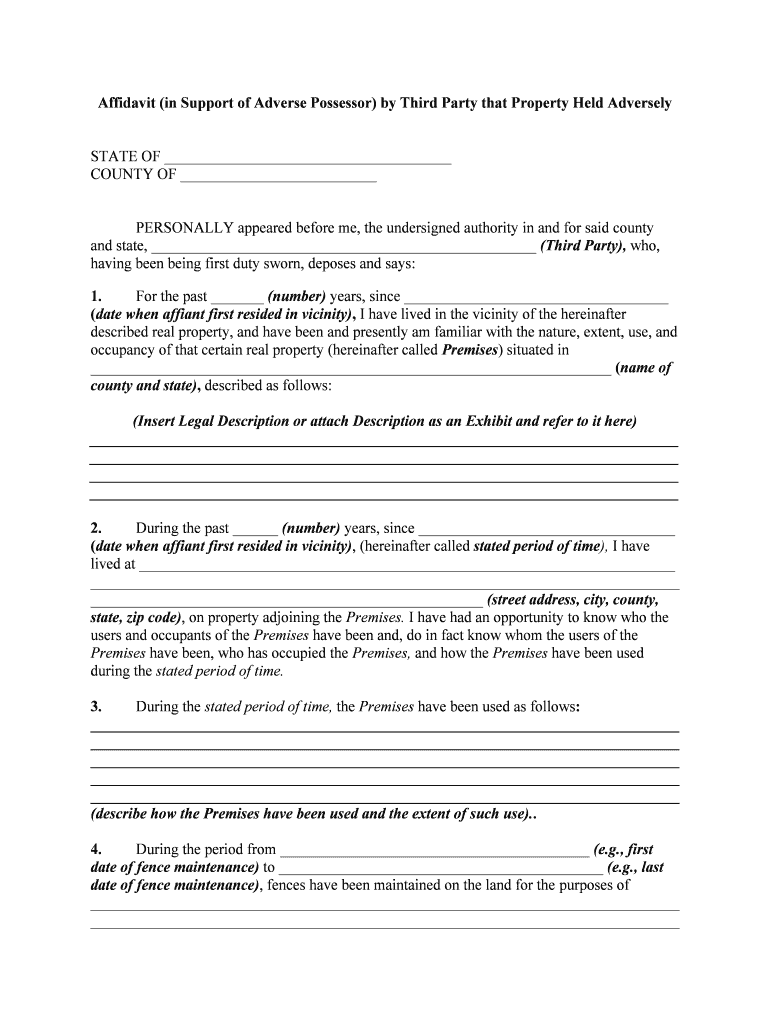
A precise affidavit organizes evidence, clarifies dates and acts of possession, and strengthens a quiet-title claim or settlement negotiation by providing a sworn factual record admissible in court and recordable with county offices.

The affidavit is used by private claimants, their counsel, and title professionals during title review and litigation.
Each participant relies on clear facts, corroborating documents, and proper execution to reduce the chance of rejection or dispute.
The declarant is the person claiming ownership by possession; they must detail acts, dates, and continuous use in a clear first-person sworn statement suitable for notarization and, if applicable, recording.
An attorney typically drafts or reviews the affidavit for legal sufficiency, confirms statutory elements are addressed, prepares exhibits, and advises on state-specific filing and litigation strategy.
| Field | Configuration |
|---|---|
| Document Format | Use PDF/A for long-term preservation |
| Signer Authentication | Email + SMS or KBA where required |
| Notary Integration | Support RON or attach in-person notarization scan |
| Exhibit Handling | Attach exhibit files and reference in-text |
Ensure the signing platform supports required authentication, secure storage, and notarization workflows before using electronic execution.
Choose a platform that offers strong encryption, audit trails, and optional RON or remote notary integrations so the affidavit remains admissible and recordable under ESIGN/UETA-compliant workflows.
Varies by state; commonly 5–20 years
Record when you seek public notice of the claim
Sign and notarize at execution to satisfy recording staff
Allow time for insurer or examiner review before closing
File quiet-title action before statute lapses
A clear first-person account listing dates, events, and specifics of possession that demonstrates the elements required by the applicable adverse possession statute.
An accurate metes-and-bounds description or assessor parcel number that matches recorded documents and establishes the exact boundaries of the subject property.
A concise chronological list of tangible acts (improvements, maintenance, exclusionary acts) with approximate or exact dates for continuity proof.
Numbered attachments such as deeds, tax receipts, photographs, utility bills, and affidavits from witnesses that corroborate the declarant's statements.
Notary acknowledgement or RON certificate showing the signing event, notary identification, date, and official stamp or electronic token.
Clear notation of recording intent, suggested recording county, and any redaction or exhibit-handling notes for the recorder's office.
Save a PDF/A copy to preserve rendering and metadata for long-term retention and to ensure compatibility with recorder and court systems.
Maintain an editable Word version for counsel edits before finalization, then convert to PDF for signing and recording.
Bundle exhibits as a clearly numbered appendix with cross-references in the affidavit narrative to ensure easy review.
Obtain a certified or recorded copy from the county clerk after recording for title files and insurers.
A homeowner documents 20 years of exclusive maintenance and pays taxes
A claimant provides a detailed affidavit to a title underwriter
| signNow | DocuSign | Adobe Sign | PandaDoc | HelloSign | |
|---|---|---|---|---|---|
| Starting Price | $8/user/mo | $15/user/mo | $14/user/mo | $19/user/mo | $15/user/mo |
| Free Plan | 7-day free trial | No | No | Yes, limited | Yes, limited |
| Bulk Send | Yes | Yes | Yes | Yes | No |
| Audit Trail | Yes | Yes | Yes | Yes | Yes |
| HIPAA Compliant | Yes | Yes | Yes | No | No |