Establishing secure connection…Loading editor…Preparing document…

Arizona Superior Court Family Court Forms

This template is fully customizable. Edit the text, fill out the fields, and send it for signature. Give it a try!
Arizona Superior Court Family Court Forms

What Arizona Superior Court Family Court Forms Cover

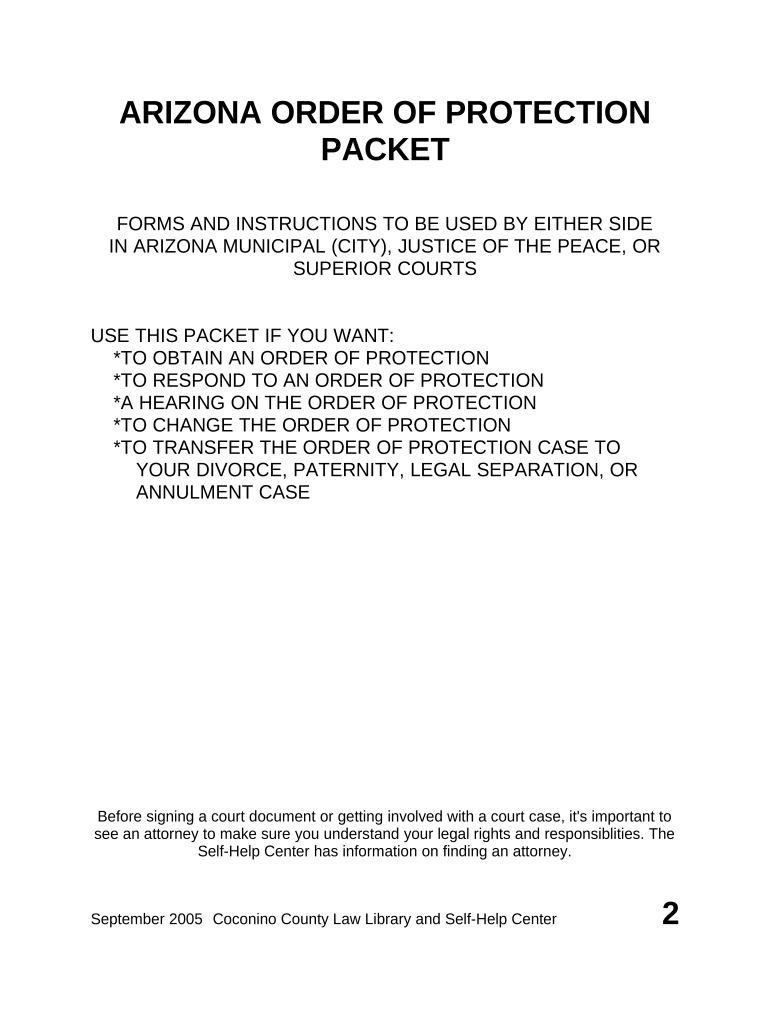
Arizona Superior Court Family Court Forms are the standardized documents used to begin and manage family-law matters in Arizona Superior Courts, including petitions for divorce, legal separation, child custody, parenting plans, child support calculations, protective orders, guardianship, and modification requests. These forms collect party details, case facts, financial disclosures, and proposed orders; many counties accept e-filed forms through their e-filing systems while some filings and specific affidavits still require notarization or in-court submission. Electronic signatures are generally accepted under federal ESIGN (15 U.S.C. ch. 96) and state UETA frameworks where applicable, except for certain court-ordered or family-law-specific exceptions.

Why Accurate Family Court Forms Matter

Correctly completed forms reduce delays, prevent rejections by the clerk, and preserve rights by meeting statutory notice and filing requirements. Properly documented facts and signatures support enforceable orders and a clearer record for hearings and appeals.

Why Accurate Family Court Forms Matter

Who Typically Prepares and Files These Forms

Family court forms are prepared by a mix of practitioners and non attorneys depending on case complexity and resources.

  • Family law attorneys and paralegals who draft pleadings, evidence, and orders for hearings or trials.
  • Self-represented litigants who complete petitions, worksheets, and financial affidavits without counsel.
  • Court clerks, mediators, or guardianship investigators who assemble records and process filings for scheduling.

Typical Signatories and Preparers

Family Law Attorney

Represents one party, prepares and files pleadings, drafts parenting plans and proposed orders, and ensures service and compliance with local court rules; may sign on behalf of a client with authority limited to filings and notices.

Self-Represented Litigant

Completes petitions, financial disclosure forms, and service proofs personally; must follow strict signing and filing steps to avoid default or dismissal and often needs notarization for affidavits.

Security and Compliance Overview for Court Forms

Encryption: TLS 1.2/1.3 in transit, AES-256 at rest
Audit Trail: Timestamp, IP, and action log retained
HIPAA: Applicable when medical records included; BAA required
Certifications: SOC 2 Type II, ISO 27001 available
Access Controls: Role-based permissions and multi-factor options
Record Retention: Tamper-evident storage and exportable audit reports

Step-by-Step: Completing and Filing Arizona Family Court Forms

A straightforward process reduces filing errors and speeds court processing; follow these key stages when preparing your case.

  • 01
    Gather Documents: Collect IDs, financial records, and prior orders.
  • 02
    Complete Forms: Fill each field accurately using MM/DD/YYYY date format.
  • 03
    Notarize if Needed: Obtain in-person or RON notarization when required.
  • 04
    File and Serve: E-file or deliver to clerk and serve opposing party.

Configuring an Online Workflow for Family Court Filing

Set up a repeatable e-filing and e-signature workflow that matches the court's acceptance rules and your case roles.

Field Configuration
eFiling Service Connect to county e-file system or use approved vendor
Document Type Mark petition, affidavit, parenting plan, or order
Signers Assign petitioner, respondent, attorney roles
Authentication Choose email, SMS code, or stronger verification

Where to File, Send, and Serve Family Court Forms

Different destinations are involved: the court clerk for filing, the opposing party for service, and third parties for notices or enforcement.

  • E-File to Clerk: Submit via county-approved e-filing portal or in person
  • Serve Opposing Party: Personal, certified mail, or process server methods apply
  • Send to Mediator: Provide copies when mediation is ordered or requested
  • Deliver to Courtroom: Bring filed copies to hearings or submit electronically

Technical Considerations for eSigning and eFiling

Verify file formats, signature types, and authentication methods before uploading to the court or sending to other parties.

  • Formats Supported: PDF/A and PDF/X compatible files
  • Authentication: Email, SMS code, KBA, or stronger options
  • Integrations: Connects with court e-file portals and cloud storage

Common Timing Considerations for Family Court Filings

Timing and deadlines vary by form and county; confirm local rules for answer deadlines, hearing scheduling, and emergency motions.

Response Deadlines:

Time to respond depends on method of service and local rules

Temporary Orders:

Hearings for temporary relief are scheduled per court availability

Financial Disclosures:

Submit pay stubs and affidavits by court-ordered dates

Modification Requests:

Follow statutory waiting periods or show material change

Appeal Windows:

Appeal deadlines are set by statute and local rule

Key Case Milestones from Filing to Final Order

A typical family case moves through filing, service, temporary hearings, discovery, and final disposition; courts may reorder stages as needed.

01

File Petition

Initiates the case and requests relief from the court

02

Service of Process

Notify the other party to establish jurisdiction

03

Temporary Hearings

Address immediate custody, support, or protection issues

04

Final Decree

Court issues a final order resolving the matter

Frequent Errors That Delay Family Court Filings

  • Incomplete or inconsistent party names and addresses that prevent proper service and lead to motions to amend the record.
  • Missing notarization or incorrect jurat on affidavits, causing the clerk to reject or return the filing.
  • Failure to attach required financial documents or parenting plans, prompting continuances and additional discovery.
  • Using improper signature methods or failing to retain an audit trail for electronic signatures, risking enforceability challenges.

Consequences of Incorrect or Late Family Court Filings

Filing Rejection: Clerk may refuse to accept improperly completed forms
Delay in Relief: Hearing dates and relief can be postponed
Contempt Risk: Failure to comply with orders can lead to contempt
Perjury Exposure: False statements on affidavits may carry criminal penalties
Service Defects: Improper service can nullify orders or restart timelines
Privacy Breach: Unauthorized disclosure of records may trigger liability

Typical eSignature Vendor Pricing and Compliance Snapshot

Comparison of common vendor pricing tiers and compliance attributes relevant to high-volume family court form processing; signNow is listed first per platform conventions.

signNow DocuSign Adobe Sign PandaDoc HelloSign
Starting Price $8/user/mo $15/user/mo $14/user/mo $19/user/mo $15/user/mo
Free Trial 7-day free trial Varies by plan Varies by plan Varies by plan Varies by plan
Bulk Send Yes Yes Yes Yes No
Audit Trail Yes Yes Yes Yes Yes
HIPAA Compliant Yes Yes Yes No No

Real-World Examples of Electronic Document Use

Organizations and teams of varying size report operational benefits from digital forms and e-signature workflows in managing legal and administrative documents.

Optica Ventures LLC

Small teams adopted e-signatures to streamline client contracts and approvals.

  • Ease of use for staff and clients.
  • "The interface is simple and easy-to-use for our team; more importantly, it is just as easy for our customers." Many organizations note faster turnaround and fewer clerical errors.

Xerox

Enterprise IT integrated e-signatures with back-office systems to automate document routing.

  • Flexibility across formats and systems.
  • "airSlate SignNow provides us with the flexibility needed to get the right signatures on the right documents, in the right formats, based on our integration with NetSuite." Integration reduced manual handoffs.

FAQs and Troubleshooting for Arizona Family Court Forms

Answers to frequently asked procedural, technical, and legal questions when preparing or submitting family court paperwork in Arizona Superior Courts.


Need help? Contact support

be ready to get more
Join over 28 million airSlate SignNow users