Cover Information
Header with claimant identity, recipient details, notice date, and a reference number for intake and cross-referencing throughout the claims lifecycle.
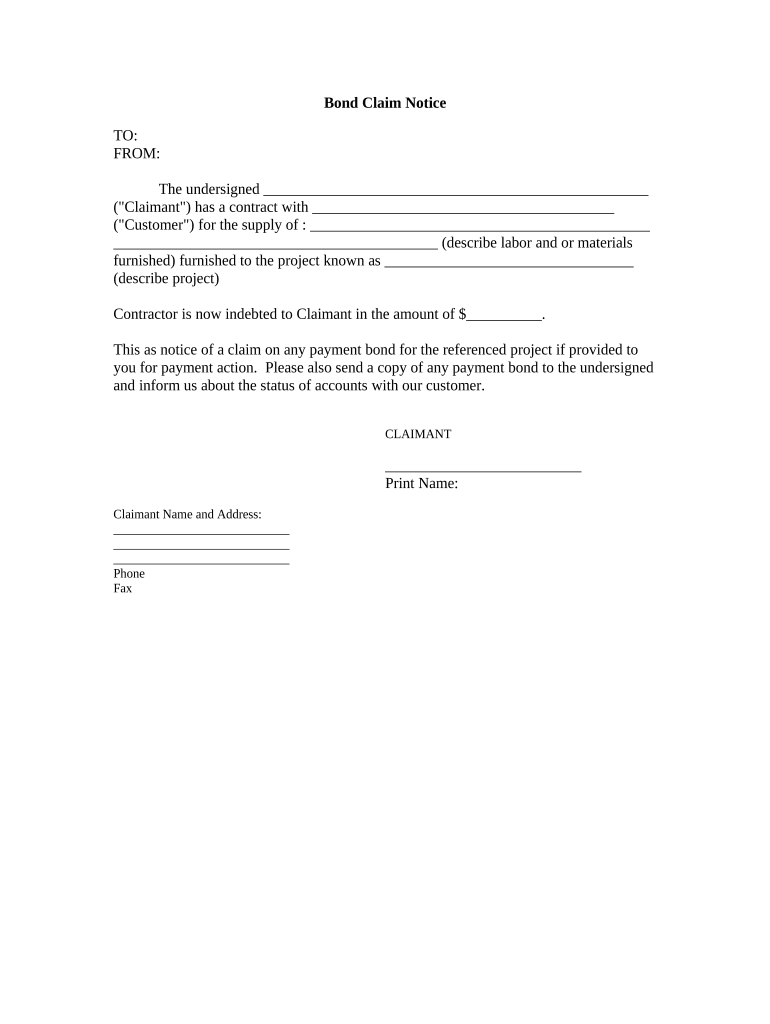
A clear, complete claim notice preserves rights, speeds investigation, and reduces disputes by documenting the notice date, facts, and requested remedy in a reproducible record that can be retained and relied upon by all parties.

Different roles prepare or sign claim notices depending on the context; keep the form accessible to the appropriate representative.
| Field | Configuration |
|---|---|
| Required Fields | Make name, date, and incident description mandatory to prevent submission gaps. |
| Attachments | Allow PDF, JPG, PNG, DOCX; set maximum file size limits. |
| Signer Authentication | Choose email link, SMS code, or stronger verification where needed. |
| Routing | Auto-route to claim intake, legal, or adjuster teams based on claim type. |
Claim notices can be shared by email, secure portal upload, fax where still accepted, or via an eSignature platform integrated with back-office systems.
Notify insurers promptly; many policies expect notice within 24–72 hours of discovery.
Check contracts for specific notice windows—commonly 30 or 60 days.
Insurers typically acknowledge and open a claim file within 7–14 days.
Merits and filing deadlines vary by state, often 1–6 years depending on claim type.
Keep originals and evidence until investigations and any appeals are complete.
Claimant files the notice and attaches initial evidence.
Recipient confirms receipt and assigns a claim number.
Adjuster or investigator collects detailed information and third-party reports.
Claim is paid, denied, or escalated to dispute resolution or litigation.
Header with claimant identity, recipient details, notice date, and a reference number for intake and cross-referencing throughout the claims lifecycle.
Full contact information, legal entity name, policy or contract references, and authorized representative data so the recipient can verify identity quickly.
A concise, chronological account of events, including date, time, locations, and any third parties, written in objective terms to support investigation.
Itemized estimate of losses or the specific remedy requested, with clear indication whether amounts are provisional or final and whether coverage is being asserted.
A checklist of required attachments—photos, invoices, police reports, medical records—to avoid follow-up requests and document evidentiary support.
Signature block where the claimant certifies accuracy under penalty of law, plus printed name, title, and date to establish attribution and authority.
When Optica needed consistent documentation for tenant and vendor claims, they digitized common intake forms to create a single intake repository.
A mid-size property manager centralized claim notice intake and routing for repairs and liability matters.
| signNow | DocuSign | Adobe Sign | PandaDoc | HelloSign | |
|---|---|---|---|---|---|
| Starting Price | $8/user/mo | $15/user/mo | $14/user/mo | $19/user/mo | $15/user/mo |
| Free Trial | Yes, 7-day trial | Yes | Yes | Yes | Yes |
| Bulk Send | Yes | Yes | Yes | Yes | No |
| Audit Trail | Yes | Yes | Yes | Yes | Yes |
| HIPAA Compliant | Yes | Yes | Yes | No | No |
| Envelope Cap | No envelope cap | 100 envelopes/user/year | Varies by plan | Varies by plan | Varies by plan |