Unique identifier
A consistent claim ID links documents, communications, and ledger entries so each record is uniquely traceable across systems.
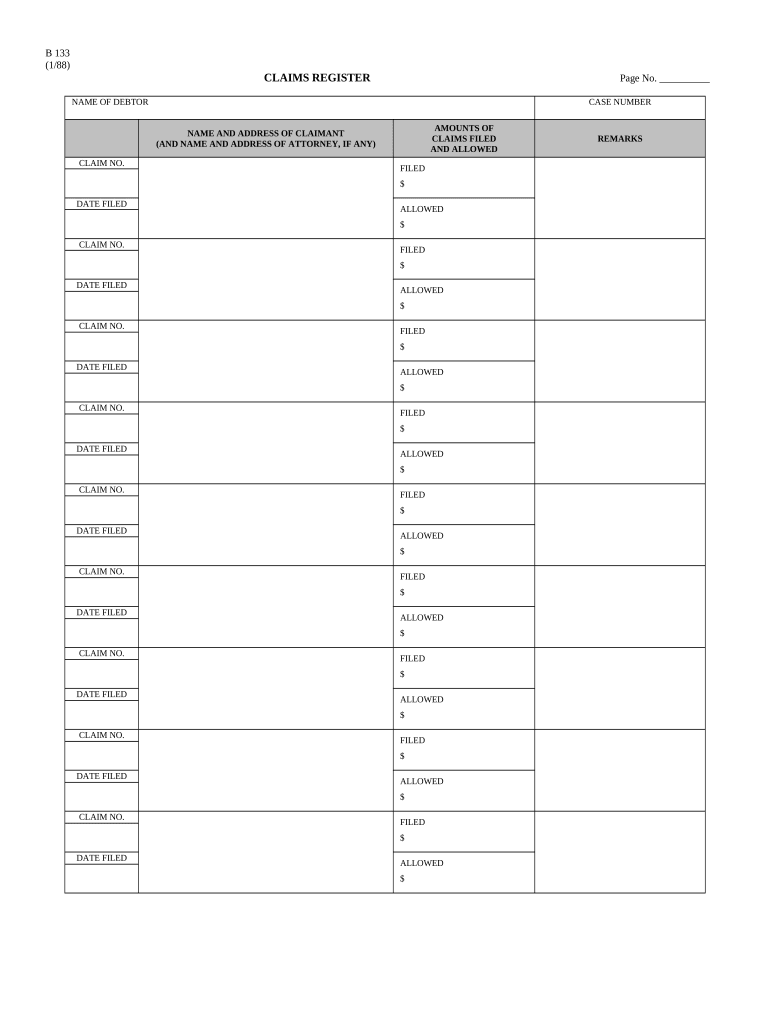
A comprehensive Claims Register improves traceability, reduces duplicate or missed responses, documents evidence for dispute resolution, and supports legal and regulatory compliance. It ensures consistent handling of claims and creates a single source of truth for internal and external audits.

Clear role assignments and an agreed update cadence (who updates what, and when) make the register reliable and defensible.
A claims adjuster enters factual claim data, attaches supporting documents, and records recommended disposition. Their log entries should include name, title, contact, date, and a short rationale for valuation or denial decisions.
An authorized signer (e.g., claims manager, CFO, or legal officer) certifies final decisions where required. Authority should be documented in internal delegation policies and visible within the register metadata.
| Field | Workflow action |
|---|---|
| Claim Number Setup | Auto-generate and lock after creation |
| Document Attachments | Required upload before status change |
| Reviewer Assignment | Notify via email and task queue |
| Final Approval | Requires authorized signer e-signature |
Use role-based access controls and maintain an immutable audit log to support compliance and internal review.
A consistent claim ID links documents, communications, and ledger entries so each record is uniquely traceable across systems.
Attach invoices, photos, repair estimates, or contracts; maintain original filenames and a short description for each file.
Track states (Received, Reviewing, Pending, Approved, Denied, Withdrawn) and record timestamps for each transition.
Capture reviewer notes, rationale, amounts approved or denied, and any settlement terms for future audits.
Store electronic signature details, signer identity method, and certificate of completion for enforceability.
Provide CSV/PDF exports for regulators, auditors, or internal KPI dashboards.
Provide signed PDFs and CSV exports for register data and metadata.
Keep original uploaded files separately to show unaltered evidence when required.
Include invoices, correspondence, photos, contracts, and proof of delivery as linked attachments.
Store signed PDFs in an immutable archive for retention and legal hold purposes.
Within 24–72 hours of receipt
Request supporting evidence within 7–14 days
Complete review within 30–45 days
Provide timelines for claimant responses (typically 15–30 days)
Retention period begins on final disposition date
Log claim and generate unique identifier immediately upon receipt.
Request and attach supporting documents; follow up on missing items.
Assigned reviewer assesses liability and computes recommended payment or rejection.
Sign-off by authorized signer and communicate outcome to claimant.
Optica Ventures centralized claim intake for customer disputes
A small real estate firm moved to electronic registers
| Criteria | Claims Register | Incident Report |
|---|---|---|
| Purpose | ongoing tracking | single-event documentation |
| Filing Deadline | varies by policy | immediate or short window |
| Notarization | rarely required | sometimes required |
| eSignature Accepted |
| signNow | DocuSign | Adobe Sign | PandaDoc | HelloSign | |
|---|---|---|---|---|---|
| Starting Price | $8/user/mo | $15/user/mo | $14/user/mo | $19/user/mo | $15/user/mo |
| Free Trial | 7-day free trial | Varies | Varies | Varies | Varies |
| Bulk Send | Yes (Premium) | Yes | Yes | Yes | No |
| Audit Trail | Yes | Yes | Yes | Yes | Yes |
| HIPAA Compliant | Yes | Yes | Yes | No | No |
| Envelope Cap | No cap | 100 envelopes/user/year | Varies by plan | Varies by plan | Varies by plan |