Case Reference
List the probate court name, case number, decedent name, date of death, and personal representative to link the request to the official file and avoid confusion.
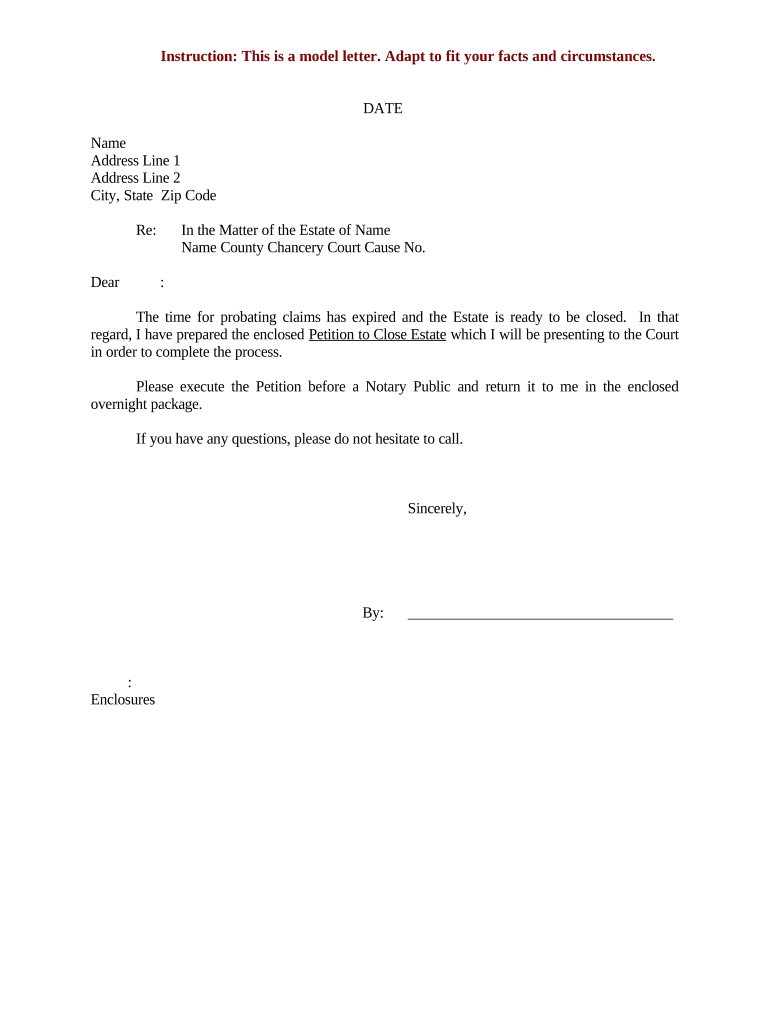
A concise, properly completed letter reduces delays and ambiguity during probate, documents consent or refusal, and creates a record of communication. It helps close the estate sooner, limits creditor exposure, and supports the personal representative if court action is necessary.

Keep a dated copy and proof of delivery to document efforts to obtain execution; courts review communication when evaluating petitions and distributions.
List the probate court name, case number, decedent name, date of death, and personal representative to link the request to the official file and avoid confusion.
Identify the signer by full legal name and role (executor, beneficiary, creditor). Request that the signer confirm identity by signing with the name matching government ID.
Itemize attachments (proposed petition to close, accounting, releases, distribution schedule, affidavit of service) so recipients know exactly what to review and execute.
Explain precisely what the recipient must do: sign the petition, initial a release, return notarized copies, or provide additional information and the preferred method of return.
Set a clear date for return and note consequences of nonresponse (filing without consent, seeking court order, or follow-up required).
Provide mailing address, in-person drop-off options, or electronic submission instructions and indicate whether an original or notarized original is required.
| Field | Configuration |
|---|---|
| Signer Authentication | Email + SMS code or ID verification |
| Signature Type | Electronic or click-to-sign |
| Notarization Method | Remote online notarization if accepted |
| Evidence Capture | Audit trail, IP, timestamp |
Confirm local probate rules before relying on electronic or remote notarization methods; keep original or notarized copies when the court requires originals.
Allow at least 14–30 days for review and signature return.
Plan extra days for in-person or remote notarization scheduling.
State statutes may set short windows; earlier filing protects distributions.
Clerk processing can take several weeks depending on docket.
Send a second notice 7–10 days before your internal deadline if no response.
Complete accounting, distribution schedule, and releases for signatures.
Dispatch letters and enclosures to all required signers with clear deadlines.
Submit the petition and signed documents to the probate court.
Receive judge’s approval and proceed with disbursements.
An estate counsel prepared a single packet with a cover letter and clear checklist
A property executor used a structured request to gather notarized signatures for deed transfers
| signNow | DocuSign | Adobe Sign | PandaDoc | HelloSign | |
|---|---|---|---|---|---|
| Starting Price | $8/user/mo | $15/user/mo | $14/user/mo | $19/user/mo | $15/user/mo |
| Free Trial | 7-day free trial | Varies by vendor | Varies by vendor | Varies by vendor | Varies by vendor |
| Bulk Send | Yes | Yes | Yes | Yes | No |
| Audit Trail | Yes | Yes | Yes | Yes | Yes |
| HIPAA Compliant | Yes | Yes | Yes | No | No |
| Envelope Cap | No cap | 100 envelopes/user/year | Varies by plan | Varies by plan | Varies by plan |