Caption
Court name, case number (if assigned), party names, and title of the pleading formatted per local rules.
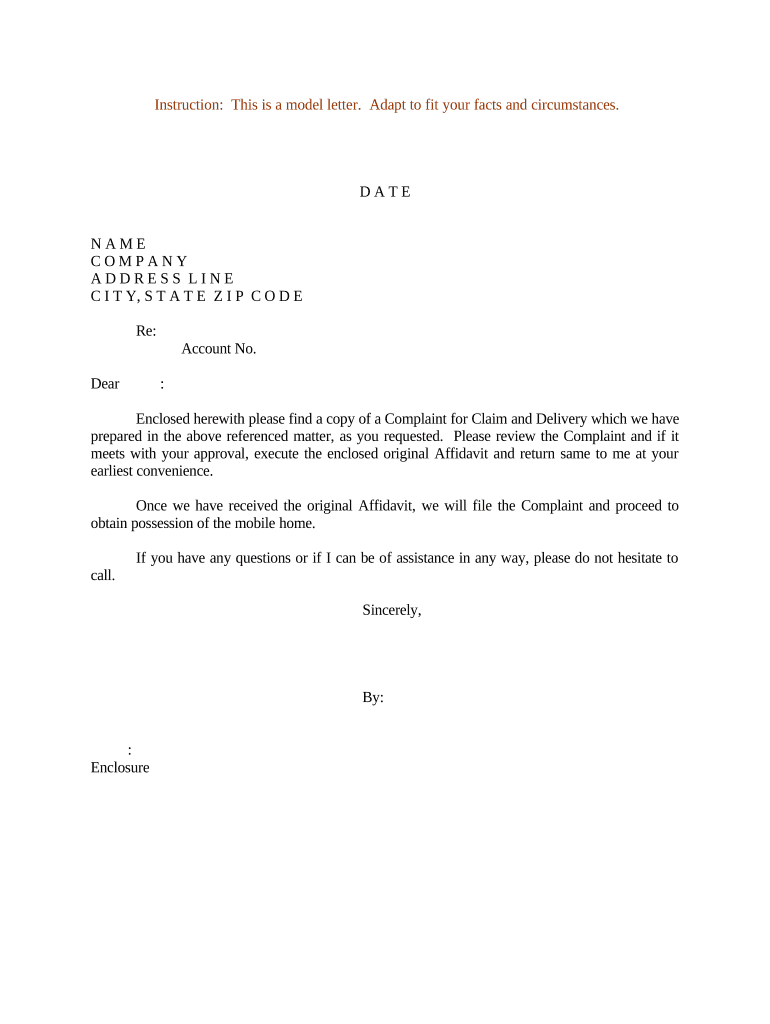
A well-prepared complaint establishes the claim, preserves rights, and starts the court process efficiently. Clear structure reduces procedural risk and supports timely service and response under applicable civil procedure rules.

Use the sample to shorten drafting time, then adapt language to jurisdictional rules and factual specifics before filing.
Court name, case number (if assigned), party names, and title of the pleading formatted per local rules.
Clear identification of plaintiff(s) and defendant(s) with business names, addresses, and, when appropriate, corporate status and agents for service.
Statement of subject-matter and personal jurisdiction, venue, and statutory basis for filing in the chosen court.
Chronological, numbered factual allegations that support each legal claim and reference exhibits where necessary.
Distinct counts listing the legal theory (e.g., breach of contract), elements, and how the facts satisfy each element.
Specific remedies requested (damages, injunctive relief, costs) and a signature block with counsel information or pro se contact details.
| Field | Configuration |
|---|---|
| Document Format | PDF/A preferred for court compatibility |
| Signer Order | Plaintiff then counsel then witness (if required) |
| Authentication | Email plus SMS or KBA as needed |
| Template Save | Save for reuse with variable fields |
When using a third-party eSignature provider, ensure ESIGN and UETA compliance and that the system preserves timestamps, IP addresses, and signer attribution for court submission.
Varies by claim and state; verify applicable law
File promptly after filing per local rule
21 days after service in federal court (FRCP 12(a)(1)(A)(i))
Local courts set e-file time windows and holidays
Preserve evidence upon filing to satisfy discovery obligations
A vendor alleges nonpayment on an invoice with dates and amounts
A tenant documents repeated repair requests and health concerns
| Document | Complaint | Petition |
|---|---|---|
| Purpose | start lawsuit | start special proceeding |
| Filing Required | yes, court filing | yes, sometimes administrative |
| Typical Use | civil claims | probate or family matters |
| Relief Sought | damages/injunction | specific statutory remedy |
| signNow | DocuSign | Adobe Sign | PandaDoc | HelloSign | |
|---|---|---|---|---|---|
| Starting Price | $8/user/mo | $15/user/mo | $14/user/mo | $19/user/mo | $15/user/mo |
| Free Trial | 7-day free trial | Varies by plan | Varies by plan | Varies by plan | Varies by plan |
| Bulk Send | Yes (premium tiers) | Yes | Yes | Yes | Varies |
| Audit Trail | Yes | Yes | Yes | Yes | Yes |
| HIPAA Compliant | Yes | Yes | Yes | No | No |
| Envelope Cap | No envelope cap | 100 envelopes/user/year | Varies by plan | Varies by plan | Varies by plan |