Caption
Include the case name, court, docket number, and caption so the document is immediately tied to the correct matter and transcript.
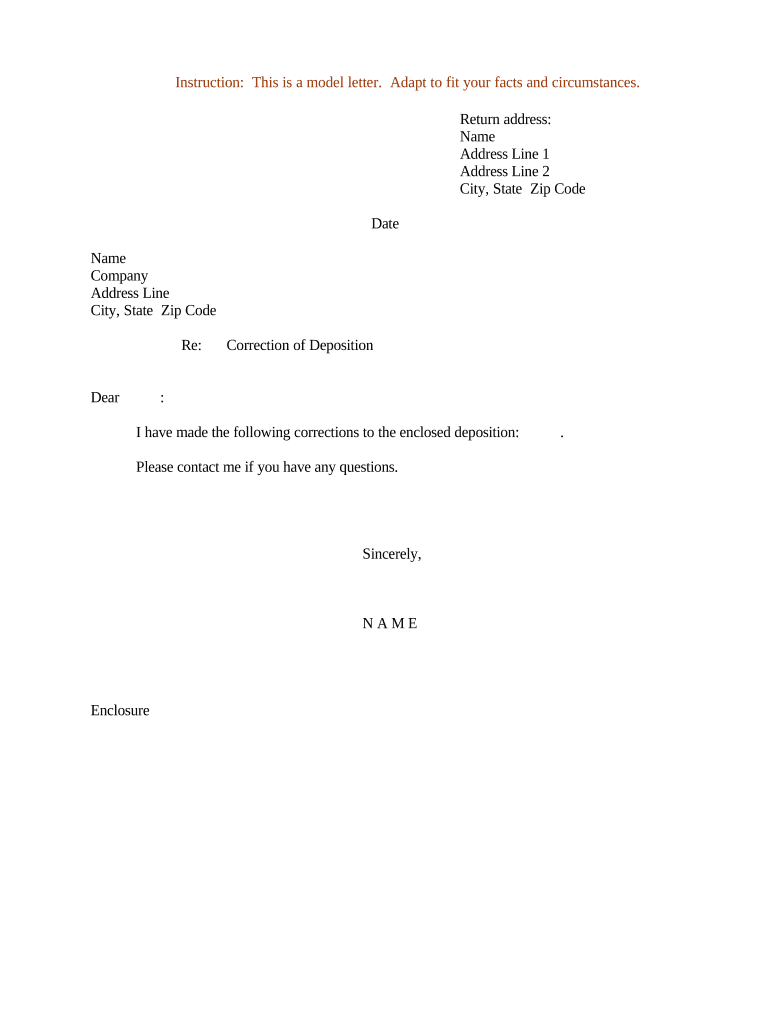
A concise correction letter preserves the deponent’s record, helps avoid ambiguity at trial, and documents intent to change form or substance under Fed. R. Civ. P. 30(e). Proper formatting and timely delivery reduce risk of disputes over transcript accuracy and can limit later evidentiary challenges.

These letters are most often prepared by deponents or their attorneys after reviewing a transcript.
Timely, clear submissions reduce later challenges and make the transcript easier to interpret by the court and opposing counsel.
A trial attorney reviews the transcript with the client, advises on corrections that affect testimony or strategy, and may sign or transmit the correction letter on behalf of the deponent. Their role includes ensuring the corrections are limited to permissible changes under Fed. R. Civ. P. 30(e) and documenting reasons when substance changes are proposed.
A deponent (or authorized representative) signs or approves the correction letter to demonstrate intent to alter form or substance. The deponent’s clear, contemporaneous statement helps the court evaluate credibility and prevents later claims of misquotation or transcription error.
Include the case name, court, docket number, and caption so the document is immediately tied to the correct matter and transcript.
List the deponent name, deposition date, and court reporter or transcription service to ensure the corrections are associated with the correct transcript.
Cite page and line numbers for each proposed correction so the reporter can locate and apply changes accurately.
State the original text as transcribed, then provide the exact replacement text or notation of deletion to avoid interpretive differences.
Provide a brief reason only when the change affects substance; keep explanations concise to limit new dispute points.
Sign and date the letter (deponent or counsel) to show who proposed the change and when it was submitted for the record.
| Field | Configuration |
|---|---|
| Signer Order | Deponent then counsel |
| Authentication | Email + optional SMS code |
| Audit Trail | Enable timestamps and IP logging |
| Storage | Save PDF with certificate |
Use secure eSignature tools that preserve audit trails and retain a verifiable copy of the signed correction letter.
Ensure your chosen platform complies with ESIGN (15 U.S.C. §7001) and state e-signature law (UETA or state equivalent) and that records are exportable for counsel and the court.
Fed. R. Civ. P. 30(e) permits review and listing of changes after transcription.
Many districts adopt 30-day local windows for returning corrections to court reporters.
Serve opposing counsel and reporter immediately upon finalizing corrections.
Late submissions may be accepted only by agreement or court order.
Keep delivery receipts and email evidence of timely service.
The deponent identified a transcription error in a technical term on page 12
Counsel proposed a minor wording change affecting chronology on page 45
| signNow | DocuSign | Adobe Sign | PandaDoc | HelloSign | |
|---|---|---|---|---|---|
| Starting Price | $8/user/mo | $15/user/mo | $14/user/mo | $19/user/mo | $15/user/mo |
| Free Trial | 7-day free trial | Varies | Varies | Varies | Varies |
| Bulk Send | Yes | Yes | Yes | Yes | No |
| Audit Trail | Yes | Yes | Yes | Yes | Yes |
| HIPAA Compliant | Yes | Yes | Yes | No | No |
| Envelope Cap | No cap | 100 envelopes/user/year | Varies | Varies | Varies |