Establishing secure connection…Loading editor…Preparing document…

Dissolution of Limited Company

This template is fully customizable. Edit the text, fill out the fields, and send it for signature. Give it a try!
Dissolution of Limited Company

What Dissolving a Limited Company Means

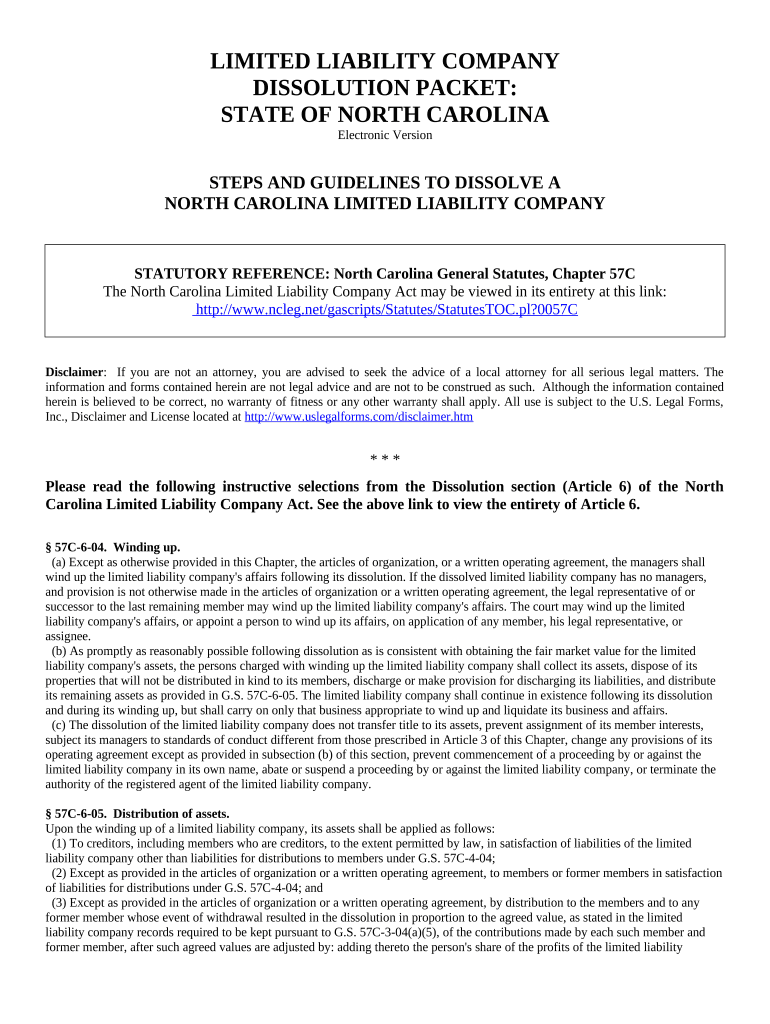
The Dissolution of Limited Company document formally ends an LLC's legal existence in its state of formation. It records member or manager approval to wind up affairs, directs distribution of assets, notifies creditors, cancels licenses and registrations, and triggers final tax filings and employer account closures. Filing typically requires submitting articles or a certificate of dissolution with the state Secretary of State and paying the required fee. Completing dissolution properly limits future liability, stops continuing state fees, and leaves a clear record for banks, creditors, and tax authorities.

Why a Proper Dissolution Matters

A formal dissolution provides legal certainty that the business has ceased, protects members from ongoing liabilities, closes tax and reporting obligations, and prevents accrual of state fees or penalties while creating a clear paper trail for regulators and third parties.

Why a Proper Dissolution Matters

Who Prepares and Files Dissolution Documents

Members or managers, typically supported by attorneys and accountants, prepare and approve dissolution paperwork per governance rules.

  • LLC members or managers: prepare resolutions, vote to dissolve, and provide entity details for state filing and recordkeeping.
  • Corporate attorneys: draft approvals, confirm statutory compliance, advise on creditor notices, and prepare supporting legal attachments.
  • Accountants or CPAs: calculate final tax liabilities, prepare final returns, and advise on distribution consequences and withholding.

Essential Elements to Include in the Dissolution Package

A professional dissolution filing organizes approvals, state filing data, asset distributions, creditor notifications, final tax confirmations, and record retention details to create a defensible administrative and financial close.

Approval Record

Document the member or manager vote, meeting date, resolution text, and vote tally to show authority and reduce post-dissolution disputes.
Filing Information

Include the exact state filing form, entity type, state of formation, the filing agent, and the address used for official communications.

Asset Distribution

Provide a schedule of asset sales, liabilities paid, and the method and timing for distributing remaining funds to members.

Creditor Notice

Describe how creditors were notified, provide publication details if required, and document a claims handling process and deadline.

Final Tax Filings

Confirm federal and state final returns were filed, employment accounts closed, and any tax clearance certificates attached when available.

Retention Clause

Identify where originals and electronic records will be stored, retention periods, and the authorized custodian for future audits.

Step-by-Step: Preparing and Filing Dissolution

Follow these steps to approve, document, and file a Dissolution of Limited Company with state authorities and to wind up business affairs.

  • 01
    Review Governance: Confirm operating agreement vote thresholds and required approvals for dissolution.
  • 02
    Approve Dissolution: Document the formal vote or written consent per governing documents.
  • 03
    Settle Affairs: Notify creditors, pay liabilities, and distribute assets according to agreements.
  • 04
    File with State: Submit the articles or certificate of dissolution and pay the filing fee.

Configuring an Online Dissolution Workflow

Set up an online workflow to collect signatures, attach supporting documents, authenticate signers, and send automated reminders for each step.

Field Configuration
Signers Member and manager signing order; allow guest signing when appropriate
Authentication Use email links or SMS codes; add KBA or two-factor if state requires
Attachments Require resolutions, tax clearances, lien releases, and closing statements
Notifications Automated reminders, delivery receipts, and a completion certificate for records

Where to Submit and Who to Notify

This overview shows core recipients for filings and notices and the final administrative actions that close the company's accounts and registrations.

  • State Filing: File articles or certificate with the Secretary of State's office.
  • IRS Notification: File the final federal tax return and mark it as final when appropriate.
  • Local Agencies: Cancel licenses, permits, and state or local tax accounts as required.
  • Creditors & Claimants: Notify known creditors and publish notice where state law requires.

Technical Requirements for eFiling and eSignatures

Confirm file formats, signer access, and integration needs before beginning an electronic dissolution workflow.

  • File Formats: PDF and DOCX supported; submit flattened PDFs when required
  • Integrations: Connectors for Salesforce, NetSuite, and Google Workspace available
  • Authentication: Email or SMS codes; optional two-factor or KBA

Ensure all signers can open the chosen file format and that your eSignature provider supplies secure audit trails, tamper-evident documents, and exportable records. Verify whether your state accepts electronic filing and whether notarization or witnesses are required before submission.

Common Time-Sensitive Actions During Dissolution

Key deadlines include internal voting schedules, state filing windows, creditor notice periods, tax return due dates, and local license cancellations; exact timings vary by jurisdiction.

Member Vote Deadline:

Follow operating agreement notice and quorum requirements for the vote.

State Filing Window:

File dissolution with the Secretary of State after approval and within any state-specified period.

Creditor Notice Period:

Publish or mail notices where state statute requires a claims window.

Final Tax Filings:

File final federal and state returns by ordinary filing deadlines and mark them 'final'.

License Cancellations:

Cancel permits and registrations promptly to avoid ongoing fees or penalties.

Milestone Timeline From Decision to Administrative Closure

A clear milestone sequence helps track approvals, wind-up tasks, filing, and post-filing administrative steps during dissolution.

01

Decision and Vote

Record member or manager approval and adopt a written dissolution resolution.

02

Wind Up Operations

Notify creditors, settle liabilities, and liquidate or transfer assets.

03

File Dissolution

Submit the certificate of dissolution with the Secretary of State.

04

Administrative Close

File final tax returns, close bank accounts, and cancel permits and registrations.

Common Mistakes That Delay or Complicate Dissolution

  • Failing to follow the operating agreement’s approval and notice provisions can invalidate the process or spark member disputes and delays in state acceptance.
  • Not notifying creditors or omitting required publication leaves the company exposed to late claims and potential litigation after formal dissolution.
  • Skipping final tax filings or neglecting to mark returns as final may trigger penalties and create complications for former owners during audits.
  • Using the wrong entity name, state, or registration number on the filing often results in rejection and requires refiling with additional fees.

Penalties and Risks of an Incorrect or Incomplete Dissolution

Continued Taxes: Ongoing state franchise tax liability.
Personal Liability: Members may face successor claims.
Fines & Penalties: Late filings accrue administrative fines.
Loss of Standing: Business privileges may be suspended.
Tax Assessments: IRS or state audits can assess additional tax.
Creditor Claims: Unresolved creditors may sue post-dissolution.

Required Data Elements Often Requested

Entity Name: Legal name must match formation records.
Effective Date: Use MM/DD/YYYY format for accuracy.
State Filed: Identify the state of formation.
Entity ID: Provide the SoS entity number or EIN.
Signatures Required: Member/manager signatures per governance.
Attachments: Include resolutions, releases, tax clearances.

Representative Scenarios for Company Dissolution

Two representative scenarios show how dissolution documents are used for small LLCs and real estate holding companies to close operations correctly.

Small LLC Closure

A two-member consulting LLC voted to dissolve after owners agreed to retire and sell assets.

  • Members approved a written resolution per the operating agreement.
  • They filed a certificate of dissolution with the Secretary of State, settled outstanding invoices, distributed remaining cash per ownership percentages, and retained signed records for tax and liability protection.

Real Estate Holding Company

A single-property real estate LLC sold its final asset and needed to extinguish liens before winding up.

  • Lien releases and title clearances were obtained.
  • The company attached lien releases and final closing statements to the dissolution filing, notified tenants and lenders, and closed bank accounts to prevent future encumbrances.

eSignature Pricing and Compliance Comparison

This comparison summarizes common eSignature pricing and compliance features relevant when choosing a provider for dissolution filings.

signNow DocuSign Adobe Sign PandaDoc HelloSign
Starting Price $8/user/mo $15/user/mo $14/user/mo $19/user/mo $15/user/mo
Free Trial 7-day free trial Varies by offer Varies by offer Varies by offer Varies by offer
Bulk Send Yes Yes Yes Yes No
Audit Trail Yes Yes Yes Yes Yes
HIPAA Compliant Yes Yes Yes No No
Envelope Cap No cap 100 envelopes/user/year Varies by plan Varies by plan Varies by plan

Practical Tips to Complete Dissolution Accurately

These best practices reduce errors, speed processing, and protect owners and officers from post-dissolution liabilities.

Confirm Authority and Vote
Verify the operating agreement or state default rules grant the power to dissolve; record precise vote counts, dates, and resolution language so authority is clearly demonstrated if challenged later.
Clear Debts Before Distribution
Settle known liabilities and reserve funds for contingent claims; obtain written releases where possible to minimize successor liability and defend against creditor litigation post-dissolution.
Coordinate Tax Filings
File final federal and state returns, report asset sales correctly, and ensure employment tax accounts are closed or transferred before distributing assets to members.
Maintain Final Records Securely
Retain signed dissolution filings, financial reconciliations, and supporting documents in durable formats and limit access to authorized custodians for audits and legal holds.

FAQs: Common Questions About Dissolving an LLC

Answers to frequent questions about e-signatures, required approvals, notary needs, tax issues, and revocation options follow.


Need help? Contact support

be ready to get more
Join over 28 million airSlate SignNow users