Case Identification
Full court caption and case number so the clerk can immediately docket and associate the letter with the existing judgment.
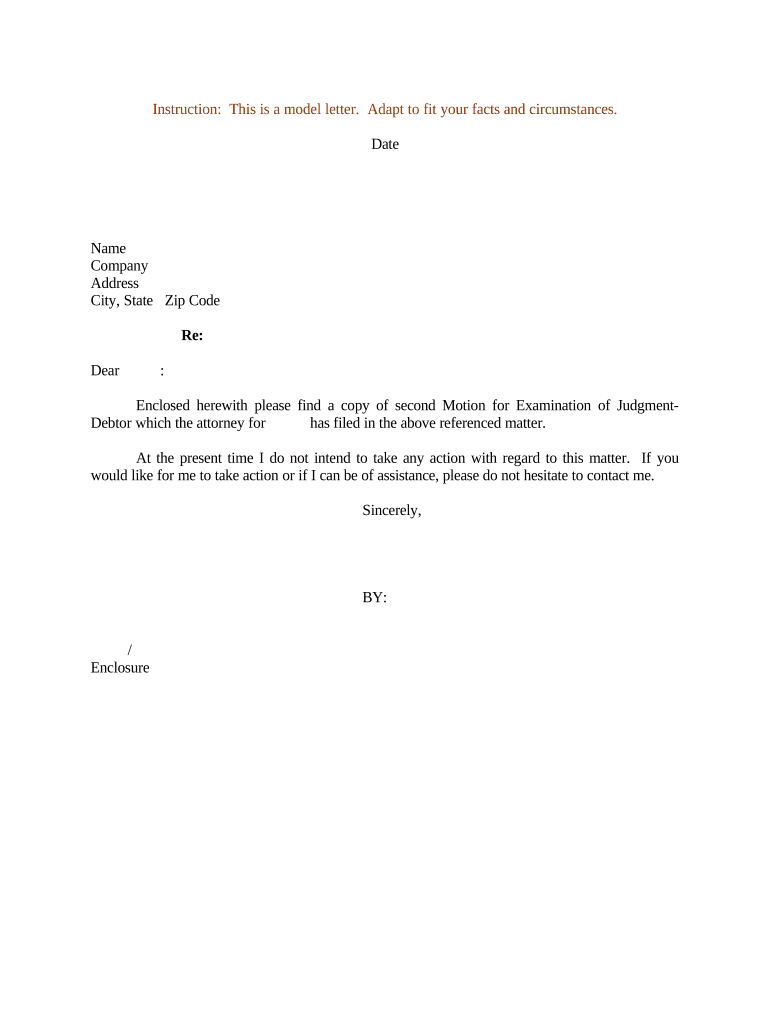
A focused letter organizes facts, cites the judgment, and tells the court and opposing party what discovery is needed to collect. It reduces confusion at filing, clarifies requested relief for the hearing, and helps the clerk and judge schedule a debtor examination or issue subpoenas efficiently.

Common users include judgment creditors, collections counsel, process servers, and court clerks; the letter is a practical tool for coordinating court filing and service.
The letter clarifies roles and next steps for filing, service, and court scheduling so the examination can proceed without administrative delays.
| Field | Configuration |
|---|---|
| Document Format | PDF/A recommended for court compatibility |
| Signature Type | Electronic signature with audit trail; use stronger authentication if court requires |
| Service Method | E-service per local rule or certified mail where required |
| Retention | Store signed PDF and audit trail in case management for required retention period |
Confirm the court accepts electronically signed filings and that your platform produces the required audit trail and file formats.
If a court mandates in-person signatures or notarization, follow that rule even if your platform supports remote notarization or e-signatures.
Often 14–21 days before hearing, varies by jurisdiction
Defendant commonly has 7–21 days to respond under local civil rules
Clerk may schedule hearing 30–60 days after filing
Allow 7–14 days for third-party subpoenas or bank record production
Post-order remedies may be available immediately upon entry
Assemble judgment, debtor facts, and targeted discovery requests for filing.
E-file or submit to the court and obtain a hearing date and docket entry.
Serve the debtor and issue subpoenas to banks or third parties as needed.
Appear at the hearing, obtain orders, and seek writs or garnishments if appropriate.
| Criteria | Letter Motion | Affidavit of Indigency |
|---|---|---|
| Purpose | initiate examination | request fee waiver |
| Court Filing | ||
| Typical Content | asset requests | financial hardship facts |
| Result | examination order | fee relief or scheduling change |
| signNow | DocuSign | Adobe Sign | PandaDoc | HelloSign | |
|---|---|---|---|---|---|
| Starting Price | $8/user/mo | $15/user/mo | $14/user/mo | $19/user/mo | $15/user/mo |
| Free Trial | 7-day free trial | Varies by vendor | Varies by vendor | Varies by vendor | Varies by vendor |
| Bulk Send | Yes (Premium tier) | Yes | Yes | Yes | No |
| Audit Trail | Yes | Yes | Yes | Yes | Yes |
| HIPAA Compliant | Yes | Yes | Yes | No | No |
Full court caption and case number so the clerk can immediately docket and associate the letter with the existing judgment.
Cite the entry date and amount of the judgment to show the creditor's basis for post-judgment relief.
Clearly list the records, testimony, or subpoenas sought, with enough specificity for the court to grant targeted relief.
Propose hearing dates, indicate how service will be made, and include a certificate of service for the docket.
Attach copies of the judgment, docket entries, and any evidence showing debtor avoidance or asset transfers when relevant.
Provide attorney name, bar number, firm address, phone, and email for clerk and opposing counsel communications.
An attorney of record typically signs and files the motion letter on behalf of a judgment creditor; the attorney certifies factual statements and provides the court with contact information and a certificate of service.
A corporate officer or authorized representative may sign if permitted by court rules; when signing electronically, the signer should be able to demonstrate authority to act for the creditor.
A creditor files the letter referencing an unpaid commercial judgment and requests bank records for the prior 24 months
An attorney files the letter for an individual judgment debtor with a history of transfers to relatives