Establishing secure connection…Loading editor…Preparing document…

Exclusive Agreement Form

This template is fully customizable. Edit the text, fill out the fields, and send it for signature. Give it a try!
Exclusive Agreement Form

What the Exclusive Agreement Form Is

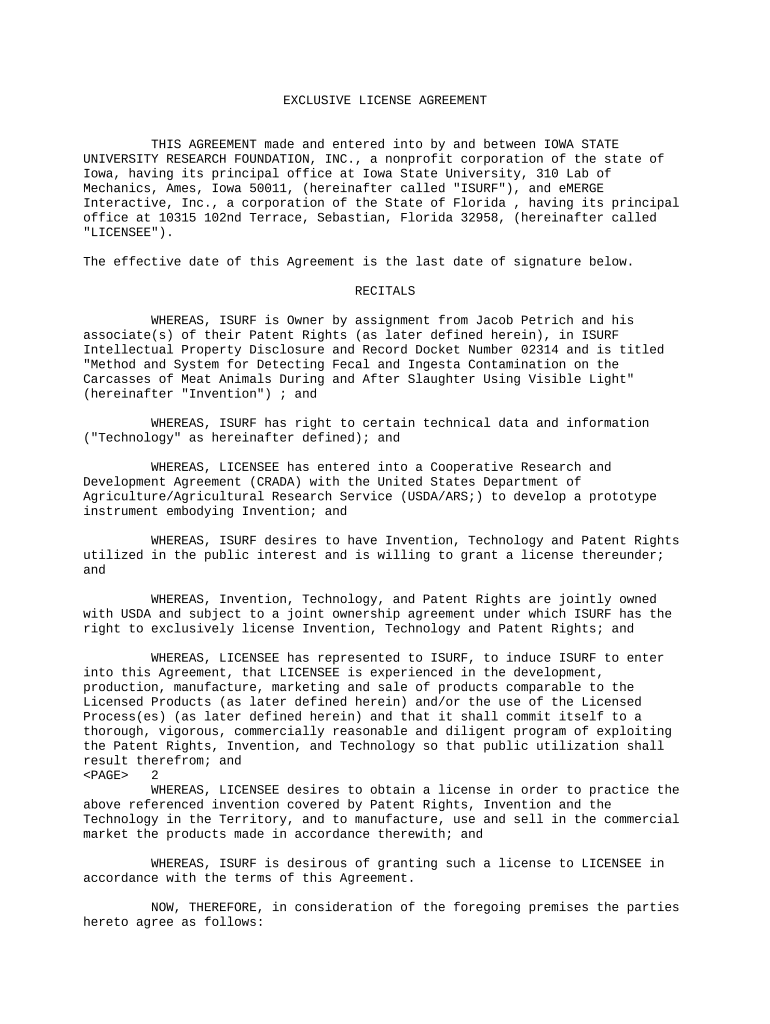
An Exclusive Agreement Form is a legally binding contract that grants one party exclusive rights to perform, sell, license, or represent specified goods or services for a defined period and territory. It identifies the contracting parties, describes the scope of exclusivity, states consideration, sets start and end dates, and establishes performance and termination conditions. Many versions include confidentiality, non-compete, and dispute-resolution clauses. Properly drafted and executed, the form clarifies expectations, limits unauthorized use, and provides remedies for breach while specifying governing law and signature blocks for all parties.

Why an Exclusive Agreement Form Matters

An exclusive agreement reduces overlap and competition between parties, secures investments in distribution or development, and sets measurable performance obligations. It creates clear legal rights and remedies if exclusivity is breached.

Why an Exclusive Agreement Form Matters

Who Typically Prepares and Signs This Form

Businesses, independent agents, licensors, distributors, and service providers commonly use exclusive agreements to control market access and protect investment.

  • Manufacturers and distributors managing territorial or channel exclusivity for products or lines.
  • Software or IP owners licensing technology to a single integrator or reseller.
  • Service providers granting exclusive rights to agents, brokers, or regional partners.

Use counsel for high-value transactions and confirm signatory authority before execution to reduce disputes later.

Typical Signer Roles

Company Officer

A corporate officer (CEO, President, or General Counsel) signs when the company is a party. They confirm corporate authorization, binding the business to exclusivity obligations and indemnities; corporate resolution or Board approval may be required for high-value or long-term exclusives.

Independent Agent

An individual or small firm acting as licensee or distributor signs to accept territory, sales targets, and termination clauses. They should verify compensation, minimum performance metrics, and whether sub-licensing is permitted before signing.

Step-by-Step: Complete and Execute the Agreement

Follow these four steps to prepare, review, and finalize an Exclusive Agreement Form so it is clear and enforceable.

  • 01
    Prepare draft: Gather party details, scope, territory, term, and consideration.
  • 02
    Legal review: Have counsel verify enforceability and regulatory exceptions.
  • 03
    Signatures: Collect authorized signatures, dates, and printed names.
  • 04
    Record and distribute: Provide executed copies to all parties and retain originals.

Typical Online Execution Flow

This sequence shows a standard eSignature workflow for sending and completing an exclusive agreement online.

  • Upload document: Add the PDF or DOCX to the eSignature platform.
  • Place fields: Insert signature, date, and initials fields for each signer.
  • Add signers: Enter signer emails and set signing order if needed.
  • Send and track: Dispatch invites, monitor status, and capture audit trail.

Configure a Secure Signing Workflow

Use these settings to reduce signer friction while preserving evidence of intent and identity during digital execution.

Field Configuration
Signing Order Sequential or parallel per transaction needs
Authentication Email link standard; SMS or KBA for higher assurance
Access Control Set expiration and reminder schedules
Audit Trail Capture IP, timestamps, and action log

Technical and Integration Considerations

Choose a platform that supports your file formats, integrations, and compliance needs while preserving a verifiable audit trail.

  • File formats: PDF, DOCX, HTML supported
  • Integrations: Salesforce, NetSuite, Google Workspace
  • Authentication: Email, SMS, or advanced KBA

Confirm the provider supports required compliance (ESIGN, UETA) and any industry standards such as HIPAA or 21 CFR Part 11 before using electronic execution.

Key Timing Elements to Note

Exclusive agreements commonly include several date-driven provisions; monitor each deadline carefully to preserve rights and avoid automatic renewals.

Effective Date:

The date obligations begin; written as MM/DD/YYYY.

Initial Term Length:

Defines the primary exclusivity period and renewal triggers.

Renewal Notice:

Specify days' advance notice required to renew or terminate.

Performance Deadlines:

Milestones tied to minimum purchase or sales targets.

Termination Notice:

Notice period for breach or convenience terminations.

Milestone Timeline for an Exclusive Agreement

A typical milestone sequence helps teams track negotiation, execution, and post-signing obligations.

01

Negotiation

Drafting and review of terms and exhibits.

02

Approval

Internal sign-offs and, where required, board approval.

03

Execution

All parties sign and exchange executed copies.

04

Onboarding

Operational handoff, training, and initial performance tracking.

Common Preparation Mistakes to Avoid

  • Vague territorial language that leads to disputes about where exclusivity applies; be specific about geographic limits and distribution channels.
  • Undefined performance metrics or vague ‘best efforts’ clauses that make it hard to measure compliance and to trigger remedies or termination.
  • Missing or mismatched signatory authority where the signing representative lacks corporate authorization, which can lead to unenforceability or rescission.
  • Failing to address post-termination obligations (inventory buyback, transition assistance, IP rights), causing operational and legal friction after the contract ends.

Security and Compliance Checklist

In-transit encryption: TLS 1.2/1.3
At-rest encryption: AES-256
Audit records: Tamper-evident logs
Regulatory certs: SOC 2 Type II
Legal compliance: ESIGN and UETA
Healthcare-ready: HIPAA (BAA required)

Penalties and Risks of Incorrect Execution

Late 1099 filing: $60 per form
Late 1099 (long delay): $130 per form
Late 1099 (after Aug 1): $330 per form
Intentional disregard: $660+ per form
I-9 paperwork: $281–$2,789 per violation
Incorrect TIN: Backup withholding 24% may apply

eSignature Pricing and Capabilities Comparison

Compare basic pricing and common capability indicators across providers. signNow is listed first to align with vendor comparison conventions.

signNow DocuSign Adobe Sign PandaDoc HelloSign
Starting Price $8/user/mo $15/user/mo $14/user/mo $19/user/mo $15/user/mo
Free Trial 7-day free trial Varies by vendor Varies by vendor Varies by vendor Varies by vendor
Bulk Send Yes (Business Premium) Varies by plan Varies by plan Varies by plan No
Audit Trail Yes Yes Yes Yes Yes
HIPAA Compliant Yes Yes Yes No No
Envelope Cap No cap 100 envelopes/user/year Varies Varies Varies

Frequently Asked Questions

Answers to common questions about drafting, signing, and enforcing an Exclusive Agreement Form, with practical guidance on eSigning and retention.


Need help? Contact support

be ready to get more
Join over 28 million airSlate SignNow users