Observed Dates
List all calendar dates the employer recognizes, including alternate observance rules when holidays fall on weekends.
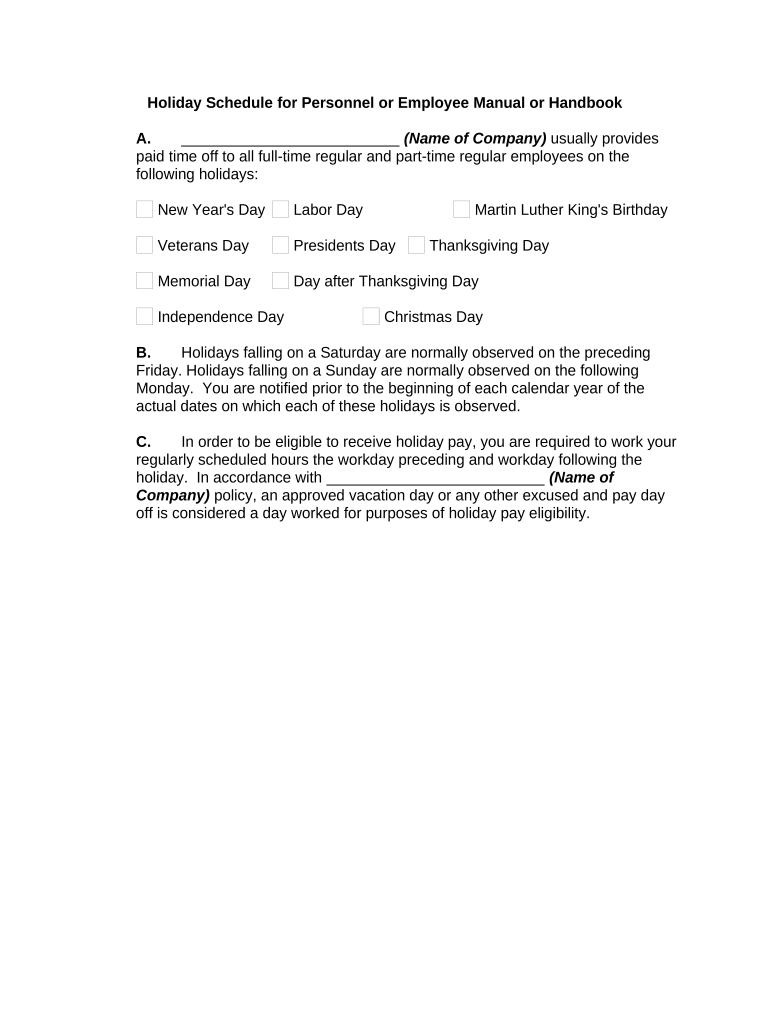
A defined holiday schedule reduces scheduling conflicts, supports consistent overtime and pay treatment, and helps avoid disputes. It clarifies eligibility, reduces administrative burden, and creates a single source of truth for managers and payroll.

Employees should acknowledge receipt and understand how the schedule affects pay and time-off requests.
List all calendar dates the employer recognizes, including alternate observance rules when holidays fall on weekends.
Specify whether holidays are paid, unpaid, premium pay, or a floating holiday and how pay rates are calculated for hourly and salaried staff.
Define which employee categories qualify (full-time, part-time, probationary period) and any service-based requirements.
Describe how shifts are assigned, required coverage for critical roles, and rules for voluntary or mandatory overtime on holidays.
Outline submission methods, notice periods, manager approval steps, and how conflicts are resolved or prioritized.
Include revision history, effective date, approval authority, and employee acknowledgement procedures.
| Field | Configuration |
|---|---|
| Holiday List | Upload as PDF or DOCX; enable text fields for dates |
| Acknowledgement Field | Require digital signature and date |
| Routing | Send to employees, manager, payroll in that order |
| Audit Trail | Capture IP, timestamp, and action log |
Ensure the provider supports secure storage, exportable signed copies, and role-based access to meet audit and retention needs.
Complete draft at least 60 days before calendar year-end
HR and finance approval 30 days prior to publication
Provide employees 14 days notice for changes when possible
Finalize pay codes two payroll cycles before the first holiday
Meet collective bargaining agreement notice periods where applicable
HR compiles dates, eligibility, and pay rules for review.
Payroll and legal verify pay codes and compliance.
Distribute official schedule to all staff with signature fields.
Store signed acknowledgements with employee records.
Many operational documents went digital to reduce processing time and in-person signings.
Medical and administrative acknowledgements required strict audit trails.