Burden of Proof
A clear statement of who bears the burden and the standard required, e.g., 'beyond a reasonable doubt' in criminal cases or 'preponderance of the evidence' in civil matters.
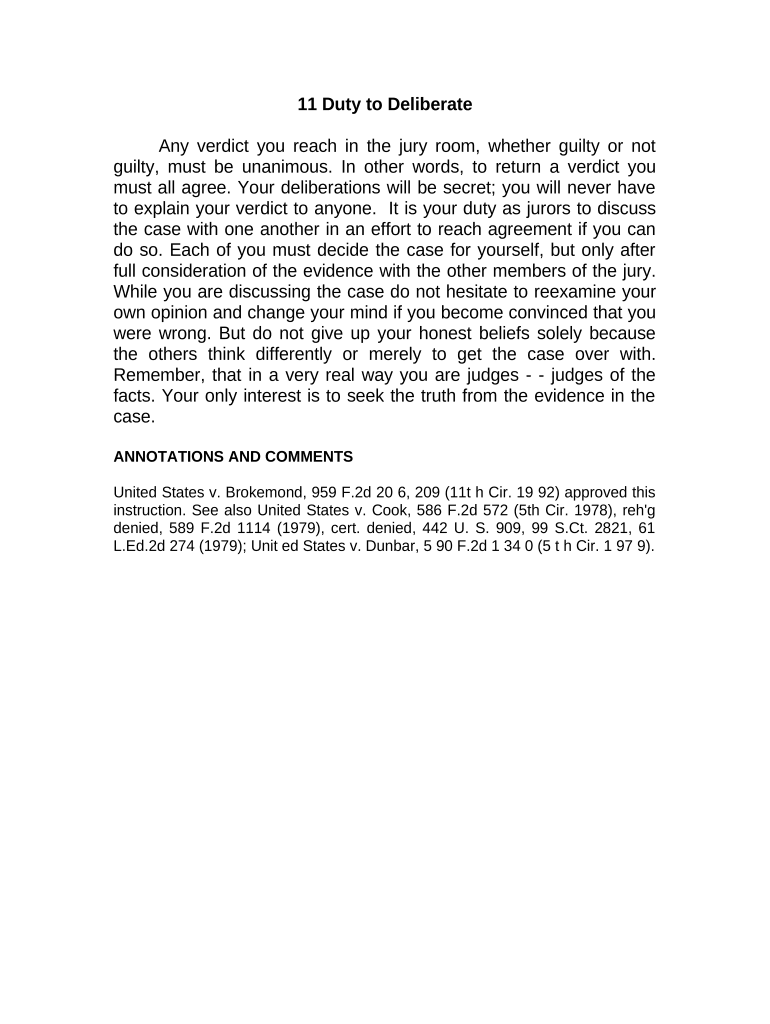
Clear, well-structured jury instructions minimize juror confusion, lower the risk of reversible error on appeal, and promote consistent application of law to the facts. They protect trial fairness by describing burdens of proof, element-by-element guidance, and permissible inferences in neutral language.

Several courtroom roles prepare, review, and rely on jury instructions at trial.
Precise collaboration among these roles reduces disputes and supports an accurate trial record.
The judge has ultimate authority to select and modify instructions to ensure they accurately state the law. The judge resolves objections, explains burdens and standards to jurors, and places the final, court-approved instruction into the record for appeal purposes.
Defense and prosecution counsel propose, edit, and object to instruction language. Counsel should provide pinpoint citations and model instruction numbers so the court can evaluate legal accuracy and consistency with governing precedent.
A clear statement of who bears the burden and the standard required, e.g., 'beyond a reasonable doubt' in criminal cases or 'preponderance of the evidence' in civil matters.
Breakdown of each statutory or common-law element the jury must find, with concise language linking facts to legal elements to reduce ambiguity.
Instructions on what inferences jurors may draw from circumstantial evidence, eyewitness testimony, or absence of evidence consistent with applicable case law.
Rules on deliberation process, prohibited communications, outside research, and the requirement to follow the law as instructed by the court.
A protocol explaining how jurors should submit questions, how the judge will consider and answer them, and whether answers will be read to the whole jury.
Clear, itemized verdict forms or special verdict questions that align with the instructions to capture jurors' findings on each element.
| Field | Configuration |
|---|---|
| Draft Upload | PDF or DOCX accepted; include metadata fields |
| Reviewer Order | Judge → Opposing Counsel → Court Clerk |
| Authentication | Email plus optional SMS code for signers |
| Audit Trail | Enable capture of timestamps and IP addresses |
Many courts permit electronic submission of proposed instructions but local rules dictate format, authentication, and filing method.
Confirm local court e-filing rules and whether the clerk requires an original signed paper copy for the official file.
Often due before the charging conference per local rule
Judge hears disputes and rules on contested language
Given to jurors immediately before or during deliberations
Final, signed instruction placed in the clerk’s case file
Preserve the complete instruction record for appeal purposes
Counsel drafts proposed instruction language.
Court and parties discuss and resolve objections.
Judge finalizes and reads instructions on record.
Jurors use the court-approved instructions during deliberation.
| signNow | DocuSign | Adobe Sign | PandaDoc | HelloSign | |
|---|---|---|---|---|---|
| Starting Price | $8/user/mo | $15/user/mo | $14/user/mo | $19/user/mo | $15/user/mo |
| Free Trial | 7-day free trial | Varies by vendor | Varies by vendor | Varies by vendor | Varies by vendor |
| Bulk Send | Yes | Yes | Yes | Yes | No |
| Audit Trail | Yes | Yes | Yes | Yes | Yes |
| HIPAA Compliant | Yes | Yes | Yes | No | No |