Establishing secure connection…Loading editor…Preparing document…

Failure to Appear (Bail Jumping) Instructions

This template is fully customizable. Edit the text, fill out the fields, and send it for signature. Give it a try!
Failure to Appear (Bail Jumping) Instructions

What the Failure to Appear (Bail Jumping) Instructions are

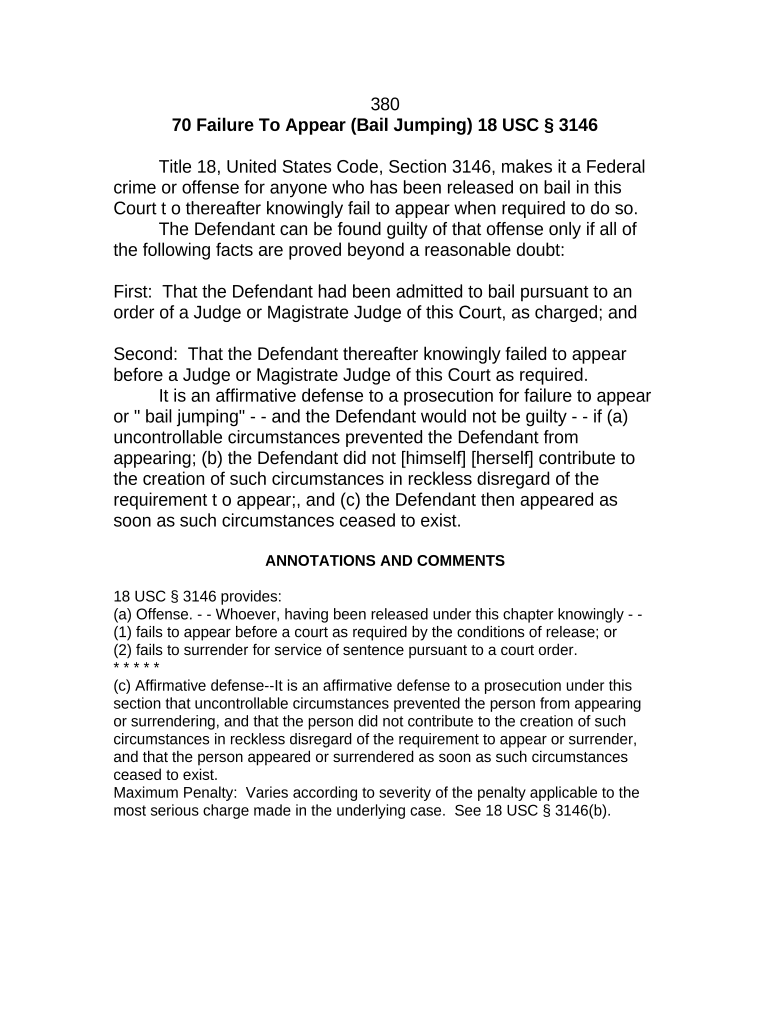
The Failure to Appear (Bail Jumping) Instructions is a procedural document that explains the immediate steps, notifications, and recordkeeping required when a defendant does not appear for a scheduled court event. It is used by courts, bail agents, defense counsel, and law enforcement to document facts, trigger warrant or forfeiture processes, and communicate next steps to involved parties. The form typically identifies the case, appearance date missed, bond terms, contact details, and the authority responsible for initiating arrest or forfeiture proceedings.

Why clear Failure to Appear instructions matter

Clear instructions reduce administration delays, protect bond rights, and preserve evidence needed for hearings. They help ensure consistent handling across courts and reduce the risk of improper forfeiture or unnecessary arrest.

Why clear Failure to Appear instructions matter

Who typically prepares and relies on these instructions

Several parties prepare or act on Failure to Appear (Bail Jumping) Instructions depending on role and jurisdiction.

  • Court clerks and judges who record missed appearances and initiate warrants or bond forfeiture processes.
  • Bail agents and sureties who must report non-appearance and may post notices or pursue recovery actions.
  • Defense attorneys and prosecutors who need accurate records for hearings and motions.

Each participant has distinct duties; the document clarifies who files what and when to preserve legal rights and expedite resolution.

Core elements to include in a professional instruction set

A comprehensive set of instructions should be structured, verifiable, and traceable to the original court matter to support enforcement and hearings.

Case identification

Include full case number, court name, and party names to link the instruction to the official docket and avoid misfiling during subsequent enforcement actions or hearings.
Missed appearance details

Record the scheduled appearance date and time, the event type (arraignment, status hearing), who was expected, and any confirmed reason for absence if known by the reporting party.

Bond and surety specifics

List bond amount, posting date, surety company or individual, and any special conditions attached to release so forfeiture or exoneration can be evaluated accurately.

Actions requested

Specify whether the filing requests issuance of a bench warrant, initiation of bond forfeiture, surrender of surety collateral, or scheduling of a show-cause hearing.

Contact and notice

Provide names, phone numbers, email addresses, and preferred delivery method for notices to defendant, counsel, and surety to meet due-process and service requirements.

Supporting evidence

Attach logs, appearance sheets, call attempts, certified mail receipts, or other documentation that demonstrate notice attempts and establish a chain of custody for filings.

Essential fields to capture at minimum

Defendant: Full legal name
Case Number: Court docket ID
Appearance Date: MM/DD/YYYY
Bail Amount: Numeric currency
Surety: Company or person
Contact: Phone and email

Step-by-step: completing the Failure to Appear instructions

Follow a standard order to ensure completeness and to create a reliable record for court and administrative review.

  • 01
    Identify the case: Enter court and docket number first to avoid misfiling.
  • 02
    Record the absence: State missed date/time and event type succinctly.
  • 03
    Note bond details: Include amount, posting party, and bond date.
  • 04
    Request actions: Indicate whether a warrant or forfeiture is sought.

How to configure an online workflow for these instructions

Set up a repeatable template and routing so filings are consistent and auditable in electronic systems.

Field Configuration
Authentication Email link or SMS code
Signature type Electronic signature with audit trail
Notifications Email on each signer action
Retention Automatic PDF archive on completion

Typical filing and processing flow

A clear, linear flow reduces processing time and preserves evidence for subsequent hearings or appeals.

  • Prepare document: Enter case data and attach supporting evidence.
  • Authorize filing: Court clerk or authorized agent signs electronically.
  • Serve parties: Send notices to defendant, counsel, and surety.
  • Record action: Clerk updates docket and issues warrant or notice.

Digital signing and delivery considerations

Use platforms that support audit trails, standard document formats, and appropriate signer authentication for legal records.

  • Formats: PDF and DOCX supported
  • Integrations: Connects with case management systems
  • Security: TLS and AES encryption

Ensure the chosen platform can produce an admissible certificate of completion, preserve a tamper-evident copy, and meet any jurisdictional authentication needs.

Timing and common procedural deadlines to expect

Timeframes vary by court and state; document dates govern when warrants, forfeitures, and hearings may be scheduled.

Warrant issuance timing:

Courts may issue a bench warrant promptly after a verified failure to appear.

Bond forfeiture initiation:

Forfeiture procedures typically begin after a missed appearance and statutory notice periods.

Notice periods:

Some jurisdictions require certified notice to surety before final forfeiture.

Show-cause hearings:

Courts often schedule hearings to determine excused absence and possible reinstatement.

Appeal and motions:

Deadlines for motions to set aside forfeiture depend on local rules.

Common mistakes to avoid when preparing instructions

  • Incomplete case identifiers: entering partial docket numbers leads to misrouting and administrative delays in court processing.
  • Missing contact details: failing to include current counsel or surety contact prevents timely notice and can accelerate forfeiture.
  • Unattached evidence: omitting service receipts, logs, or certified mail tracking undermines proof of notice in hearings.
  • Using inconsistent dates: conflicting appearance or filing dates can create grounds for motions to set aside enforcement actions.

Consequences and legal risks from incorrect or late instructions

Bench Warrant: Immediate arrest risk
Bond Forfeiture: Loss of posted bail
Civil Liability: Surety may sue indemnitors
Additional Charges: Possible contempt or new counts
Delay in Resolution: Extended case processing
Record Integrity: Errors can impede appeals

Real-world examples of managing missed appearances

Practical examples show how standardized instructions reduce processing time and disputes when a defendant fails to appear.

Optica Ventures LLC — Court operations

Their clerkship standardized FTA notices to reduce docket errors

  • Improved notice consistency across divisions
  • Brian Fitzgibbons noted the interface is simple and easy-to-use for staff and external parties, improving operational reliability.

Martin Properties — Surety follow-up

A property firm automated surety notifications after missed hearings

  • Reduced manual outreach by staff
  • Tim Martin reported processing documents online with compliance and security, enabling faster resolution with clear audit trails.

Best practices for accurate, efficient completion

Adopt standardized templates, clear evidence attachments, and consistent routing to reduce errors and disputes.

Use a standard template
Create a vetted template containing mandatory fields and conditional prompts so filers cannot omit critical data; validate field formats before submission to avoid rework and missed deadlines.
Attach proof of notice
Always append certified mail receipts, email delivery logs, or phone attempt records to show reasonable efforts at notification and support a later show-cause or forfeiture decision.
Apply consistent authentication
Require signer attribution through email verification or SMS codes for electronic signings, and record IP and timestamps to strengthen admissibility for hearings.
Preserve tamper-evident copies
Store a PDF/A or signed export with an audit trail and restrict edits; maintain backups and access logs for any later appeals or indemnity claims.

Representative eSignature vendor comparison for filing and signing workflows

Compare baseline pricing and key capabilities for eSignature tools commonly used to prepare and submit official instructions.

signNow DocuSign Adobe Sign PandaDoc HelloSign
Starting Price $8/user/mo $15/user/mo $14/user/mo $19/user/mo $15/user/mo
Free Trial Yes, 7-day trial Varies Varies Varies Varies
Bulk Send Yes Yes Yes Yes No
Audit Trail Yes Yes Yes Yes Yes
HIPAA Compliant Yes Yes Yes No No

Frequently asked questions about Failure to Appear instructions

Answers to common procedural and technical questions to help prevent delays and legal complications.


Need help? Contact support

be ready to get more
Join over 28 million airSlate SignNow users