Establishing secure connection…Loading editor…Preparing document…

Leaseback Agreement

This template is fully customizable. Edit the text, fill out the fields, and send it for signature. Give it a try!
Leaseback Agreement

What a Leaseback Agreement Is and how it works

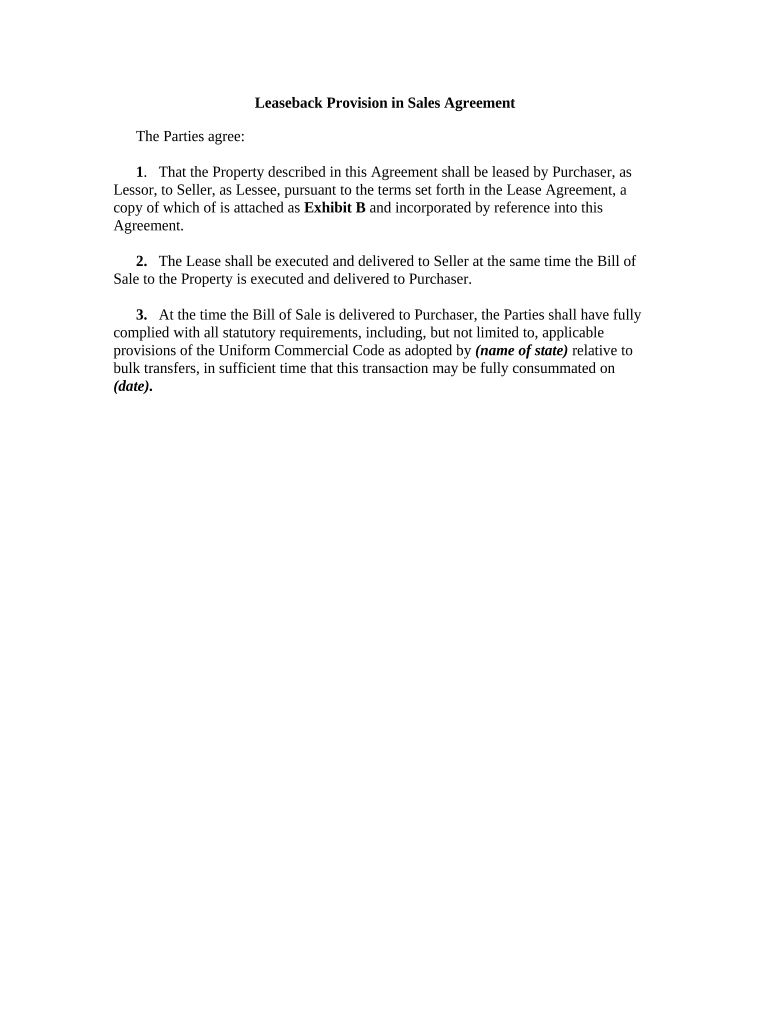
A Leaseback Agreement, often called a sale-leaseback, is a contract in which an owner sells property to a buyer and simultaneously leases it back so the seller can continue occupancy while converting equity to cash. It combines conveyance and lease provisions, specifying purchase price, lease term, rent, maintenance responsibilities, insurance, assignment rights, and default remedies. The document allocates tax treatment and repair obligations, and it frequently requires notarization or recording depending on local law. Parties should document payment mechanics, security deposits, and remedies to reduce future disputes.

Why parties use a Leaseback Agreement

A Leaseback Agreement converts owned assets into liquidity while preserving use of the asset for the seller and delivering a predictable income stream for the buyer. It clarifies operational responsibilities, tax allocation, and remedies for default, helping reduce disruption and legal ambiguity during and after the transaction.

Why parties use a Leaseback Agreement

Typical participants and professional roles

Common parties and professionals involved in a Leaseback Agreement include buyers, sellers, lenders, and real estate attorneys.

  • Commercial property owners seeking liquidity while retaining occupancy and operational control.
  • Investors or REITs acquiring income-producing assets under long-term lease structures.
  • Lenders, tax advisors, and title companies that assess risk, tax treatment, and recording.

Core elements to include in a professional Leaseback Agreement

Core Leaseback Agreement elements define sale terms, lease provisions, financial obligations, and remedies across the transaction lifecycle and recording requirements.

Sale Terms

Specifies purchase price, closing date, conveyance mechanics, escrow instructions, and any retained seller obligations or carve-outs; affects tax recognition and title recording requirements.
Lease Term

Details lease commencement, expiration, renewal options, notice windows, rent schedule, payment mechanics, and permitted uses to align occupancy with ownership transfer.

Rent & Payments

Sets base rent, escalation clauses, payment due dates, late fees, security deposit rules, and pass-through obligations for taxes, insurance, or CAM charges.

Maintenance & Repairs

Allocates routine versus structural repair responsibilities, capital improvement treatment, and restoration obligations at lease termination to prevent disputes.

Default & Remedies

Defines events of default, cure periods, acceleration, eviction or specific performance remedies, and lien or setoff rights tied to other transaction documents.

Assignment & Options

Includes assignment or sublease permissions, buyback or repurchase clauses, rights of first refusal, and conditions for seller repurchase or lease extension.

Step-by-step: preparing and executing a Leaseback Agreement

Follow these steps to complete and execute a Leaseback Agreement accurately online or in person.

  • 01
    Gather Documents: Collect title, deed, tax info, corporate authorization.
  • 02
    Draft Agreement: Set sale terms, lease, and contingencies.
  • 03
    Execute & Notarize: Sign, notarize, and obtain witnesses if required.
  • 04
    Record & Distribute: Record deed if needed; deliver copies to parties and lenders.

Configuring an online leaseback workflow

Set up an online workflow to automate signature routing, notifications, and recordkeeping for the Leaseback Agreement.

Field Configuration
Signer Order Sequential order by role or simultaneous invites.
Authentication Email, SMS code, or KBA for high-value deals.
Reminders Automated reminders at set intervals until signed.
Storage Save PDF/A to cloud storage with audit trail.

Where to send and how filings progress

Typical submission and filing flow for a Leaseback Agreement, from negotiation through recording and distribution to stakeholders.

  • Negotiate: Parties agree sale and lease terms.
  • Close: Execute deed and purchase documents.
  • Lease Start: Lease commences on the Effective Date specified.
  • Record: Record deed and serve copies to lender.

Technical requirements for eSigning and distribution

Use eSignature platforms that support document upload, custom fields, and cloud storage for secure Leaseback execution.

  • File Formats: PDF, DOCX accepted
  • Integrations: Salesforce, NetSuite, Google Workspace integrations
  • Authentication: Email, SMS, or two-factor options

Critical dates and timing considerations

Key deadlines and triggering dates affect tax reporting, county recording, and tenant notice obligations in a Leaseback Agreement.

Effective Date Entry:

Sets lease start and triggers notice periods.

Closing and Conveyance:

Deed recorded per county requirements within agreed timeframe.

Rent Commencement:

Rent due per schedule begins on lease commencement.

Tax Reporting Window:

Adjustments affect seller's tax year; consult tax advisor.

Notice Periods:

Cure and termination notice deadlines as specified.

Transaction milestones from offer to ongoing performance

Milestone timeline for a typical leaseback transaction, showing key stages and what each requires from the parties.

01

Offer & Acceptance

Buyer and seller execute the purchase agreement and agree sale terms.

02

Closing

Transfer title, record deed, and fund the sale proceeds.

03

Lease Execution

Sign Leaseback Agreement and confirm rent and repair schedules.

04

Ongoing Performance

Payments, maintenance, insurance and renewals occur per lease terms.

Common pitfalls to avoid when preparing a leaseback

  • Failing to record the deed or lease where state law requires recording, which can impair notice to subsequent purchasers and cloud title.
  • Using vague rent or escalation language such as 'market rate' without an index or formula, creating disputes over payment calculations.
  • Omitting clear allocation of tax and insurance responsibilities, leading to unexpected costs and possible indemnity claims between parties.
  • Not verifying authority to sign for entities, or missing corporate resolutions and notarizations, which can invalidate the conveyance or lease.

Short summary of legal risks and potential penalties

Title Exposure: Unrecorded transfers risk disputes.
Tax Misallocation: IRS reclassification risk.
Breach Liability: Damages and eviction exposure.
Penalty Fees: Late payment and penalty clauses.
Regulatory Noncompliance: Recording penalties possible.
Contract Voidance: Procedural defects can void document.

eSignature vendor comparison for Leaseback document signing

Comparison of typical vendor pricing and core capabilities relevant to executing Leaseback Agreements across SMB and enterprise plans.

signNow DocuSign Adobe Sign PandaDoc HelloSign
Starting Price $8/user/mo $15/user/mo $14/user/mo $19/user/mo $15/user/mo
Free Trial 7-day free trial Varies Varies Varies Varies
Bulk Send Yes Yes Yes Yes No
Audit Trail Yes Yes Yes Yes Yes
HIPAA Compliant Yes Yes Yes No No

Practical examples from real implementations

Real customers show how online workflows and eSign solutions streamline leaseback closings, reduce in-person steps, and preserve compliance records.

Martin Properties

Tim Martin, Founder of Martin Properties, used an online workflow to execute leaseback closings without in-person signings.

  • He emphasized mobile and offline signing for field teams.
  • "I can process and execute all of these documents online with 100% compliance and built-in security; whether on mobile or working offline, I can get forms back to their necessary parties efficiently."

BIS

Dan Rotelli, CEO of BIS, streamlined internal approvals and audit logging for sale-leaseback portfolios.

  • The team relied on audit trails for compliance.
  • "We felt most comfortable given the SOC 2 certification and strict focus on ESIGN and UETA act compliance," which helped during lender due diligence and internal audits.

Who may lawfully sign a Leaseback Agreement

Corporate Officer

A company officer with delegated authority (CEO, CFO, or authorized signatory) may execute the sale and lease on behalf of the entity; include a corporate resolution or board minutes to document authority when required by title companies or lenders.

Authorized Agent

An attorney-in-fact or closing agent may sign under a valid power of attorney or escrow instructions; the document should reference the delegation and include notarization when state rules or recording offices demand it.

Essential information to include for accuracy and security

Legal Names: Full seller and buyer legal names
Property Description: Street address and legal parcel description
Effective Date: MM/DD/YYYY format
Purchase Price: Exact dollar amount and payment terms
Rent Schedule: Amount, frequency, escalation method
Signatures: All parties with dates and notary details

Practical tips for accurate and efficient completion

Apply these practices to reduce errors, expedite recording, and help preserve enforceability of leaseback terms.

Confirm signatory authority and corporate documentation
Verify corporate resolutions, LLC operating agreement approvals, or powers of attorney before signing; title companies and lenders commonly require proof of authority to avoid post-closing challenges.
Allocate taxes and insurance clearly
State whether seller or buyer pays property taxes, transfer taxes, or insurance during the lease term, and show how pass-throughs and reimbursements are calculated to prevent disputes.
Define rent escalations precisely with formulas
Use explicit CPI indexing or fixed percentage schedules rather than vague terms; include calculation examples and caps to reduce later interpretation disputes.
Record and store signed originals promptly
Record deeds and necessary acknowledgements with the county recorder when required, retain signed PDFs with audit trails, and keep originals according to retention policy to support audits and title searches.

Frequently asked questions about Leaseback Agreements

Answers to common questions about validity, notarization, tax treatment, and how to correct common errors in Leaseback Agreements.


Need help? Contact support

be ready to get more
Join over 28 million airSlate SignNow users