Estate ID
Estate name and probate/case number so the letter ties directly to the court file and administrative record.
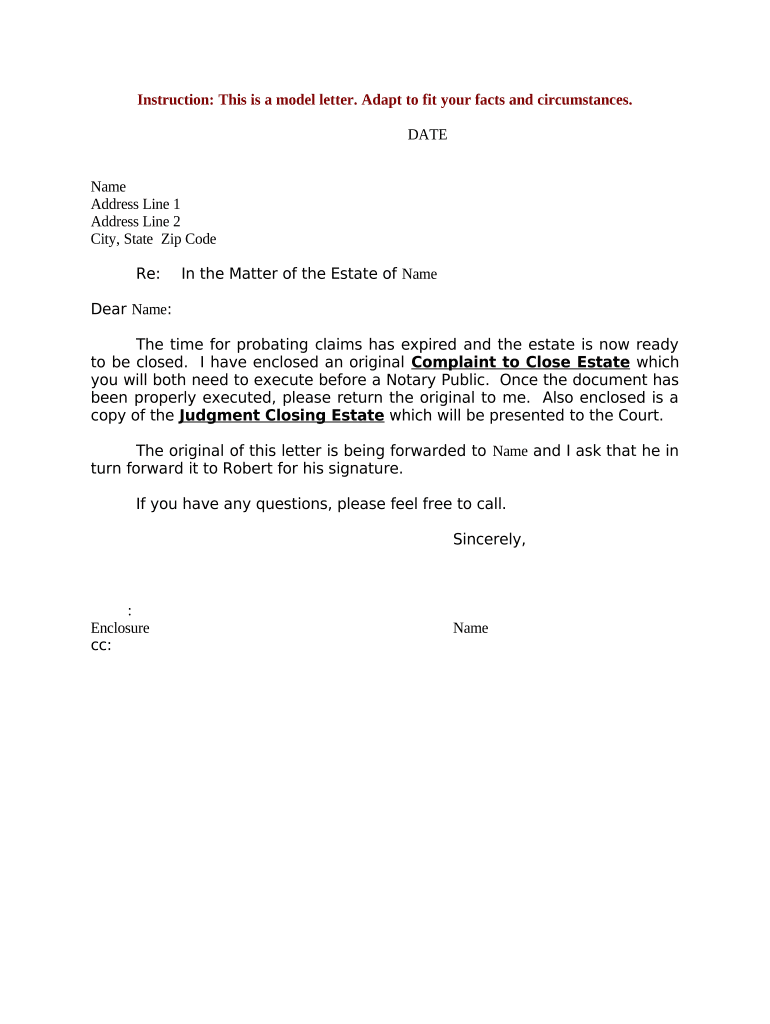
A precise closing letter reduces ambiguity about distributions, documents completion, and remaining liabilities; it creates a record for beneficiaries and courts and can limit future disputes when paired with signed acknowledgements or releases.

Use clear language and attach supporting schedules so each recipient can verify amounts and next steps without follow-up.
Estate name and probate/case number so the letter ties directly to the court file and administrative record.
Full legal name and contact details of the executor or personal representative authorized to act on the estate's behalf.
Effective date of closing or distribution; this date fixes tax reporting periods and potential creditor claim deadlines.
Detailed list of assets transferred or paid, beneficiary names, amounts or asset descriptions, and method of transfer.
Summary of creditor claims filed, amounts paid or reserved, and instructions for outstanding claims or returned notices.
Clear release language or request for beneficiary signature acknowledging receipt and accepting the distribution as final.
| Upload Document | Use a PDF or DOCX source to preserve formatting. |
|---|---|
| Auto-Fill Fields | Enable name, case number, and date auto-fill to reduce errors. |
| Place Signature Fields | Add signer roles and required signature/date fields. |
| Set Authentication | Select email, SMS, or stronger ID verification where needed. |
| Retain Audit Trail | Ensure IP, timestamps, and completion certificate are stored. |
Keep copies of signed letters and certificates of completion; ensure the provider supports secure export and long-term access for audits.
Varies by state; commonly 3–6 months after notice is published.
File with the probate court according to local rules; court will set a hearing date.
Form 706 generally due nine months after death (extensions may apply).
Final individual and fiduciary returns must follow IRS deadlines and extension rules.
Retention periods start on the closing or distribution date stated in the letter.
Begin the creditor claim period required by statute and give notice of administration.
Pay allowed creditor claims and file required federal and state tax returns.
Document receipts, disbursements, and proposed distributions for court review.
Secure formal discharge or file letter with court if required to conclude administration.
Optica streamlined close communications to beneficiaries using a single consolidated letter and schedules.
Martin Properties adopted electronic closing letters for property-related estates to speed title transfers.
The court-appointed executor or personal representative signs on behalf of the estate. Their signature should be accompanied by the letters testamentary or letters of administration and the date of appointment to establish authority to distribute assets.
An attorney representing the estate may prepare and co-sign letters to clarify legal points, confirm distributions, and provide citation to applicable statutes or court approvals when necessary.
| signNow | DocuSign | Adobe Sign | PandaDoc | HelloSign | |
|---|---|---|---|---|---|
| Starting Price | $8/user/mo | $15/user/mo | $14/user/mo | $19/user/mo | $15/user/mo |
| Free Trial | 7-day free trial | Varies | Varies | Varies | Varies |
| Bulk Send | Yes (Business Premium+) | Yes | Yes | Yes | No |
| Audit Trail | Yes | Yes | Yes | Yes | Yes |
| HIPAA Compliant | Yes | Yes | Yes | No | No |
| Envelope Cap | No cap | 100 envelopes/user/year | Varies | Varies | Varies |