Identification
Full legal names of the transferor and transferee, entity types (LLC, corp), and the state of formation to avoid ambiguity in corporate identity and authority.
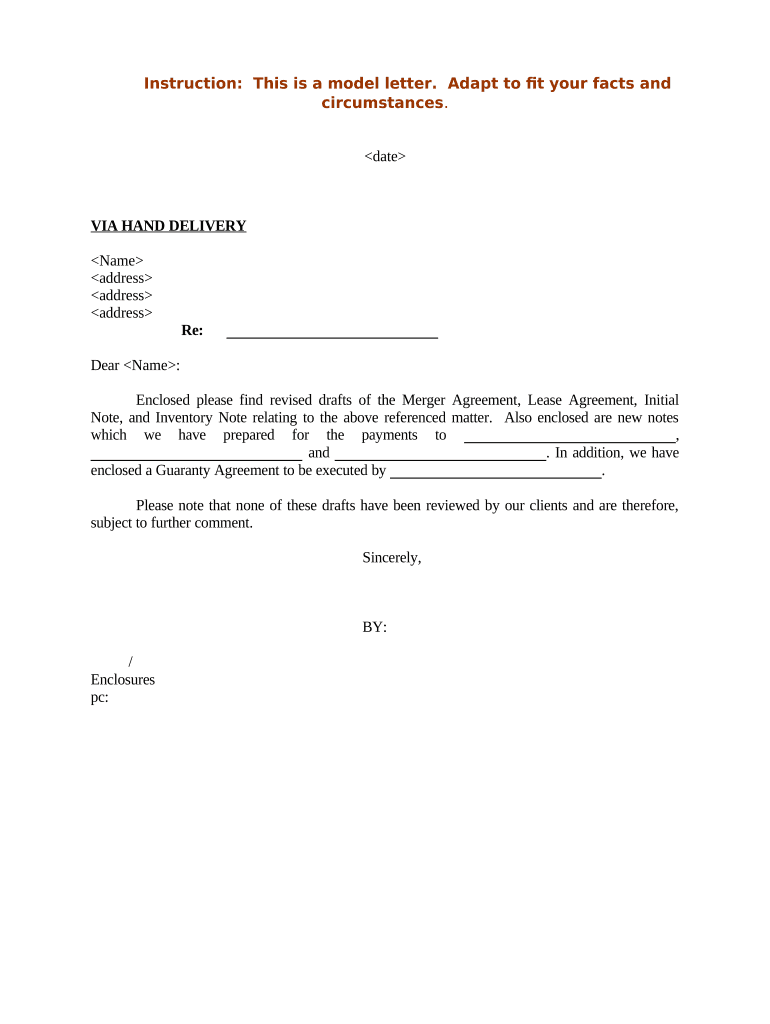
A well-drafted letter reduces legal uncertainty, documents notice dates, and triggers contractually required consent or cure periods under leases. It helps establish a chain of title and supports operational steps such as updating payees and insurance and avoids misunderstandings that could lead to disputes or claims.

Recipients rely on the letter to start internal review, consent processes, and any required amendments to lease records.
A licensed attorney or legal department lead who certifies the merger facts, references corporate resolutions or merger instruments, and requests landlord consent where leases require it. They are responsible for drafting, ensuring compliance, and coordinating signatures from authorized officers.
An operations or real estate manager named as the administrative contact for lease performance, rent remittance changes, and ongoing covenant compliance. This role often coordinates with property managers to provide exhibits and supporting documents.
Full legal names of the transferor and transferee, entity types (LLC, corp), and the state of formation to avoid ambiguity in corporate identity and authority.
A brief description of the merger or corporate transaction, reference to the governing merger instrument, and an effective date for the change in control or legal existence.
Specific leases affected including address, lease date, lease ID or exhibit number, and precise language identifying what portion of rights or obligations are assigned or amended.
A clear statement of the recipient action requested (consent, acknowledgement, amendment execution), plus a deadline for response and a contact for questions.
Attach corporate resolutions, certified merger certificates, executed assignment documents, and proof of insurance or updated guarantees as required by the lease.
Signature lines for authorized officers with printed name, title, date, and the preparer’s contact information for verification and follow-up.
| Field | Configuration |
|---|---|
| Signature Fields | Require signer name, title, and date for all parties. |
| Supporting Uploads | Require attachments: merger certificate, resolutions, insurance certificate. |
| Routing Order | Route to legal review, CFO, then authorized officer for final signature. |
| Authentication | Use email link plus SMS code or stronger authentication for high-assurance signers. |
Record delivery receipts and completion certificates; retain those records alongside the executed assignments or consents.
Document the date of delivery; it triggers any consent or cure period.
Many leases allow 30–60 days for landlord consent; check the specific lease clause.
State the merger effective date in MM/DD/YYYY; this date affects rent and liability allocation.
Record lease assignment within local county timeframes if required; timelines vary by county.
Update payee and reporting records by the next filing cycle to avoid backup withholding.
| signNow | DocuSign | Adobe Sign | PandaDoc | HelloSign | |
|---|---|---|---|---|---|
| Starting Price | $8/user/mo | $15/user/mo | $14/user/mo | $19/user/mo | $15/user/mo |
| Free Trial | 7-day free trial | Varies by vendor | Varies by vendor | Varies by vendor | Varies by vendor |
| Bulk Send | Yes (plan-dependent) | Yes | Yes | Yes | Plan-dependent |
| Audit Trail | Yes | Yes | Yes | Yes | Yes |
| HIPAA Compliant | Yes | Yes | Yes | No | No |
Optica sent a merger notice to a landlord to document assignment intent and attach a certified merger certificate.
A property operator used a standardized notice template for multiple lease assignments after acquisition.