Header
Include case caption, court, docket number, names of parties, and a concise title identifying the document as a Letter Listing Exhibits for Deposition for easy reference on the court file and in correspondence.
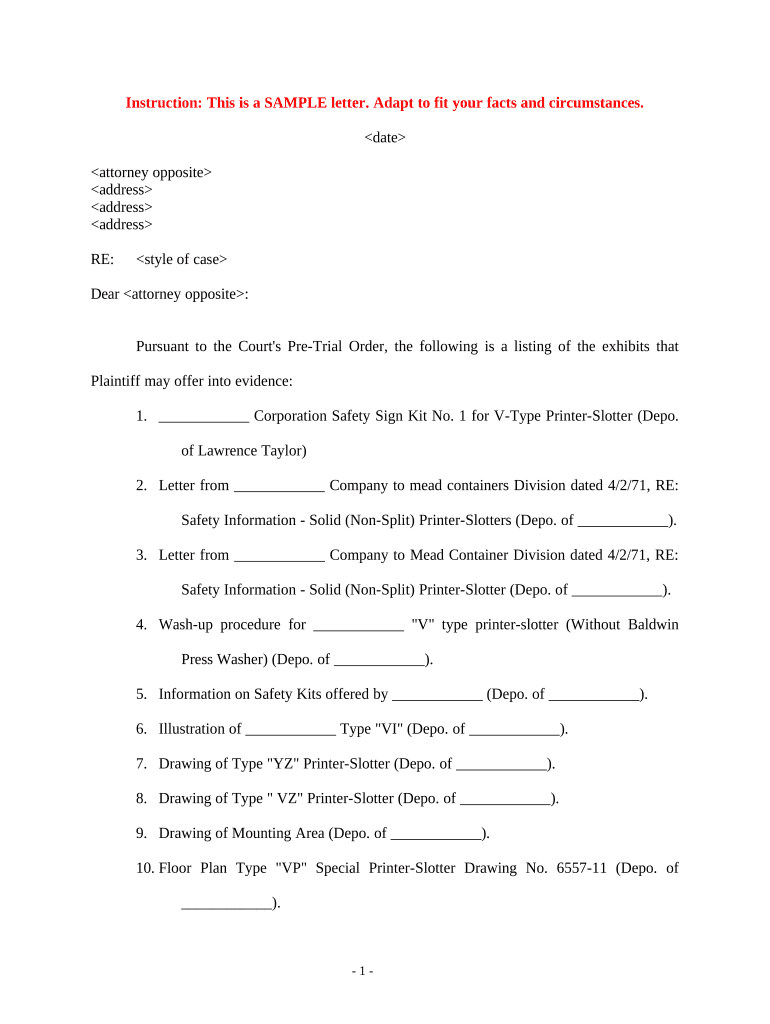
A concise exhibit list reduces disputes, speeds depositions, and clarifies which materials are in scope for testimony or admission.

Lead counsel, litigation paralegals, records custodians, and corporate discovery teams typically draft and circulate exhibit lists before depositions.
A well-organized letter reduces deposition interruptions and narrows late-stage discovery disputes between parties.
Choose methods that preserve metadata, chain of custody, and secure access for review prior to deposition.
Maintain audit logs for distribution and access; where electronic signatures or attestations are required, use platforms supporting traceable e-signing and authentication.
Include case caption, court, docket number, names of parties, and a concise title identifying the document as a Letter Listing Exhibits for Deposition for easy reference on the court file and in correspondence.
Present exhibits in a table listing the identifier, Bates range or filename, short description, date, and custodian so each item can be located quickly during deposition examination.
Clearly mark privileged or protected items and provide a privilege log or brief basis to avoid waiving privilege and to expedite any in camera review when requested by opposing counsel or the court.
State how each exhibit was produced (e.g., produced in discovery, obtained from third party, copied from device) to preserve chain of custody and authentication pathways for trial or later motion practice.
Note whether exhibits are provided as native files, searchable PDFs, or images, and indicate any accessibility accommodations required for reviewers with assistive needs.
Include the preparer's name, title, firm, contact information, and the date of the letter so recipients can confirm currency and identify the person responsible for the submission.
Attach exhibit list when local rules require pre-notice disclosure
Exchange lists commonly 7–14 days before the deposition to allow review
Schedule conferral at least several days before deposition to resolve disputes
Follow specific deadlines set by scheduling orders or magistrate directives
Allow reasonable time for objections, often 3–7 days after service
Identify documents and confirm Bates ranges before drafting the letter
Send exhibit list to opposing counsel per local rules and scheduling orders
Meet-and-confer on objections and privilege designations prior to the deposition
Ensure paper or electronic exhibit sets and index are available to the witness and court reporter
| Criteria | Letter Listing | Deposition Notice |
|---|---|---|
| Purpose | inventory exhibits | notify witness appearance |
| Typically Attached | sometimes | |
| Filed with Court | sometimes | rarely |
| Primary Deadline | pre-deposition exchange | court-scheduled date |
| signNow | DocuSign | Adobe Sign | PandaDoc | HelloSign | |
|---|---|---|---|---|---|
| Starting Price | $8/user/mo | $15/user/mo | $14/user/mo | $19/user/mo | $15/user/mo |
| Free Trial | 7-day trial | Varies | Varies | Varies | Varies |
| Bulk Send | Yes | Yes | Yes | Yes | No |
| Audit Trail | Yes | Yes | Yes | Yes | Yes |
| HIPAA Compliant | Yes | Yes | Yes | No | No |