Recipient header
Employer name, HR department or manager, and submission date so the request is routed correctly and time-stamped for records.
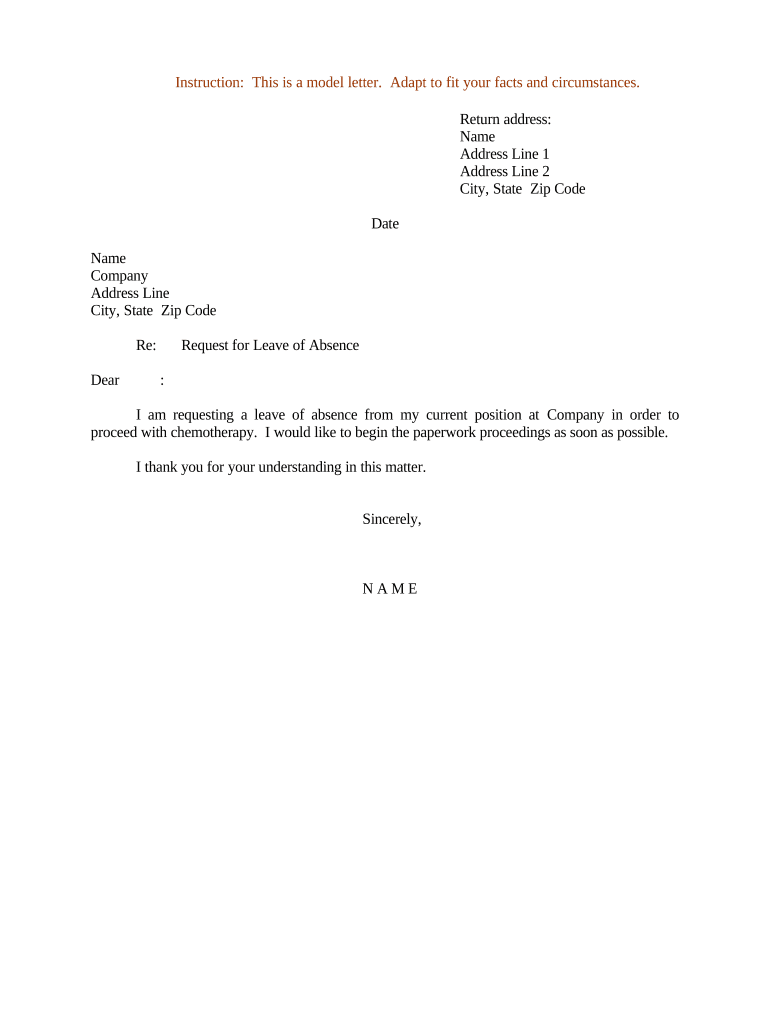
Submitting a clear Letter Requesting Leave of Absence documents your intent, dates, and reason, and helps trigger the employer’s administrative, benefits, and job-protection procedures; e-signed letters are legally recognized under ESIGN (15 U.S.C. ch. 96) and UETA where adopted.

Common participants in the leave process include the employee requesting leave, HR staff processing the request, and managers approving coverage or accommodations.
Employer name, HR department or manager, and submission date so the request is routed correctly and time-stamped for records.
Full legal name, employee ID, job title, department, and best phone/email for contact during leave and return-to-work coordination.
Concise explanation (medical, family, military) — avoid unnecessary medical detail while indicating if certification will be provided.
Requested start and end dates, intermittent leave needs if applicable, and expected return date or next update timing.
List attached items (doctor’s note, certification, military orders) and note when additional evidence will follow if pending.
Employee signature and date; include a witness or notary only if company policy or state law requires it.
Employers accept leave letters through multiple channels: email, HR portals, or eSignature platforms that preserve an audit trail.
Provide at least 30 days for planned foreseeable leave
Notify as soon as practicable for emergencies
Respond to certification requests within employer-specified timeframes
Give employer expected return date or updates
Expect written acknowledgment or eligibility notice from HR
An employee requests six weeks for surgery and attaches physician certification
A new parent requests 12 weeks of parental leave with tentative dates