Establishing secure connection…Loading editor…Preparing document…

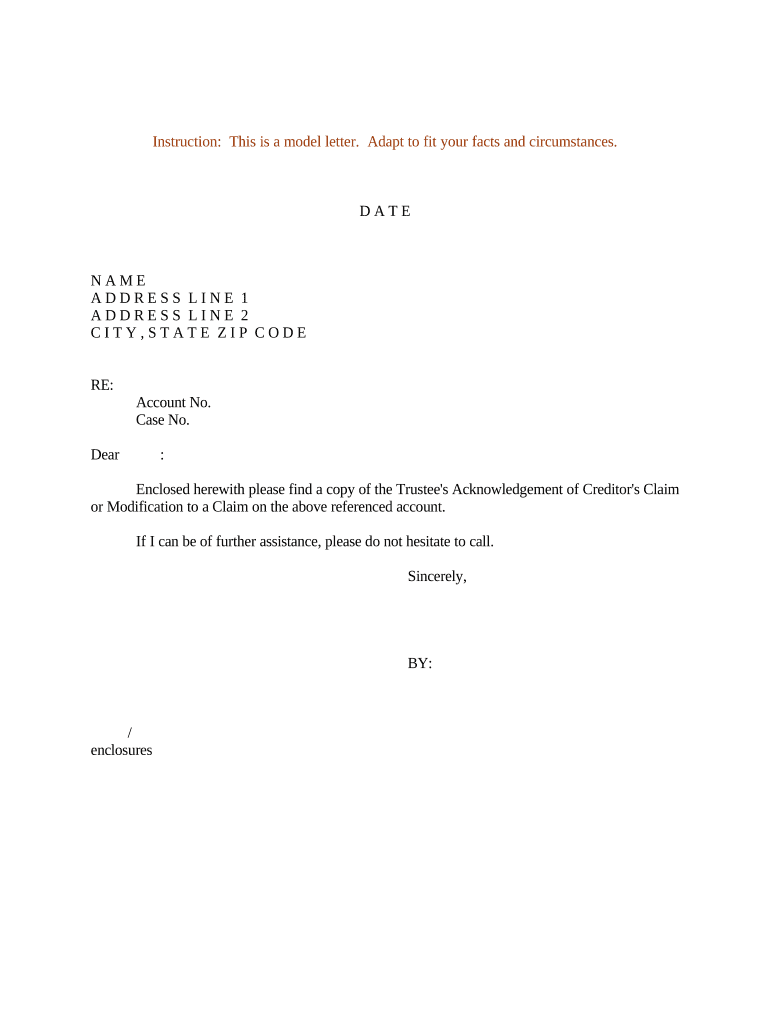
Letter Regarding Trustee's Acknowledgement of Creditor's Claim

This template is fully customizable. Edit the text, fill out the fields, and send it for signature. Give it a try!
Letter Regarding Trustee's Acknowledgement of Creditor's Claim

What the Letter Regarding Trustee's Acknowledgement of Creditor's Claim Is

A Letter Regarding Trustee's Acknowledgement of Creditor's Claim is a written statement from a trust's trustee confirming receipt and review of a creditor's asserted claim against the trust or trust estate. It documents the trustee's knowledge of the claim, states whether the claim is being disputed, reserved for later action, or accepted for payment, and records any immediate actions taken. The letter may be used in probate or trust administration to create a record for beneficiaries, counsel, and creditors and can affect timing for distributions, claims resolution, and potential litigation strategy.

Why this acknowledgement letter matters in trust administration

The letter creates a clear, contemporaneous record of the trustee's position on a creditor claim, helps satisfy notice and due-diligence expectations, and limits disputes about whether a claim was received or how it was handled. It supports later audit trails and can preserve defenses if a creditor later sues.

Why this acknowledgement letter matters in trust administration

Who prepares and relies on this acknowledgement

The document serves multiple stakeholders by making the trustee's response transparent and providing a record usable in probate, claim negotiations, or court proceedings.

  • Trustees and trust counsel who manage trust assets and respond to creditor inquiries.
  • Beneficiaries and personal representatives who need documentation of claims handling.
  • Creditors and collection counsel seeking written confirmation of receipt and status.

Who may sign and the signing role

Trustee

The trustee or co-trustees hold primary authority to acknowledge creditor claims. The trustee's signature should match the name shown on trust records and be executed under the trustee's official capacity; attach an incumbency certificate if the trustee acts through an agent.

Trust Counsel

An attorney for the trust may draft and, in limited circumstances, sign if a valid power of attorney or written delegation exists; counsel signatures should be accompanied by clear authority statements and, when applicable, a bar number and firm identification.

Essential components to include in a professional acknowledgement letter

A complete letter should be concise but contain identifying, evidentiary, and procedural details so recipients understand the trustee's response and next steps.

Document header

Trust name, trustee name, date, and contact information to clearly identify the trust and sender.
Claim identification

Reference creditor name, claim date, claim number, and brief description of the asserted obligation.

Receipt statement

Clear statement that the claim was received and the date of receipt for recordkeeping and rights calculation.

Trustee position

State whether the claim is accepted, disputed, under investigation, or being reserved for later resolution.

Requested docs

List supporting documentation requested from the creditor and deadlines to substantiate the claim.

Signature block

Trustee signature, printed name, title (Trustee), and date; include notary or witness language if required by state law.

Step-by-step process to prepare and issue the acknowledgement

Follow these four steps to create a defensible and useful acknowledgement letter.

  • 01
    Collect claim materials: Gather the creditor's claim, invoices, and supporting documents.
  • 02
    Review trust obligations: Assess trust terms, available funds, and beneficiary interests.
  • 03
    Draft acknowledgment: Prepare concise language stating receipt and trustee position.
  • 04
    Sign and document: Execute with signature, date, and any required notarization; keep copies.

How to configure an online acknowledgement workflow

Set up a repeatable digital workflow to ensure consistent handling and retention of creditor acknowledgements.

Field Configuration
Sender template Create a template with prefilled trust and trustee fields.
Authentication Require email plus SMS code or ID check for signer verification.
Attachments Allow uploader field for creditor supporting documents.
Retention policy Automatically save signed copy and audit trail to secure storage.

Digital signing and technical considerations

Ensure the chosen platform meets legal requirements for electronic records (ESIGN, UETA) and retains auditable metadata for future review.

  • Document formats: PDF and DOCX supported
  • Verification tools: Email, SMS, or ID proofing
  • Audit trail: IP, timestamp, and actions recorded

Where to send and how to distribute the letter

Direct distribution depends on whether the creditor, beneficiaries, or court need the record; follow service and filing rules where applicable.

  • To the creditor: Email and certified mail recommended for proof of delivery.
  • To beneficiaries: Provide copies to primary beneficiaries and trust attorney.
  • To court: File only if required by probate or litigation.
  • For records: Archive signed copy with trust administration files.

Typical timelines and deadlines to track after acknowledgement

Track statutory and procedural deadlines: creditor filing windows, trustee response periods, and distribution holds can each affect trust administration timing.

Immediate acknowledgement:

Record receipt date upon claim arrival.

Request for documentation:

Set a deadline for creditor to provide substantiating materials.

Evaluation period:

Allow time to investigate and confirm claim validity.

Distribution hold:

Place temporary hold until material claims resolved.

State claim deadline:

Many states use 90 days after notice; verify local probate code.

Common mistakes to avoid when preparing the letter

  • Using an informal or unsigned note instead of a formal acknowledgement leaves ambiguity about receipt and timing.
  • Failing to identify the claim precisely (missing invoice number or date) creates dispute over which obligation was acknowledged.
  • Signing without authority or without documenting delegated signing power can result in challenges to the trustee's authority.
  • Neglecting to attach or request supporting documentation makes verification and resolution slower and riskier.

Potential consequences of an incorrect or incomplete acknowledgement

Rejected Claim: May be dismissed if improperly served
Delay in Distributions: Funds withheld pending resolution
Breach Allegations: Beneficiaries may allege trustee misconduct
Increased Litigation: Errors can escalate to court claims
Statute Bar: Missed deadlines may bar recovery
Costs: Attorney and administration expense

Security and compliance considerations for electronic acknowledgements

Encryption in transit: TLS 1.2/1.3
Encryption at rest: AES-256
Regulatory standards: ESIGN and UETA compliance
Healthcare compliance: HIPAA BAA available
Audit capability: Detailed audit trail stored
Certifications: SOC 2 Type II; ISO 27001

Common eSignature pricing and capability comparison for this letter

The table compares typical starting prices and core features across eSignature vendors; signNow appears first per standard comparisons.

signNow DocuSign Adobe Sign PandaDoc HelloSign
Starting Price $8/user/mo $15/user/mo $14/user/mo $19/user/mo $15/user/mo
Free Trial 7-day free trial Varies Varies Varies Varies
Bulk Send Yes Yes Yes Yes No
Audit Trail Yes Yes Yes Yes Yes
HIPAA Compliant Yes Yes Yes No No

Frequently asked questions about acknowledgements of creditor claims

Answers to common questions about validity, notarization, signatory authority, and e-signing practices for trustee acknowledgements.


Need help? Contact support

be ready to get more
Join over 28 million airSlate SignNow users