Case or File ID
Reference the estate, probate case number, deed, or original document title so the witness can identify the specific signing event without ambiguity.
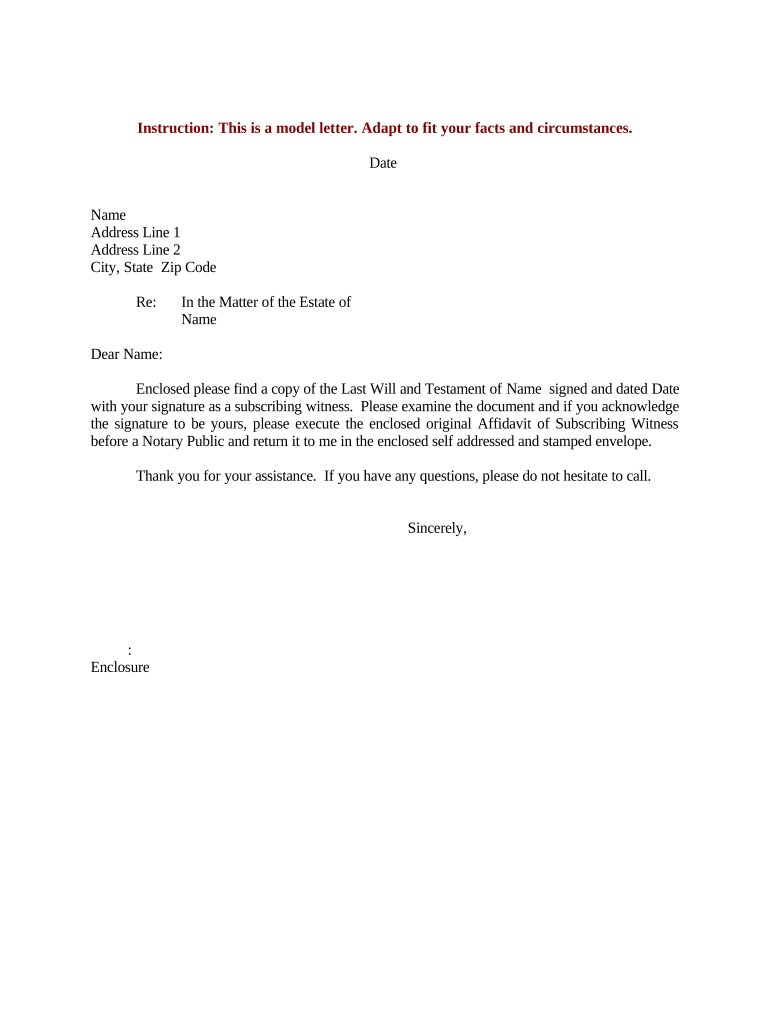
A concise, accurate request letter reduces confusion for the subscribing witness, speeds collection of a sworn affidavit, and documents the chain of events needed for probate or record purposes. It clarifies authentication, notarization, and delivery expectations while preserving evidentiary value under ESIGN and state law.

Common senders include estate attorneys, personal representatives, title companies, and clerks preparing probate or recordation files.
A court-appointed or named estate representative who coordinates probate matters and requests the affidavit to satisfy probate clerk requirements or to clarify witness testimony in lieu of in-person attendance.
An attorney for the estate or beneficiary who drafts the letter, explains legal requirements (notarization, self-proving language), and may attend a RON or in-person notarization to ensure the affidavit meets jurisdictional rules.
Reference the estate, probate case number, deed, or original document title so the witness can identify the specific signing event without ambiguity.
List the witness name, contact information, and any ID requirements to streamline identity verification for notarial or remote online notarization (RON) sessions.
Attach the exact affidavit form or include the sworn statement language required by the court or recorder to avoid variations that could be rejected.
State whether the affidavit may be executed in person before a notary, via RON, or using an e-signature solution that supports notarization, and note authentication steps.
Provide a reasonable date for return and explain any filing consequences if the affidavit is delayed, including court scheduling or recordation hold-ups.
Explain preferred delivery (email PDF, mail, courier) and whether an original wet-ink copy or notarized electronic copy is required for filing.
| Field | Configuration |
|---|---|
| Document Attachment | Attach original affidavit PDF for signer to review and execute. |
| Signer Authentication | Set email, SMS, or knowledge-based authentication per jurisdictional rules. |
| Notary Integration | Enable RON provider or instruct signer for in-person notarization. |
| Return Settings | Auto-send signed PDF to sender and store audit trail in repository. |
Select a platform that supports required authentication, preserves an audit trail, and meets state notarization requirements for affidavits.
Provide at least 7–14 days for scheduling notarization and return.
Probate filings may be time-sensitive; confirm local clerk deadlines for supporting affidavits.
Allow 24–72 hours to verify identity and schedule a remote notarization session.
Title and recording offices may require original notarized instruments for recordation.
Plan at least one reminder before the stated deadline to avoid delay.
Letter dispatched and affidavit attached; start the clock.
Witness acknowledges receipt and schedules notarization.
Affidavit signed in person or via RON with identity proofing.
Executed affidavit returned to sender and filed or recorded as needed.
An executor asks a long-ago witness to sign a self-proving affidavit
A title officer requests a witness affidavit to clarify a prior signing on a deed
| signNow | DocuSign | Adobe Sign | PandaDoc | HelloSign | |
|---|---|---|---|---|---|
| Starting Price | $8/user/mo | $15/user/mo | $14/user/mo | $19/user/mo | $15/user/mo |
| Free Trial | 7-day free trial | No | No | Yes, limited | Yes, limited |
| Bulk Send | Yes | Yes | Yes | Yes | No |
| Audit Trail | Yes | Yes | Yes | Yes | Yes |
| HIPAA Compliant | Yes | Yes | Yes | No | No |