Case Identification
Complete caption and case number to tie the subpoena to the docket and avoid misrouting or administrative rejection by the clerk.
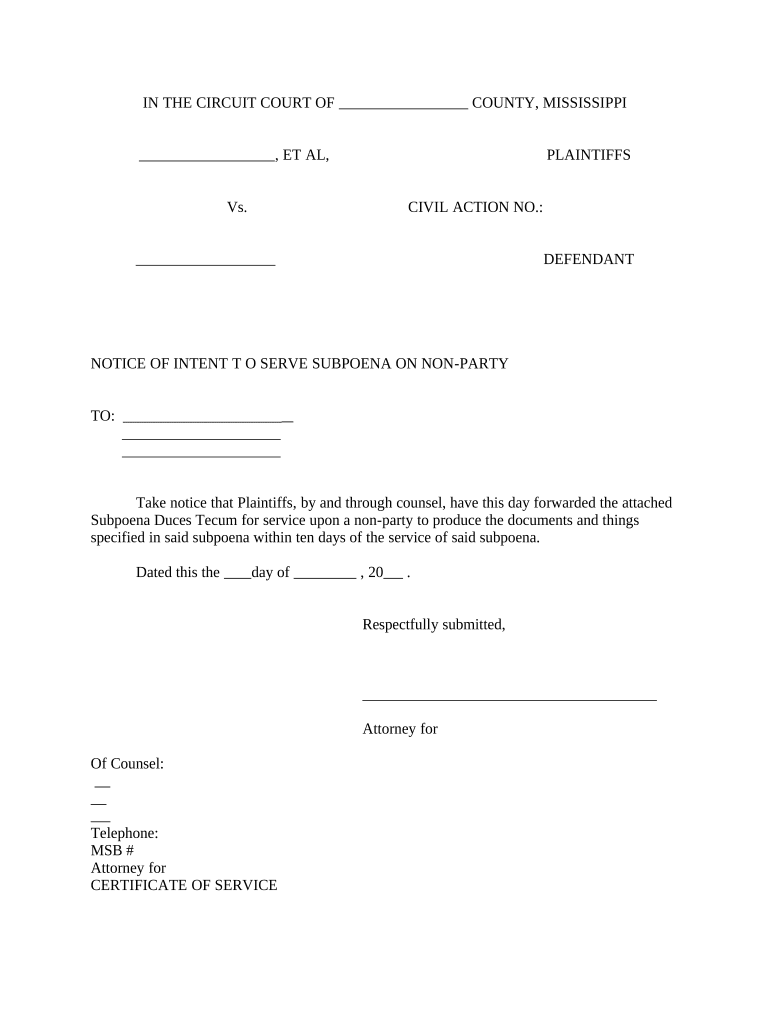
A correctly drafted and served subpoena ensures evidence is available for litigation, protects chain-of-custody, and reduces the risk of objections or sanctions. Clear commands, accurate service instructions, and adherence to local rules speed resolution and limit avoidable costs.

Typical users include attorneys, paralegals, court clerks, and records custodians who must prepare, serve, or respond to subpoenas.
Each role has distinct responsibilities: issuers must draft and serve correctly; recipients must evaluate scope, object where appropriate, and preserve responsive information.
| Field | Configuration |
|---|---|
| Template | Create reusable subpoena template with locked fields. |
| Signer Roles | Assign roles for issuing counsel, clerk, and recipient. |
| Authentication | Use email or SMS code; consider stronger methods for sensitive records. |
| Audit Trail | Enable detailed logging of actions, timestamps, and IP addresses. |
Complete caption and case number to tie the subpoena to the docket and avoid misrouting or administrative rejection by the clerk.
Include clerk or judge signature and court seal where required so the recipient recognizes the document’s official nature and authority to compel.
State whether the recipient must produce documents, appear to testify, or both. Use precise language and narrow date ranges to limit objections.
Specify permitted service methods, who must effect service, and proof-of-service requirements to support later enforcement efforts.
Provide a clear return date and location for production to set expectations and create a record for enforcement or extension requests.
Indicate handling instructions for privileged or confidential materials and reference protective orders when applicable.
The firm standardized a subpoena template to reduce errors and clerk rejections.
A property management company used an electronic subpoena workflow for tenant and vendor records.
Use e-signature capabilities that capture intent, identity, and an audit trail when producing or executing subpoena-related documents.
When using electronic tools, ensure compliance with ESIGN (15 U.S.C. ch. 96) and state UETA rules and confirm that courts accept electronic filings or attestations in your jurisdiction.
Many rules give recipients roughly 14 days to object or produce; local rules vary—verify with court or counsel.
Objections should be timely and specific; courts may require written objections before production.
File promptly after receiving the subpoena to preserve rights and avoid compliance obligations.
Courts commonly grant reasonable extensions for complex document collections.
Preserve potentially responsive records immediately to maintain chain of custody for discovery.
Prepare and obtain required clerk or judicial signature before service.
Effect personal or authorized service and secure proof-of-service immediately.
Monitor for production, objections, or motions within the applicable response window.
If noncompliance occurs, pursue meet-and-confer, motion to compel, or contempt as appropriate.
| signNow | DocuSign | Adobe Sign | PandaDoc | HelloSign | |
|---|---|---|---|---|---|
| Starting Price | $8/user/mo | $15/user/mo | $14/user/mo | $19/user/mo | $15/user/mo |
| Free Trial | Yes, 7-day trial | Yes, limited trial | Yes, limited trial | Yes, limited trial | Yes, limited trial |
| Bulk Send | Yes | Yes | Yes | Yes | No |
| Audit Trail | Yes | Yes | Yes | Yes | Yes |
| HIPAA Compliant | Yes | Yes | Yes | No | No |
| Envelope Cap | No cap | 100 envelopes/user/year | Varies by plan | Varies by plan | Varies by plan |