Caption
Include full court name, case caption, and docket number so the clerk can immediately associate the filing with the correct matter and prevent misdocketing.
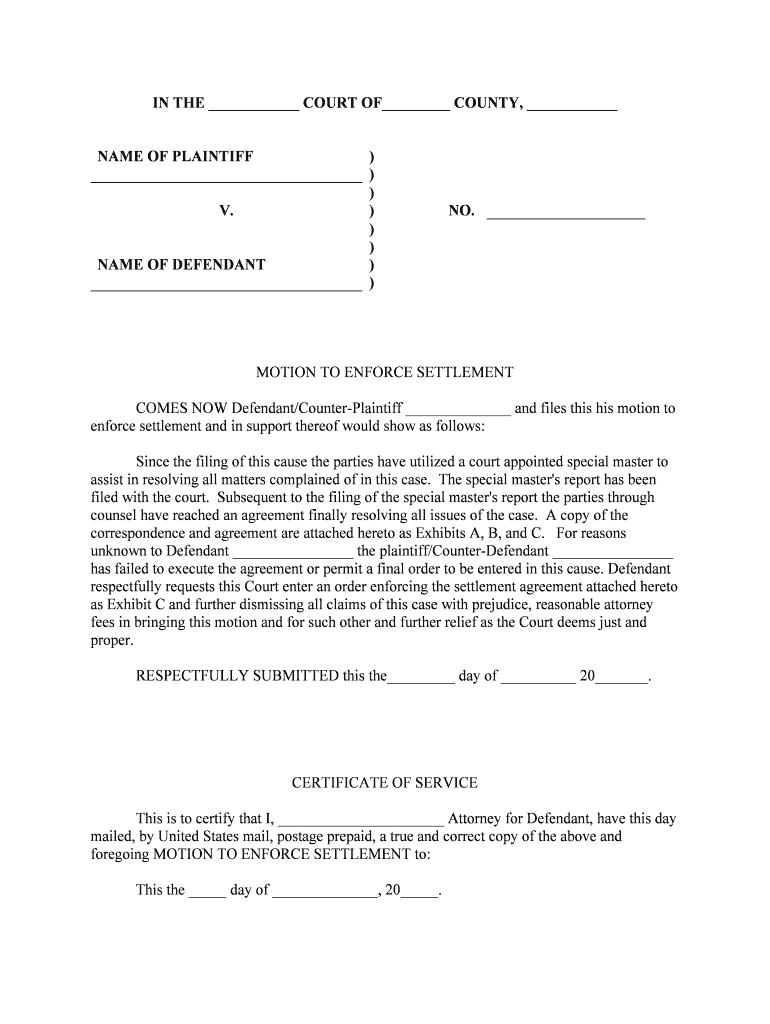
Filing a Motion to Enforce puts noncompliance before the court, preserves your rights, and creates a record for remedies like contempt, monetary sanctions, or specific performance. It can speed resolution without reopening the underlying case.

Movants and counsel use this motion to restore or secure rights after another party fails to follow an existing court order.
The movant or the movant’s attorney signs and files the motion. When an attorney signs, the attorney certifies factual and legal accuracy and provides contact information and bar identification per local rules.
Clerks or electronic filing agents accept, stamp, and docket filings. Filing agents do not sign motions on behalf of parties; they submit the document as filed by the party or counsel.
| Field | Configuration |
|---|---|
| Document Type | PDF/A for court compatibility |
| Signature Type | Typed or drawn e-signature with audit trail |
| Authentication | Email + optional SMS code |
| Service | Generate certificate of service |
Ensure the e-signature method and file format comply with local court rules and the chosen e-filing system.
Often 14–21 days after service
Set by clerk within local scheduling window
Often due days before hearing
Varies; follow post-judgment rules
Proof of service filed promptly
Motion finalized with exhibits attached
Document accepted and docketed
Response submitted by opposing party
Decision or hearing outcome entered
Include full court name, case caption, and docket number so the clerk can immediately associate the filing with the correct matter and prevent misdocketing.
State who files the motion, identify the underlying order or judgment, and provide a concise summary of the relief requested to frame the court’s review.
Present a clear, chronological account of events with dates and exhibit references so the judge can confirm noncompliance from the record without extra fact-finding.
Cite controlling statutes, rules, and case law showing why the court has authority to enforce the order and why the requested remedy is appropriate under those standards.
Specify the exact relief sought—contempt, sanctions, specific performance, or other remedies—and include a proposed form of order for the court’s convenience.
Attach the underlying order, communications, affidavits, and any supporting records with exhibit labels and a table of contents to streamline judicial review.
Optica documented repeated contract breaches with dated emails and invoices to support enforcement.
Martin Properties used signed acknowledgements and vendor invoices to show default under a settlement.
| signNow | DocuSign | Adobe Sign | PandaDoc | HelloSign | |
|---|---|---|---|---|---|
| Starting Price | $8/user/mo | $15/user/mo | $14/user/mo | $19/user/mo | $15/user/mo |
| Free Trial | 7-day free trial | Varies | Varies | Varies | Varies |
| Bulk Send | Yes | Yes | Yes | Yes | No |
| Audit Trail | Yes | Yes | Yes | Yes | Yes |
| HIPAA Compliant | Yes | Yes | Yes | No | No |