Establishing secure connection…Loading editor…Preparing document…

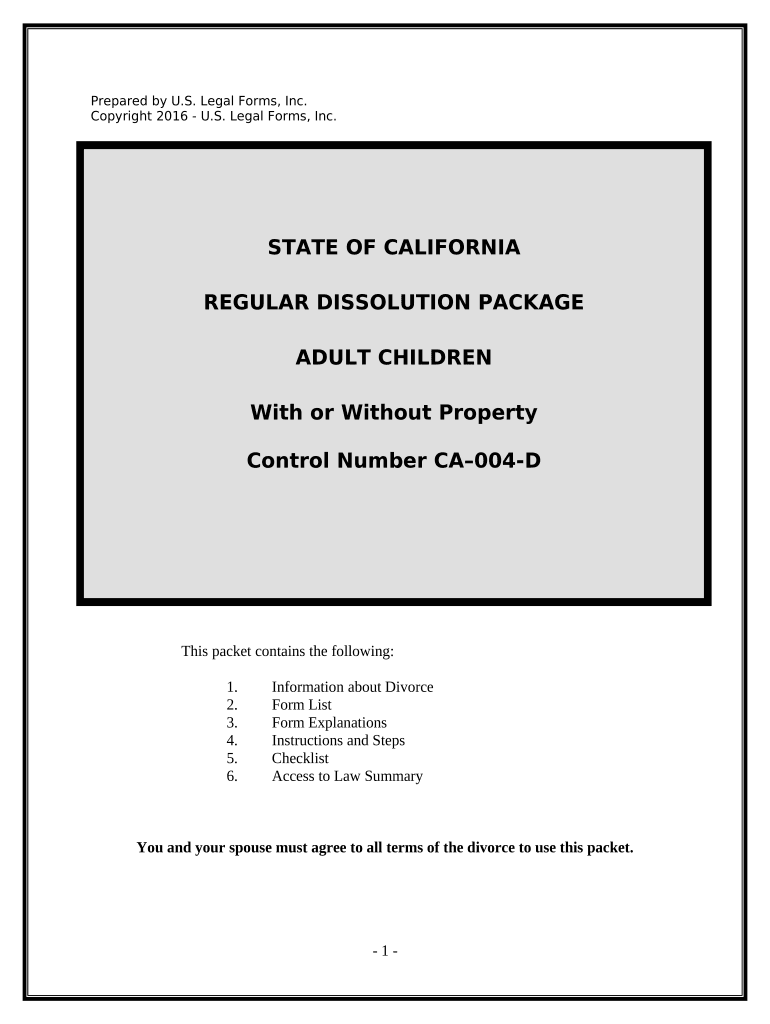
No Fault Uncontested Agreed Divorce Package

This template is fully customizable. Edit the text, fill out the fields, and send it for signature. Give it a try!
No Fault Uncontested Agreed Divorce Package

What the No Fault Uncontested Agreed Divorce Package Is

The No Fault Uncontested Agreed Divorce Package is a bundled set of court-ready documents used when spouses mutually agree to end their marriage without alleging fault. It typically combines a summons, petition or complaint, financial affidavit, property and debt division agreement, spousal support terms (if any), parenting plan or custody stipulation, and a proposed final decree. The package is designed for cases where both parties consent to the terms, minimizing contested hearings. Filing requirements, service procedures, and any waiting periods vary by state; courts often expect signed, notarized, and accurately completed forms to accept the package.

Why a Ready Agreed Package Matters

Using a No Fault Uncontested Agreed Divorce Package streamlines court filing, reduces time in contested proceedings, and clarifies financial and parenting arrangements in a single submission. It lowers administrative burden and can cut attorney and court costs when both parties are cooperative.

Why a Ready Agreed Package Matters

Who Typically Uses This Package

Typical users include self-represented spouses, family law attorneys, paralegals, and mediators preparing consent-based divorce filings.

  • Self-represented spouses seeking an efficient pathway to finalize an uncontested divorce without a trial.
  • Family law attorneys using standardized packages to speed document preparation and reduce drafting errors.
  • Mediators and legal clinics assembling settlement terms into court-ready forms for client approval.

Step-by-Step: Prepare, Sign, and File

Follow these core steps to complete a No Fault Uncontested Agreed Divorce Package accurately and prepare it for filing.

  • 01
    Gather Documents: Collect full names, marriage certificate, financial records, and any prior orders.
  • 02
    Draft Agreement: Draft property division, support, and parenting terms in clear language.
  • 03
    Review & Sign: Both parties review, initial pages where required, then sign and date.
  • 04
    File with Court: Submit package per local rules, include filing fee and proof of service.

Common Questions and Practical Answers

Common questions about preparing and filing a No Fault Uncontested Agreed Divorce Package are answered below to reduce filings errors and delays.


Need help? Contact support

Core Components of a Complete Package

A professional package bundles standardized forms, clear settlement language, and supporting schedules to present a concise, court-ready record for uncontested no-fault divorce proceedings.

Petition/Pleadings

Includes the initial petition or complaint and any required summons, allegations of irretrievable breakdown, residency statements, and statutory jurisdictional elements the court requires for a no-fault filing.
Financial Affidavit

Detailed sworn income and expense affidavit listing assets, liabilities, retirement accounts, business interests, and supporting documentation required by the court to assess spousal support and equitable distribution accurately.

Property Schedule

Itemized schedule separating marital from separate property with proposed division percentages, valuation bases, buyout mechanics, and disclosure of liens or encumbrances affecting title and transferability.

Support Terms

Sets spousal support amounts, duration, tax treatment, payment mechanics, security arrangements, and procedures for modification or termination; attach clear calculation worksheets and supporting financial exhibits.

Parenting Plan

Specifies legal and physical custody arrangements, detailed visitation and holiday schedules, parental responsibilities, decision-making authority, communication methods, transportation plans, and dispute resolution procedures for ongoing co-parenting.

Proposed Decree

Draft final judgment or decree prepared to local court formatting standards, incorporating all agreed settlement terms, signature blocks, and entry language required for judicial acceptance and execution.

Security and Compliance Considerations

Encryption: TLS 1.2/1.3 in transit; AES-256 at rest
Certifications: ISO 27001, SOC 2 Type II, PCI DSS
Audit Trail: Detailed timestamps, IP, action logs
HIPAA: BAA available; HIPAA-compliant workflows
21 CFR Part 11: Compliant features for FDA-regulated records
ESIGN / UETA: Meets ESIGN and UETA legal standards

Penalties and Risks of Incorrect Preparation

Rejection Risk: Court may reject improperly completed forms
Service Failure: Incomplete proof of service causes delays
Support Miscalculation: Incorrect financial data leads to improper orders
Enforceability Issues: Vague terms may be unenforceable
Modification Burden: Post-judgment changes require court approval
Legal Exposure: Failure to disclose assets may create fraud risk

Common Preparation Pitfalls to Avoid

  • Using inconsistent names or dates across forms causes identity mismatches and can lead to rejected filings or delayed hearings.
  • Failing to provide complete financial disclosures, including retirement and business interests, undermines support calculations and can prompt later motions.
  • Neglecting local court formatting, required captions, or incorrect filing fees often results in clerk rejection and resubmission.
  • Assuming e-signatures are always accepted despite family law exceptions can lead to unexpected invalidation of executed agreements.

How the Package Moves Through the System

Typical processing routes for an agreed package include preparation, execution, submission, and judicial entry of the final decree.

  • Upload & Assemble: Combine all forms into a single PDF or court-specified format.
  • Signatures Collected: Obtain signatures, notarizations, and witness attestations per jurisdiction.
  • Filing Submitted: File electronically or deliver paper copies with fees and proof of service.
  • Entry & Notice: Court reviews, signs decree, and clerk issues final judgment notice.

Configuring the Online Workflow for Filing

Configure the online package workflow to match court requirements for fields, signer authentication, and document export formats.

Field Configuration
Signer Authentication Email link | SMS code or KBA options
Signature Type Electronic signature | In-person or RON if required
Document Format PDF | Court PDF/A preferred
Routing Order Sequential | Signers as listed

Technical Requirements and Integrations

For digital completion, verify compatibility with court e-filing portals, supported file types (PDF, DOCX), and required signer authentication workflows.

  • File Types: PDF, DOCX, PDF/A support
  • Integrations: Connects with Google Workspace, Box, NetSuite
  • Authentication: Email, SMS code, or advanced methods

Key Timeframes and Deadlines to Track

Key timeframes and deadlines vary by state; the following are common milestones to track when filing an uncontested agreed divorce package.

Preparation window:

Allow 1–4 weeks to gather documents and draft agreement

Signing period:

Arrange signatures and notarizations within local court deadlines

Filing submission:

File with clerk once documents are final and fees paid

Waiting period:

Some states require 20–90 day waiting periods before final decree

Entry of judgment:

Court signs final decree after review and any required hearing

Milestone Sequence from Agreement to Final Decree

Typical milestone sequence from agreement to final judgment outlines key events and responsibilities at each stage.

01

Prepare Agreement

Negotiate terms, assemble schedules, and prepare filed documents.

02

Execute Documents

Signatures obtained, notarizations completed, and initials on each page.

03

File With Court

Submit package, pay fees, and provide proof of service.

04

Judicial Entry

Judge reviews and signs decree; clerk issues final judgment notice.

Practical Examples of Package Use

Real-world examples show how an agreed package reduces court time and clarifies post-divorce obligations for both parties.

Small Firm Use

A two-attorney family law firm prepared an uncontested package for clients with modest assets, consolidating documents for efficient court review.

  • Reduced clerical time and avoided contested hearings.
  • The consolidated submission saved staff hours on drafting and resubmission, allowed the judge to enter a final decree without a contested hearing, and reduced overall client costs compared with prolonged litigation.

Self-Represented Filing

Two spouses used a ready-made package to document agreed terms and completed financial affidavits before filing without attorney representation.

  • Court accepted the package after clerks' review.
  • Because forms were correctly completed and notarized where required, the court issued the final decree after the statutory waiting period; the spouses avoided trial, minimizing delay and expense associated with contested proceedings.

Best Practices to Reduce Risk and Delay

Adopt these practices to reduce rejections, speed approvals, and create clearer, enforceable settlement terms in uncontested no-fault divorce filings.

Use exact legal names and punctuation
Ensure that names, middle initials, and suffixes match government-issued IDs on every form and attachment; discrepancies can cause identity verification failures, delay processing, or require amended filings and additional notarizations.
Attach supporting exhibits and schedules
Include bank statements, mortgage statements, retirement valuations, and bills as exhibits referenced in financial affidavits; these supporting exhibits substantiate disclosures and reduce the likelihood of later factual disputes or claims of non-disclosure.
Follow local court formatting and submission rules
Use the court's preferred caption, include required certificates of service, use the correct number of copies, and adhere to page limits and font specifications to minimize clerk rejections and processing delays.
Confirm signer authentication and notarization needs
Decide in advance whether signatures require notarization, RON, or witness attestations; configure electronic authentication to meet statutory tests for intent and attribution to ensure enforceability and court acceptance.
be ready to get more
Join over 28 million airSlate SignNow users