Header
Document title, document ID or reference, and the date of creation for traceability and quick retrieval during audits or disputes.
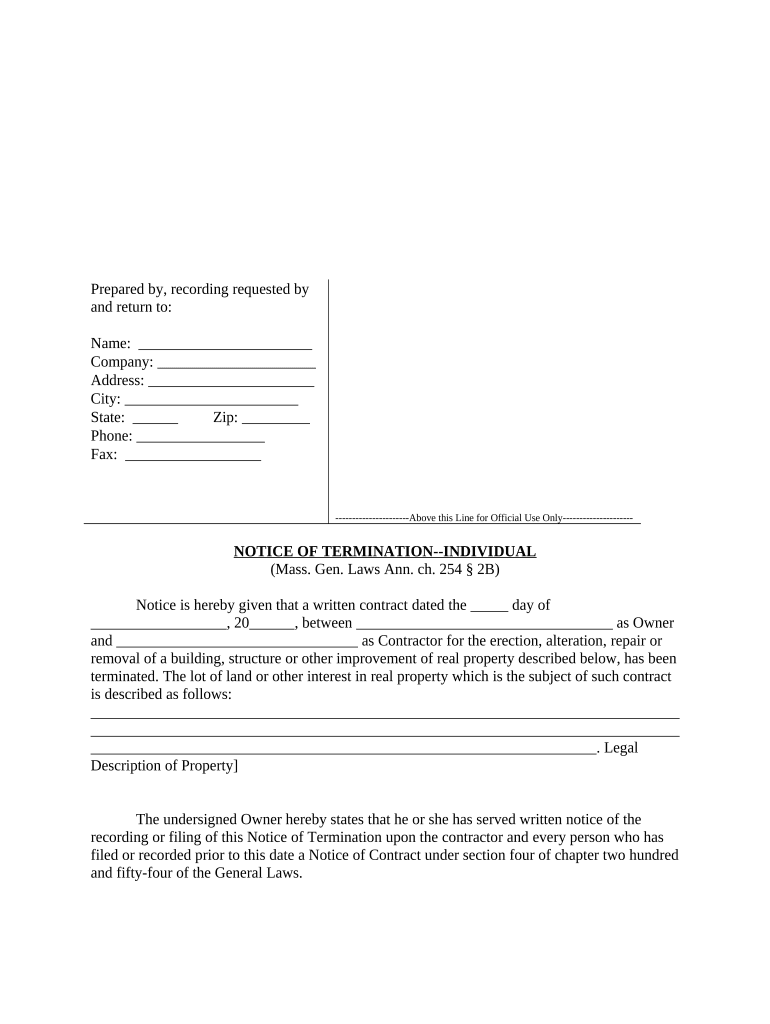
A well-prepared Notice of Termination Form provides legal clarity, documents compliance with contractual or statutory notice requirements, and creates a defensible record of the termination event under ESIGN (15 U.S.C. ch. 96) and UETA (where applicable).

Organizations and individuals use a Notice of Termination Form when they must create a formal, dated record of ending an agreement or relationship.
The HR Director or authorized HR representative typically prepares and signs employment termination notices, ensuring the document cites policy, notice period, severance terms if any, and final pay instructions to reduce exposure to wrongful-termination claims.
A Property Manager or leasing agent completes lease termination notices, specifying vacate dates, security deposit instructions, and any property inspection requirements to preserve rights under state landlord-tenant law.
Document title, document ID or reference, and the date of creation for traceability and quick retrieval during audits or disputes.
Full legal names, business entity type, and contact information for both the initiating party and the recipient to confirm correct identity and service.
Explicit effective date, contract clause (if any), and concise reason to link the notice to the governing agreement and justify the action taken.
List required next steps such as final payments, property return, account closeout, or transition assistance and any deadlines for these items.
Authorized signer name, title, electronic signature with timestamp, and printed name; include witness or notary blocks when required by law.
A section to record delivery method, date sent, recipient confirmation, and an audit trail entry for e-signed submissions.
| Field | Configuration |
|---|---|
| Authentication | Email link plus optional SMS or KBA for higher assurance |
| Signature Type | Standard e-signature with audit trail or digital signature for higher non-repudiation |
| Delivery Receipt | Require read receipt or tracking number for proof of service |
| Retention | Store signed PDF/A with audit trail export enabled |
Select a platform that captures an immutable audit trail, supports secure storage, and meets any industry compliance needs you have.
Ensure the service you use supports ESIGN/UETA compliance, exportable audit reports, and any required encryption or BAA arrangements for regulated data.
Comply with the specific notice period stated in the contract to avoid wrongful-termination claims.
Clarify whether termination is effective on receipt or a later specified effective date to avoid ambiguity.
Coordinate termination effective date with payroll cycles to ensure correct final pay and benefits handling.
When terminating a lease, state the vacate date and inspection scheduling to manage possession transfers.
Begin retention timelines at the notice date or at the termination effective date per your policy.
A company HR team issues a termination notice citing the employment agreement clause and final pay schedule.
A landlord provides a tenant notice of nonrenewal with a 30-day vacate date and inspection instructions.
| signNow | DocuSign | Adobe Sign | PandaDoc | HelloSign | |
|---|---|---|---|---|---|
| Starting Price | $8/user/mo | $15/user/mo | $14/user/mo | $19/user/mo | $15/user/mo |
| Free Trial | 7-day free trial | Varies by vendor | Varies by vendor | Varies by vendor | Varies by vendor |
| Bulk Send | Yes | Yes | Yes | Yes | No |
| Audit Trail | Yes | Yes | Yes | Yes | Yes |
| HIPAA Compliant | Yes | Yes | Yes | No | No |
| Envelope Cap | No cap | 100 envelopes/user/year | Varies | Varies | Varies |