Use Restrictions
Specify permitted and prohibited uses of the unit, hours for commercial activity, limits on subletting and short-term rentals, and any occupancy caps tied to local housing codes or municipal ordinances.
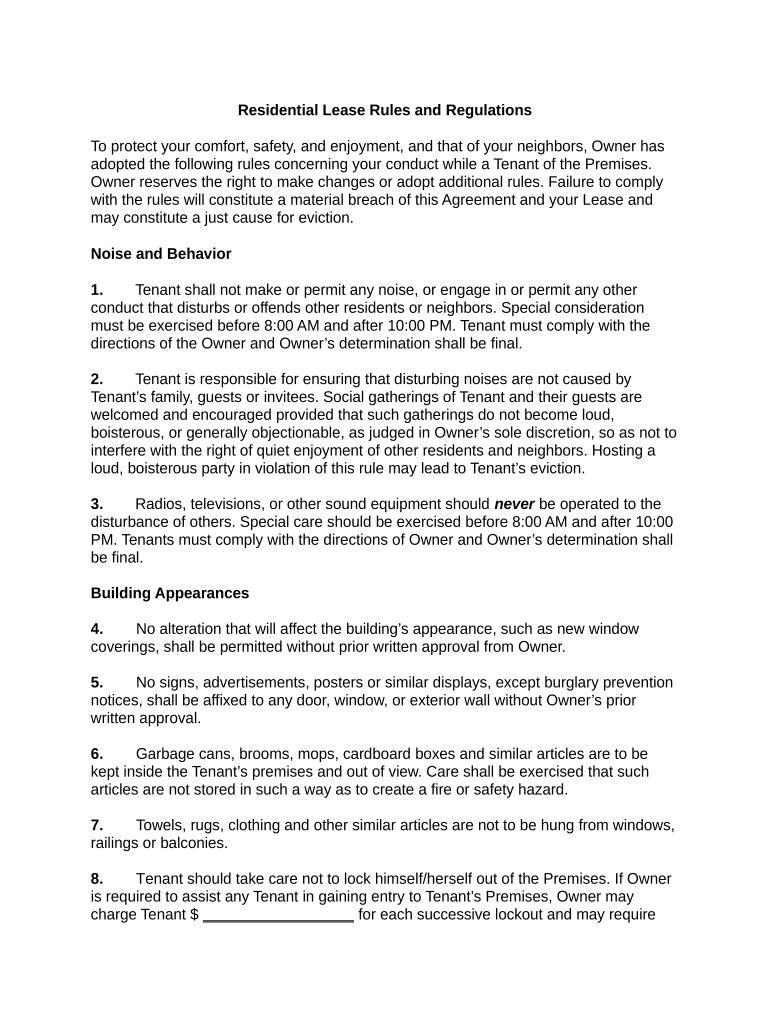
Residential Lease Rules clarify expectations, reduce disputes, and provide a written basis for enforcement. Clear rules improve tenant compliance, streamline maintenance and complaint handling, and reduce litigation risk when paired with a properly executed lease governed by applicable state landlord-tenant law.

Landlords, property managers, and leasing agents use Residential Lease Rules to set consistent standards and expectations across properties.
The landlord or an authorized property manager may sign lease rules incorporated into the lease. The signer should have written authority to bind the landlord entity; when an agent signs, retain documentation of authority such as a management agreement or corporate resolution.
Each tenant named on the lease must sign the rules or initial where indicated. If a tenant is signing on behalf of others, include a power of attorney or written authorization to avoid disputes about consent and attribution.
Specify permitted and prohibited uses of the unit, hours for commercial activity, limits on subletting and short-term rentals, and any occupancy caps tied to local housing codes or municipal ordinances.
Detail tenant responsibilities for routine upkeep, landlord repair obligations, notification procedures for defects, timelines for corrective action, and documentation required for warranty or service claims.
Describe noise curfews, nuisance definitions, guest policies, and progressive enforcement including warnings, fines, and grounds for lease termination consistent with state law.
State whether pets are allowed, breed or size restrictions, deposit or fee requirements, service animal accommodation, and cleanup or damage remediation procedures.
Explain assigned parking, visitor parking rules, vehicle registration requirements, keys and access control procedures, and consequences for unauthorized parking or towing.
Outline notice requirements, cure periods, monetary penalties, court or administrative remedies, and when rules become part of an eviction or enforcement notice per applicable landlord-tenant statutes.
| Field | Configuration |
|---|---|
| Access Control | Assign landlord and agent roles with permissions |
| Authentication | Email link or SMS code |
| Conditional Fields | Show fees only if selected |
| Template Library | Store standard rules by property type |
Digital distribution options include secure email, signing links, in-person tablets, and integration with property management systems.
Deliver rules before tenant takes possession
Obtain signatures at lease signing or within agreed days
Allow state-mandated cure periods, typically 3–30 days
Serve written notices per state statutes before remedies
Retention begins on effective date or date signed
Prepare rules and obtain legal review
Deliver addendum according to lease notice terms
Collect dated signatures and evidence of consent
Issue notices, apply penalties, pursue legal remedies
A small landlord for five single-family homes formalized consistent pet and maintenance rules to reduce disputes and in-person meetings.
A mid-size management company standardized rules across 200 units to manage parking, guest policies, and package handling.
| signNow | DocuSign | Adobe Sign | PandaDoc | HelloSign | |
|---|---|---|---|---|---|
| Starting Price | $8/user/mo | $15/user/mo | $14/user/mo | $19/user/mo | $15/user/mo |
| Free Trial | 7-day free trial | Trial available | Trial available | Trial available | Trial available |
| Bulk Send | Yes | Yes | Yes | Yes | No |
| Audit Trail | Yes | Yes | Yes | Yes | Yes |
| HIPAA Compliant | Yes | Yes | Yes | No | No |
| Envelope Cap | No cap | 100 envelopes/user/yr | Varies by plan | Varies by plan | Varies by plan |