Caption
Court name, case number, title of document, and party names. The caption must match the original motion and clerk file to ensure proper docketing and service.
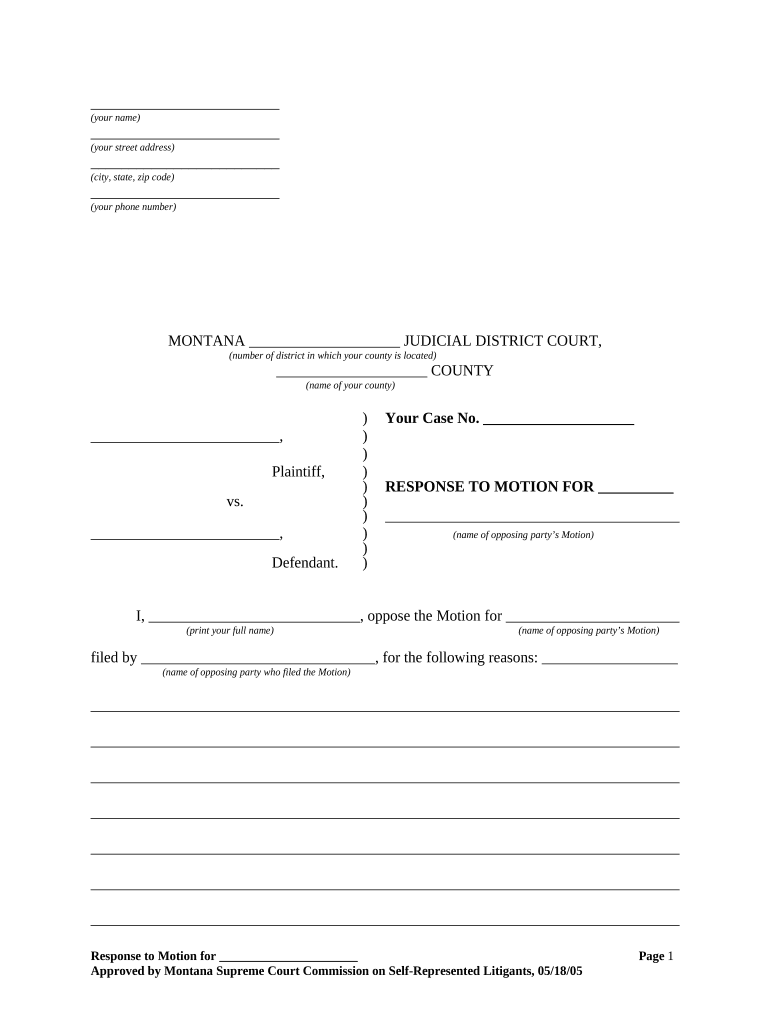
A clear, rule-compliant Response Motion protects procedural rights, frames legal issues for the judge, and creates a documented record of objections and evidence for appellate review.

Legal counsel, self-represented litigants, and court clerks engage with Response Motions depending on the case and representation.
An attorney listed on the case caption may sign the Response Motion and certificate of service; signature establishes counsel’s responsibility for procedural compliance and ethical certainties.
An unrepresented party may sign their own Response Motion; courts require that the signatory be the actual party or an authorized representative and may reject filings signed by unauthorized persons.
Court name, case number, title of document, and party names. The caption must match the original motion and clerk file to ensure proper docketing and service.
Short statement identifying the motion you respond to, whether you oppose, partially oppose, or seek modification, and the relief you request from the court.
Concise, numbered facts with citations to exhibits or record pages. Avoid argumentative language in the factual section; reserve arguments for the legal discussion.
Organized points of law with authority (statutes, cases, regulations). Use headings for each legal issue and link facts to legal standards.
Declarations, exhibits, and authenticated documents referenced in the motion. Each exhibit should be paginated and clearly labeled for the court record.
Statement describing how and when opposing parties and the court were served (e-filing, email if allowed, or personal service), including dates and method.
| Field | Configuration |
|---|---|
| Signer Order | Sequential or parallel depending on client and counsel signing needs |
| Authentication | Email + optional SMS or knowledge-based steps for higher assurance |
| Expiration | Set link expiration to match response deadline windows |
| Reminders | Automated reminders until signature complete or link expires |
Confirm the court and opposing party accept electronic signatures and the file formats before using an eSignature workflow.
Many courts allow 14–30 days to respond after service; local rules control precise timing.
Shortened briefing schedules may apply for emergency or temporary-relief motions.
Moving parties often have a limited time to file a reply after a response is filed.
Hearings may be set on fixed court calendars; check the clerk’s calendar for available dates.
Service date and method can affect due dates—use the earliest allowable service computation under local rules.
Assemble facts, exhibits, and declarations; check citations and pagination.
Obtain signatures and sworn declarations if required; confirm signatory authority.
E-file with the court and serve opposing counsel following local procedures.
Confirm hearing date, prepare oral argument, and ensure all exhibits are available.
| signNow | DocuSign | Adobe Sign | PandaDoc | HelloSign | |
|---|---|---|---|---|---|
| Starting Price | $8/user/mo | $15/user/mo | $14/user/mo | $19/user/mo | $15/user/mo |
| Free Trial | 7-day free trial | Varies | Varies | Varies | Varies |
| Bulk Send | Yes | Yes | Yes | Yes | Varies |
| Audit Trail | Yes | Yes | Yes | Yes | Yes |
| HIPAA Compliant | Yes | Yes | Yes | No | No |
A single PDF combining the motion and signature page ensures the clerk and judge receive a complete, paginated filing that is easy to reference.
Attach exhibits as a single labeled PDF with an exhibit index; include authenticated declarations for each exhibit where necessary.
Include a separate page stating the service method and recipients; courts use this to verify proper notice to opposing parties.
When requested, include a proposed order in an editable or PDF format per local rule so the judge can adopt or modify it.
An employee files a timely opposition to a summary judgment motion with witness declarations and personnel records
A defendant opposes a motion to dismiss by attaching contract excerpts, transactional emails, and an affidavit