Establishing secure connection…Loading editor…Preparing document…

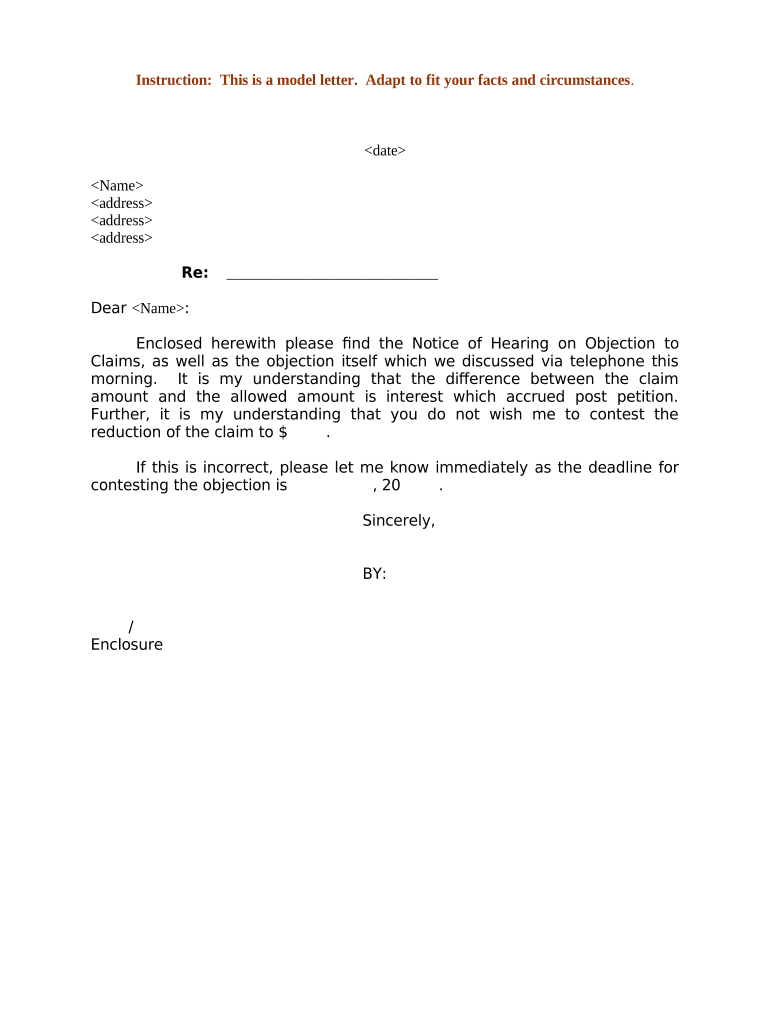
Sample Claims Form

This template is fully customizable. Edit the text, fill out the fields, and send it for signature. Give it a try!
Sample Claims Form

What the Sample Claims Form Is and when to use it

The Sample Claims Form is a standardized document used to report an incident and request benefits or payment from an insurer, employer, or administrator. It collects claimant identity, policy and coverage details, incident specifics, estimated loss amounts, and supporting documentation to start claim intake and adjudication.

Why a clear Sample Claims Form matters

A complete, well‑structured claims form speeds review, reduces follow-up requests, and improves the accuracy of decisions while preserving legal evidence. Proper completion helps satisfy statutory reporting or proof‑of‑loss requirements and supports settled timelines under ESIGN and state law where applicable.

Why a clear Sample Claims Form matters

Who typically completes and handles this form

The Sample Claims Form is completed by claimants or their authorized representatives and reviewed by internal claims staff.

  • Policyholders and claimants who report losses or incidents requiring insurer review and potential payment.
  • Brokers, agents, and third‑party administrators submitting claims on behalf of clients or insureds.
  • Claims adjusters and examiners who validate information, request supporting material, and approve or deny claims.

Role clarity reduces processing delays: the person who enters facts should be the person able to attest to their accuracy.

Core elements to include in a professional Sample Claims Form

A complete form groups claimant data, incident details, coverage references, required attachments, financial figures, and authorization language to create a single, defensible record.

Claimant Details

Full legal name, contact details, date of birth, and relationship to the policyholder; enables identity verification and correspondence during the claim lifecycle.
Policy Information

Carrier name, policy number, coverage type, and effective dates so the insurer can confirm coverage and determine applicable limits and endorsements quickly.

Incident Description

Date, time, location, concise factual narrative, and cause of loss; clear facts reduce ambiguity and limit the need for follow‑up information requests.

Loss Valuation

Estimated loss amounts, itemized damaged property or medical costs, and calculation basis to support reserves, payments, and subrogation analysis.

Supporting Documentation

Photographs, receipts, police reports, medical records, and repair estimates; attaching files at intake expedites validation and adjudication.

Authorization & Signature

Explicit claimant authorization for release of records, certification of truthfulness, and dated signature block to establish consent and attribution.

Required fields and minimum data elements

Claimant Name: Full legal name
Policy Number: Carrier policy identifier
Date of Loss: MM/DD/YYYY
Incident Summary: Short factual description
Attachments: Photos, receipts, reports
Signature: Signer name and date

Step-by-step: fill, verify, and submit the Sample Claims Form

Follow these steps to prepare a complete submission that reduces follow‑up and moves your claim into investigation promptly.

  • 01
    Gather documents: Collect IDs, photos, receipts, reports.
  • 02
    Complete claimant section: Enter name, policy number, and contact details.
  • 03
    Attach supporting files: Upload clear photos and official records.
  • 04
    Sign and submit: Sign, date, and send to the designated recipient.

Where to send the completed Sample Claims Form

Choose the submission channel specified by the insurer or administrator; follow any carrier instructions for proofs of loss and notarization.

  • Carrier portal: Upload via insurer’s secure claims portal.
  • Claims email: Send to the insurer’s claims email address.
  • Mail or fax: Mail or fax physical copies if required.
  • Agent submission: Have your broker or agent submit on your behalf.

Digital submission and eSignature considerations

Electronic filing can be accepted if the insurer allows e‑records and the signer consents under ESIGN and applicable state law.

  • File formats: PDF, DOCX, and image files
  • Authentication: Email link, SMS code, or stronger
  • Integrations: Carrier portals and document storage

Typical online form configuration settings

When customizing an online claims form, these fields and behaviors reduce friction and preserve legal records.

Field Configuration
Auto‑assign claim ID Generate unique identifier on submission
Conditional fields Show additional fields based on answers
File attachments Allow multiple uploads, limit file size
Signature auth Require email or SMS verification

Timelines and common deadlines to track

Timely reporting protects coverage rights; some deadlines are set by policy terms or state statutes and vary by jurisdiction.

Prompt notification:

Report loss as soon as practicable; delays may affect coverage

Acknowledgement window:

Insurers often acknowledge receipt within 30 days

Proof of loss:

Provide documentation within policy‑specified timing

Investigation period:

Insurer investigates per policy and state rules

Statute of limitations:

Time limits vary by state and claim type

Common mistakes that delay claim handling

  • Omitting the policy number or entering it incorrectly causes routing errors and insurer follow‑up.
  • Providing vague incident descriptions without dates, times, or location forces clarifying requests and slows adjudication.
  • Uploading low‑quality photos or incomplete receipts prevents accurate loss assessment and may require re‑submission.
  • Failing to sign, date, or provide authorization for records releases can lead to immediate rejection.

Consequences of incomplete or incorrect submissions

Claim Denial: Possible refusal to pay
Delayed Payment: Longer investigation timeline
Rescission Risk: Policy voidance for material misstatements
Legal Exposure: Civil litigation potential
Fraud Investigation: Criminal referral for false claims
Additional Costs: Higher premiums or surcharges

Comparing eSignature vendors for submitting the Sample Claims Form

Basic pricing and features vary across vendors; signNow appears first to show comparative starting price, envelope limits, and compliance options.

signNow DocuSign Adobe Sign PandaDoc HelloSign
Starting Price $8/user/mo $15/user/mo $14/user/mo $19/user/mo $15/user/mo
Free Trial 7-day free trial Varies by vendor Varies by vendor Varies by vendor Varies by vendor
Bulk Send Yes Yes Yes Yes No
Audit Trail Yes Yes Yes Yes Yes
HIPAA Compliant Yes Yes Yes No No

Real-world examples of online claims intake

Organizations of different sizes report practical benefits when claims forms and signatures are digitized and integrated into workflows.

Martin Properties

A small property manager moved to online claims intake to avoid in‑person meetings and speed tenant claims processing.

  • The team captured photos and signatures remotely to verify move‑in damages.
  • As a result, the firm reduced turnaround time for routine claims and maintained a complete audit trail for every submitted incident, improving documentation for insurance audits and tenant dispute resolution.

Xerox (NetSuite Ops)

A larger enterprise integrated electronic forms with back‑end systems to route vendor claims automatically.

  • Conditional fields captured only relevant cost items.
  • Integration reduced manual entry, ensured consistent policy references, and helped finance reconcile reserves faster while keeping secure logs for compliance and vendor onboarding.

Practical tips for accurate and efficient claim submission

Adopt consistent field rules, require minimal necessary attachments, and automate validation to reduce human error and accelerate processing.

Use standardized formats
Require MM/DD/YYYY for dates, full state names, and consistent currency formatting to prevent misinterpretation and automated validation failures during intake.
Validate policy identifiers
Cross‑check entered policy numbers against insurer records or use lookup APIs to avoid misrouted claims and repeated follow‑up requests.
Require clear attachments
Specify minimum photo resolution and document types (PDF preferred) and provide examples to reduce back‑and‑forth about insufficient documentation.
Preserve audit trail
Capture signer identity, IP, timestamps, and any authentication steps to ensure the submission meets ESIGN/UETA tests for intent and attribution.

Key milestones from submission to resolution

Track stages and expected actions to help claimants and carriers coordinate evidence collection and decision events efficiently.

01

Report Incident

Claimant submits form and initial evidence promptly

02

Acknowledgement

Carrier confirms receipt and logs claim number

03

Investigation

Adjuster reviews evidence, requests clarifications, inspects as needed

04

Resolution

Payment, denial, or settlement communicated to claimant

Frequently asked questions about the Sample Claims Form

Answers to common procedural and technical questions encountered when completing and submitting a claims form.


Need help? Contact support

be ready to get more
Join over 28 million airSlate SignNow users