Graduation Application
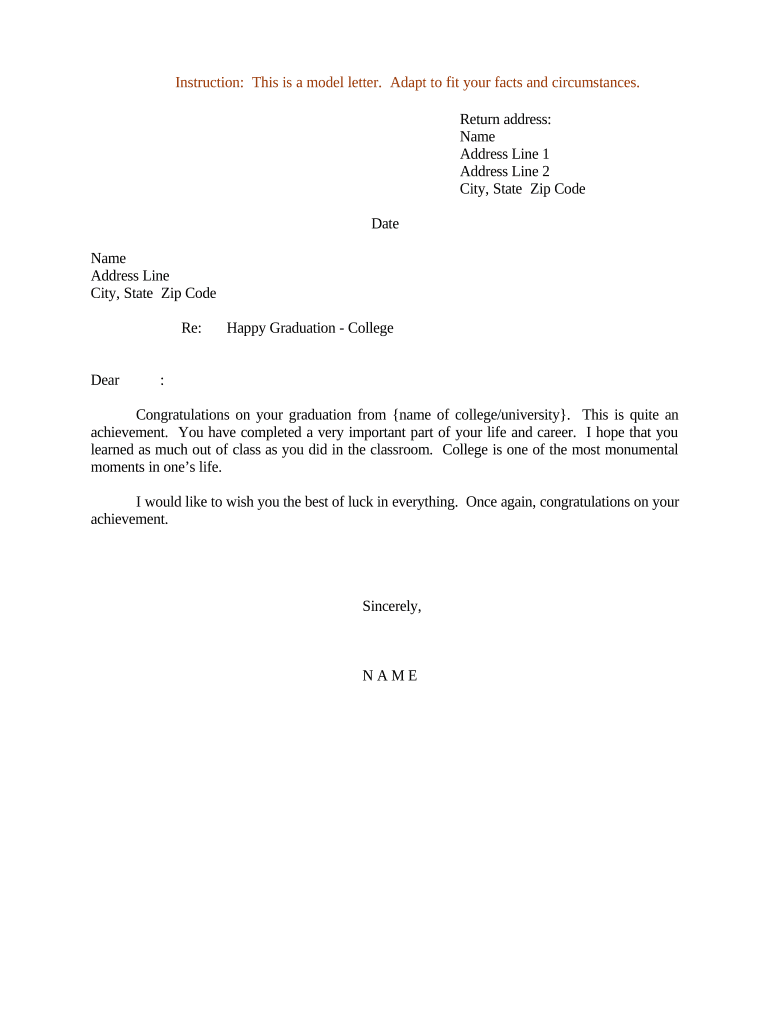
What a Graduation Application Is and when it’s used
Why completing the Graduation Application matters
Filing the Graduation Application starts official degree verification and diploma production, ensures you meet deadlines for final grading and clearance, and prevents administrative holds that delay conferral. Accurate, timely submission reduces processing errors and secures your preferred diploma name and ceremony placement.

Who fills out and processes a Graduation Application
The Graduation Application is used by students and processed by institutional offices to confirm eligibility and record degree outcomes.
- Undergraduate and graduate students preparing for degree conferral and diploma issuance.
- Registrar and records staff who verify coursework, grades, and eligibility.
- Financial aid or bursar offices that confirm accounts are clear before conferral.
Multiple campus units use the submitted data to clear holds, post degrees, and create official transcripts and diplomas.
Step-by-step: submitting your Graduation Application
-
01Review requirements: Confirm degree requirements, outstanding coursework, and any departmental conditions.
-
02Gather documents: Collect final transcript requests, clearance forms, and payment receipts if required.
-
03Complete form: Fill every required field, use MM/DD/YYYY for dates, and enter your official name.
-
04Submit and confirm: Submit online or in person and save the confirmation receipt or reference number.
Where the Graduation Application goes after you submit it
-
Registrar review: Verify completion of degree requirements and approve for conferral.
-
Department approval: Confirm major-specific requirements, capstone completion, or program-specific clearance.
-
Financial clearance: Bursar or financial aid confirms there are no account holds preventing degree posting.
-
Diploma processing: Office schedules diploma production, mailing, and ceremony placement.
Configuring an online submission workflow for the Graduation Application
| Field | Configuration |
|---|---|
| Applicant form | Required fields, date validation, and file attachment |
| Routing rules | Send to department then registrar then bursar |
| Notifications | Email confirmations and status updates to applicant |
| Record retention | Make completed form and audit trail available in student record |
Technical and integration considerations for eSubmission
Choose a platform that supports PDF/DOCX uploads, audit trails, and common integrations used by campus systems.
- File formats: PDF, DOCX supported
- Integrations: Google Workspace, Microsoft 365, NetSuite
- Authentication: Email link, SMS code, or institution SSO
Confirm the provider supports institutional SSO, stores an audit trail for each submission, and can export records into the registrar’s student information system.
Common deadlines and timing to watch for
Application opening window:
Often opens at start of final term or one term prior
Submission deadline:
Deadline to apply for the current conferral period
Final transcript deadline:
Date by which all final grades/transcripts must be received
Financial clearance cut-off:
Last day to clear holds for degree posting
Commencement RSVP:
Deadline to confirm participation in graduation ceremonies
Key milestones from application to diploma
Application submitted
Student completes and submits the application with required attachments.
Eligibility review
Registrar and department verify degree requirements and outstanding items.
Clearances applied
Financial, library, and other holds are resolved before conferral.
Degree conferred
Institution posts degree, generates transcript entry and diploma processing begins.
Common mistakes that delay graduation processing
- Entering a nickname instead of your legal name, causing mismatches with official records and diploma printing delays.
- Failing to attach required supporting documents such as final transcripts, internship completion forms, or departmental clearances.
- Missing the financial clearance deadline, which can create a bursar hold and prevent degree posting.
- Submitting after the deadline for your intended term, moving conferral to a later date and delaying diploma issuance.
Consequences of incorrect or incomplete Graduation Applications
Practical tips for accurate, efficient completion
Realistic institution scenarios: how Graduation Applications are processed
University registrar workflow
A student submits the online application with final transcript attached
- Department confirms capstone completion in three days
- Registrar posts degree once financial holds clear and schedules diploma printing and mailing within two weeks.
International student coordination
An international applicant files the graduation form and notifies the international office
- Advisor confirms SEVIS status and visa implications
- Diploma and official transcript are released after clearance to avoid immigration complications.
eSignature platform pricing comparison for handling Graduation Applications
| signNow | DocuSign | Adobe Sign | PandaDoc | HelloSign | |
|---|---|---|---|---|---|
| Starting Price | $8/user/mo | $15/user/mo | $14/user/mo | $19/user/mo | $15/user/mo |
| Free Trial | 7-day trial | Verify | Verify | Verify | Verify |
| Bulk Send | Yes (Business Premium) | Yes | Yes | Yes | No |
| Audit Trail | Yes | Yes | Yes | Yes | Yes |
| HIPAA Compliant | Yes (BAA available) | Yes | Yes | No | No |
| Envelope Cap | No cap | 100 envelopes/user/year | Varies | Varies | Varies |
Frequently asked questions and troubleshooting for Graduation Applications
-
What if my legal name changed recently?
Provide certified supporting documentation (court order, marriage certificate, or updated ID) to the registrar as required. Name mismatches between your application and institutional records can delay diploma printing or require a reprint.
-
Do I need a notarized signature?
Most Graduation Applications do not require notarization. If your institution requests notarized affidavits or legal name-change documents, follow the registrar’s instructions; remote online notarization (RON) may be accepted where state law permits.
-
Can I correct errors after submission?
Contact the registrar immediately with proof of the correction. Minor edits may be possible before degree posting; name or degree errors after conferral typically require formal correction procedures and may incur fees.
-
How do financial holds affect my application?
Any outstanding financial, library, or administrative holds usually block degree posting and diploma release. Clear holds with the relevant office and request confirmation so the registrar can proceed.
-
Is an electronic signature acceptable?
Electronic signatures are legally valid under the ESIGN Act (15 U.S.C. ch. 96) and UETA where adopted. Institutions determine whether they accept electronic signatures for specific forms and may require identity verification.
-
What records should I keep after submission?
Keep the submission confirmation, signed copies, and any correspondence. These documents serve as proof of timely application and help resolve disputes or processing errors.