Header
Identify sender and recipient details, include date, property address, and reference lease clause numbers to establish context and legal basis for the demand and later court filings.
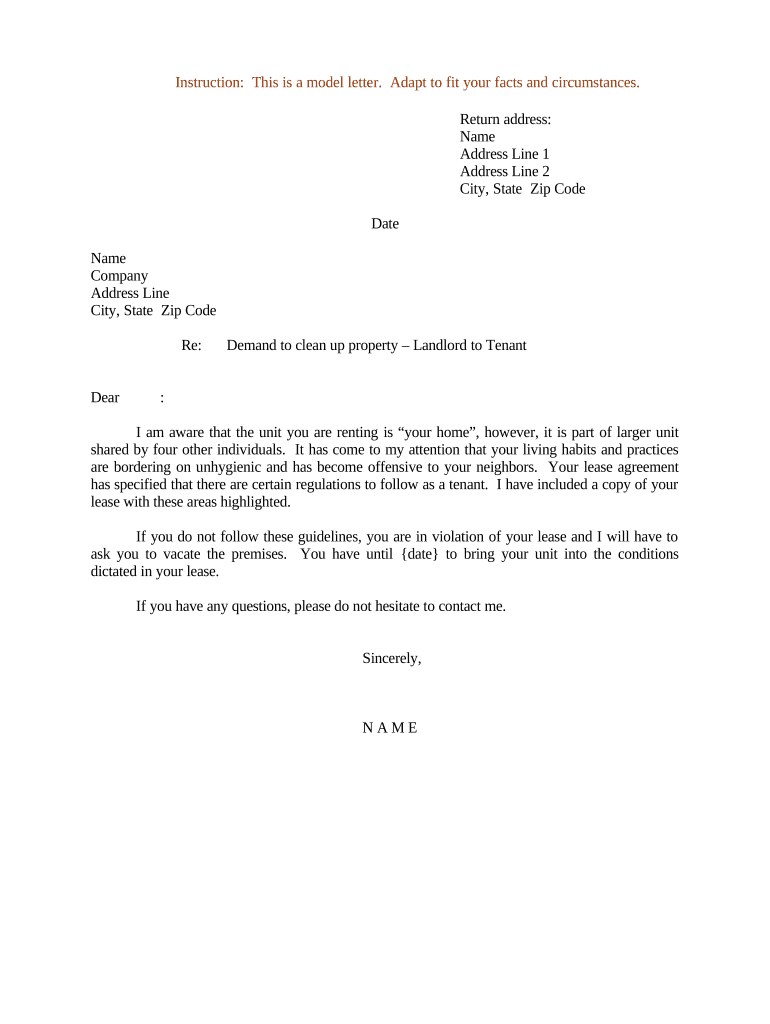
A clear Demand Letter to Tenant for Property Cleanup preserves evidence, sets contractual expectations, and reduces ambiguity before escalation. It helps demonstrate notice and opportunity to cure, supports financial recovery for cleanup costs, and provides a documented basis for later legal or administrative actions.

Typical users of a Demand Letter to Tenant for Property Cleanup include property owners, managers, and on-site staff coordinating repairs.
Identify sender and recipient details, include date, property address, and reference lease clause numbers to establish context and legal basis for the demand and later court filings.
Concise bullet list of violations or items to clean, with dates and photo references, enabling an objective assessment of whether the tenant complied within the stated deadline.
Describe specific cleanup actions, acceptable standards of cleanliness, and whether professional or licensed vendors are required for compliance; include contact for approved contractors if applicable.
Provide a clear MM/DD/YYYY deadline, specify time of day for completion, and note the consequence timeline for missed deadlines and next procedural steps if unaddressed.
State remedies available under the lease or statute such as hire-and-charge, deposit deductions, or referral to eviction, and explain calculation of costs including invoices and administrative fees.
Request tenant acknowledgment when applicable, document delivery proof, keep photos and invoices, and retain the signed letter for potential court evidence and date-stamped communication logs.
| Field | Configuration |
|---|---|
| Auto-fill tenant data | Use tenant profile fields to populate letter. |
| Signature method | Email link, SMS code, or ID verification. |
| Delivery confirmation | Require return receipt or audit trail. |
| Retention policy | Set automatic archival and export settings. |
Choose delivery platforms that support PDF, Word DOCX, and capture audit trails while integrating with property management systems.
Send within 24–72 hours of documented inspection for best evidence.
Most leases allow 3–14 days; state law may require longer.
Send a second notice before charging repairs or filing eviction.
Keep invoices and photos to justify charges and deposit deductions.
Allow extra time for local service rules before initiating court filings.
| signNow | DocuSign | Adobe Sign | PandaDoc | HelloSign | |
|---|---|---|---|---|---|
| Starting Price | $8/user/mo | $15/user/mo | $14/user/mo | $19/user/mo | $15/user/mo |
| Free Trial | 7-day free trial | Varies | Varies | Varies | Varies |
| Bulk Send | Yes | Yes | Yes | Yes | No |
| Audit Trail | Yes | Yes | Yes | Yes | Yes |
| HIPAA Compliant | Yes | Yes | Yes | No | No |
| Envelope Cap | No cap | 100 envelopes/user/year | Varies | Varies | Varies |
A mid-size landlord documented mold and trash in a unit with photos and lease citations before issuing a demand letter.
An HOA used a standardized demand letter to notify homeowners about debris and landscaping violations and tracked responses centrally for consistency.