Heading
Begin with a clear title and an opening paragraph that states the promotion name, purpose, and target audience. A concise heading sets expectations and improves recipient comprehension and routing.
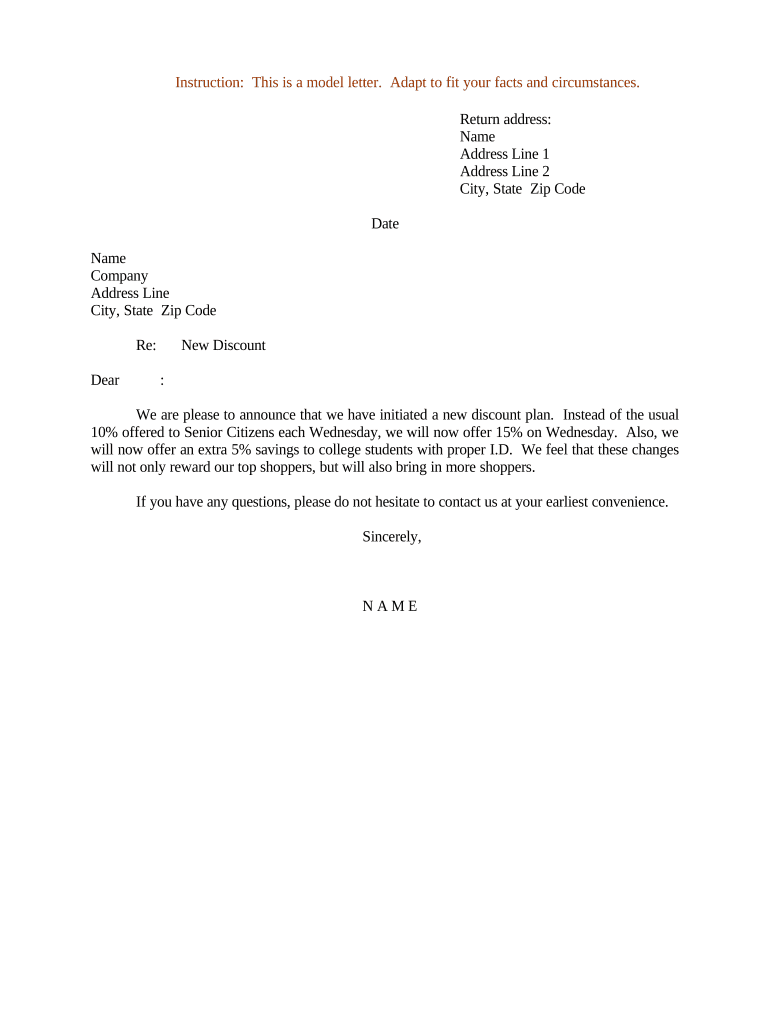
Use this letter to communicate pricing changes clearly, reduce customer confusion, and create an auditable record of the offer. A well-drafted notice limits disputes, aligns internal teams, and documents eligibility and timelines for legal and accounting purposes.

Organizations and teams that announce pricing or promotions rely on this letter to standardize communication and record decisions.
Begin with a clear title and an opening paragraph that states the promotion name, purpose, and target audience. A concise heading sets expectations and improves recipient comprehension and routing.
List qualifying criteria such as customer segment, purchase thresholds, account status, or prior approval. Be specific about exclusions and date ranges to prevent misunderstandings and to aid finance in correct application.
Specify the discount amount or percentage, whether it applies per item, per order, or to recurring charges, and any caps. Include promo codes or automatic application rules where applicable.
State the start and end dates using MM/DD/YYYY. If extensions or early terminations are possible, describe the conditions and who may authorize changes to avoid disputes.
Explain how customers claim the discount: enter code at checkout, contact account manager, or submit a request. Include verification steps and expected processing times to set clear customer expectations.
Provide a signature block with printed name, title, date, and any required countersignature lines. For electronic distribution, indicate whether an e-signature is acceptable and how it will be recorded.
| Field | Configuration |
|---|---|
| Signature block settings and type | Require full name, title, and date fields. |
| Authentication level and verification method | Choose email OTP, SMS OTP, or KBA. |
| Sequential routing and approvers list | Define signer order and parallel approvals if needed. |
| Record retention and export settings | Automatically store signed PDF and audit log. |
Choose delivery platform and signature method consistent with audience, security needs, and legal and retention requirements.
Date the letter is first sent to recipients.
Date discounts begin; use MM/DD/YYYY format.
Last date customers may claim the discount.
Cutoff for revenue recognition and reporting.
Internal deadline for compliance and performance review.
| signNow | DocuSign | Adobe Sign | PandaDoc | HelloSign | |
|---|---|---|---|---|---|
| Starting Price | $8/user/mo | $15/user/mo | $14/user/mo | $19/user/mo | $15/user/mo |
| Free Trial | Yes, 7-day trial | No | No | Yes, limited | Yes, limited |
| Bulk Send | Yes | Yes | Yes | Yes | No |
| Audit Trail | Yes | Yes | Yes | Yes | Yes |
| HIPAA Compliant | Yes | Yes | Yes | No | No |
Tim Martin used an online workflow to announce a limited-time discount to property renters and manage responses without in-person signatures.
Kodi-Marie Evans integrated the announcement into an existing CRM to target eligible accounts and automate follow-up communications.
The Marketing Manager drafts the letter, defines target segments and promotional messaging, and coordinates with sales. They must document approval steps and retention instructions to ensure accounting and legal teams can process discounts correctly.
The CFO or delegated finance lead approves discount financial impact, ensures revenue recognition compliance, and records allowances. Their signature confirms accounting treatment and authorizes system changes to apply discounts on invoices.