Parties
Identify settlor(s), trustee(s) and beneficiaries with full legal names, contact details, and any corporate registration numbers for institutional parties.
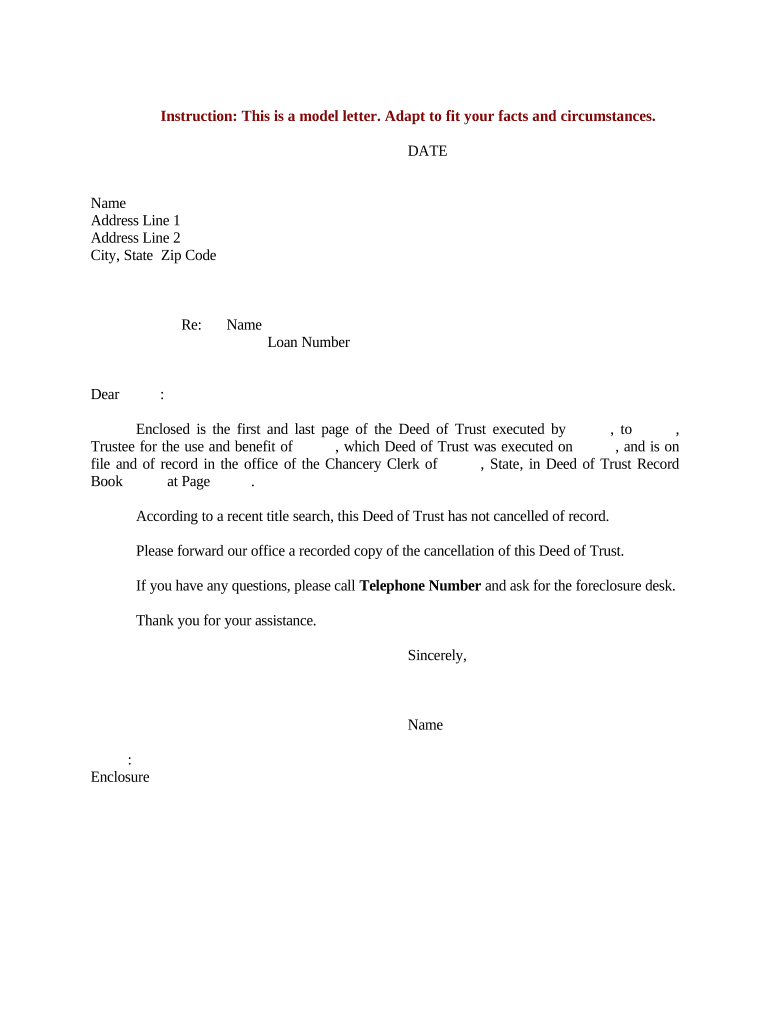
A complete, well‑structured trust deed reduces ambiguity, helps trustees manage assets consistently, and provides beneficiaries with clear enforceable rights. Using a standard sample speeds drafting, minimizes attorney hours, and ensures the document includes critical clauses often omitted in informal transfers.

Individuals and professionals use trust deeds for estate planning, property holding, and charitable purposes.
Each party benefits from consistent naming, clear dates, and unambiguous property descriptions to avoid later disputes.
| Field | Configuration |
|---|---|
| Signer Order | Sequential or parallel signing depending on trustee/beneficiary roles. |
| Authentication | Email link, SMS code, or identity verification for stronger assurance. |
| Conditional Fields | Show fields only when specific clauses apply, e.g., revocable trust options. |
| Certificate and Archive | Enable completed document PDF plus audit trail for retention. |
Choose platforms that support the file formats you use and integrate with your storage or practice management systems.
Confirm your chosen platform meets data residency, encryption, and authentication needs before eSigning to preserve enforceability and auditability.
Identify settlor(s), trustee(s) and beneficiaries with full legal names, contact details, and any corporate registration numbers for institutional parties.
List and describe assets transferred into the trust precisely — include property legal descriptions, account numbers, and any encumbrances or liens.
Define express authorities (manage, invest, sell, lease, mortgage) and discretionary powers, plus standards for fiduciary conduct and indemnification clauses.
Specify distribution triggers, income vs principal allocations, contingencies for predeceased beneficiaries, and procedures for claims or disputes.
State whether the trust is revocable or irrevocable, its term, and any conditions that end or extend the trust.
Describe how the settlor may amend or revoke the trust and the formalities required for valid modifications or termination.
| Criteria | Trust Deed | Last Will |
|---|---|---|
| Purpose | hold assets inter vivos | distribute at death |
| Probate | generally avoids probate | subject to probate |
| Witnesses | execution formalities vary | usually two witnesses |
| Registration | may require registration for real estate | no public registration |
A homeowner transfers a residence into a revocable trust to simplify management during incapacity
A donor establishes an irrevocable trust to fund long‑term grants to a charity
Date entered in deed determines when powers commence
Signatures and notarization must match recorded execution date
Register promptly where local law requires to protect priority
Report transfers as required by tax rules in relevant jurisdiction
Retain signed deed and audit trail for statutory retention periods
| signNow | DocuSign | Adobe Sign | PandaDoc | HelloSign | |
|---|---|---|---|---|---|
| Starting Price | $8/user/mo | $15/user/mo | $14/user/mo | $19/user/mo | $15/user/mo |
| Free Trial | 7-day free trial, no credit card | Varies by vendor | Varies by vendor | Varies by vendor | Varies by vendor |
| Bulk Send | Yes | Yes | Yes | Yes | No |
| Audit Trail | Yes | Yes | Yes | Yes | Yes |
| HIPAA Compliant | Yes | Yes | Yes | No | No |
| Envelope Cap | No envelope cap | 100 envelopes/user/year | Varies by plan | Varies by plan | Varies by plan |