Legal Description
A metes-and-bounds or recorded-plat description that accurately locates the easement area on the land and ties to the county parcel number and legal lot designation.
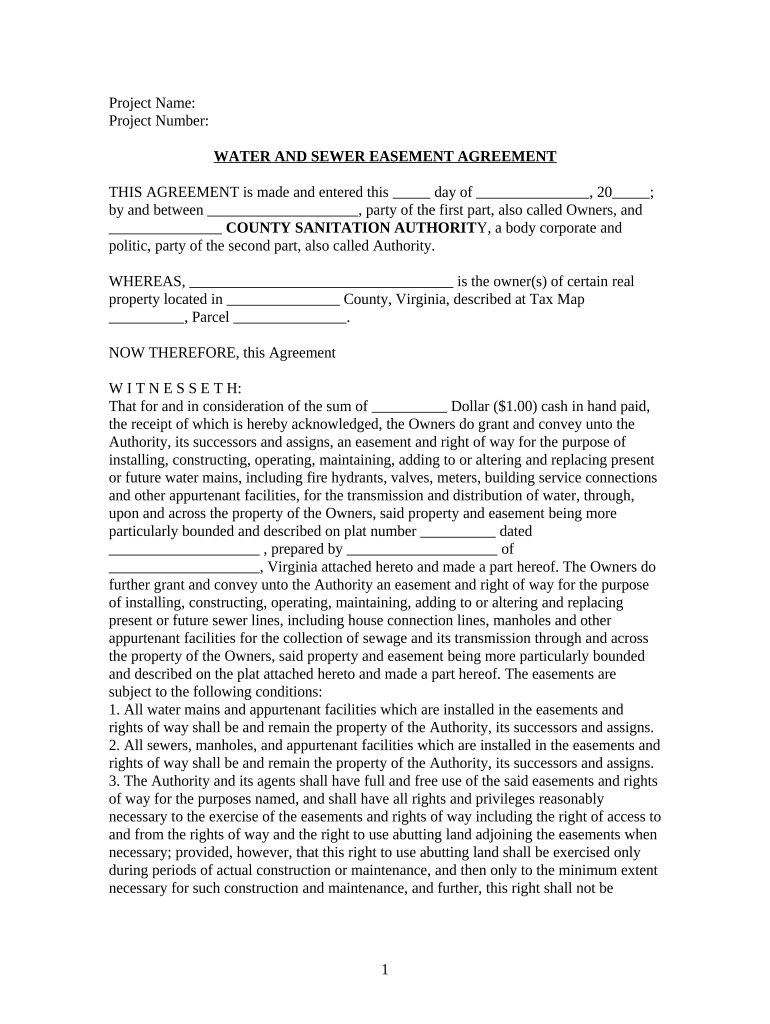
Documenting sewer rights prevents disputes about access, maintenance, and liability; it preserves utility service continuity and protects both the servient and dominant estates by clarifying responsibilities and limits of use under state property law.

Each party should confirm authority to grant or accept easements and coordinate recording to ensure the easement is enforceable and discoverable in title searches.
The fee simple titleholder typically signs to grant an easement. If title is held by multiple owners, all record owners must sign or otherwise convey authority, and signatures must match recorded vesting to avoid title defects.
A designated official for a municipality, utility, or private sewer company signs on the grantee side. Corporate or governmental signers often require internal authorization or a board resolution to bind the entity.
A metes-and-bounds or recorded-plat description that accurately locates the easement area on the land and ties to the county parcel number and legal lot designation.
Clear statement whether easement covers construction, operation, maintenance, repair, inspection, and whether surface use or restrictions are included.
Specify whether the easement is perpetual, for a fixed term, or conditional; include termination triggers such as abandonment or nonuse.
Set access windows, notice requirements, restoration standards after work (landscaping, paving), and limitations on disruption to the servient property.
Allocate responsibility for damage, specify insurance requirements for the grantee, and state indemnification obligations between parties.
Directly reference county recording, provide space for recorder's stamps, and specify that the easement binds successors and assigns.
| Field | Configuration |
|---|---|
| Signature Block | Require signer name, title, and date |
| Notary Block | Include space for notary stamp and journal entry |
| Legal Description Field | Make read-only to prevent accidental edits |
| Recording Export | Export as PDF/A with signature certificate |
Confirm county recorder requirements for electronic submissions and ensure the eSigned PDF includes a tamper-evident audit trail for future title proof.
Complete signatures and notarization within 30 days of drafting to limit changes.
Many recorders process within 1–4 business days; peak times may extend processing.
Title companies generally reflect recorded easements within 7–14 days.
Provide advance notice per contract, typically 48–72 hours before site access.
Keep original recorded deed permanently as a public record.
Agree terms and prepare the draft for review.
Obtain board or municipal sign-off where required.
All grantors sign and notary completes acknowledgment.
File with county recorder and circulate certified copies.
| signNow | DocuSign | Adobe Sign | PandaDoc | HelloSign | |
|---|---|---|---|---|---|
| Starting Price | $8/user/mo | $15/user/mo | $14/user/mo | $19/user/mo | $15/user/mo |
| Free Trial | 7-day free trial, no credit card required | Varies by plan | Varies by plan | Varies by plan | Varies by plan |
| Bulk Send | Yes | Yes | Yes | Yes | Yes |
| Audit Trail | Yes | Yes | Yes | Yes | Yes |
| HIPAA Compliant | Yes | Yes | Yes | No | No |
Optica Ventures standardized its easement templates for repeat use to reduce review time.
A small developer used an online workflow to gather multiple owner signatures on a sewer easement.