Project ID
Include project name, contract number, and physical address so the notice cannot be confused with other jobs or properties.
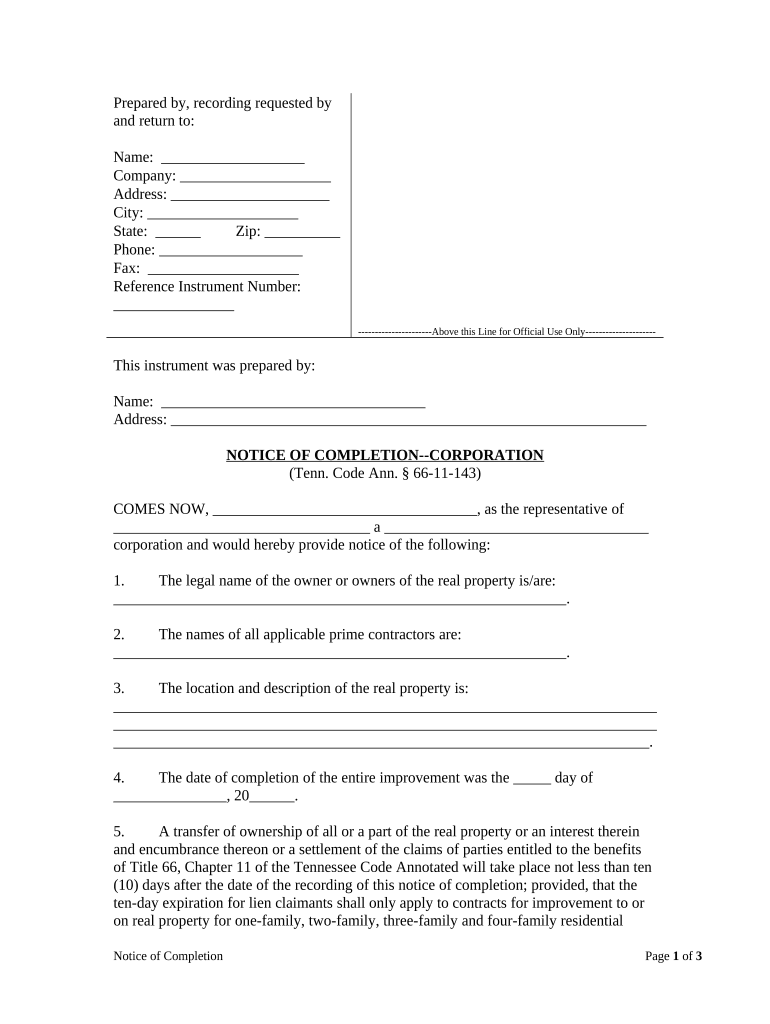
A properly prepared Notice of Completion clarifies the completion date, starts statutory timelines for liens and claims, and limits downstream exposure for owners and contractors. For corporations it also establishes a formal record that can affect lien periods, payment triggers, and warranty obligations.

Corporations and project stakeholders use the notice to mark completion and to protect contractual and statutory rights.
Delivering a clear notice to the right parties reduces disputes and helps ensure statutory deadlines are observed by all recipients.
Include project name, contract number, and physical address so the notice cannot be confused with other jobs or properties.
State the legal entity name, address, and state of incorporation to identify the corporate party issuing the notice.
The specific MM/DD/YYYY date when substantial or final completion occurred; this date commonly controls notice and lien deadlines.
Brief description of the work or scope finished, sufficient to connect the notice to the contract and the property.
Names and roles of parties provided the notice (owner, general contractor, lender, surety, county recorder).
Signature block for authorized corporate officer, and notarization or acknowledgment if recording or local rule requires it.
| Workflow Field | Configuration |
|---|---|
| Signature field | Require authorized officer signature and date |
| Authentication | Use email+SMS or advanced auth for high assurance |
| Recipient routing | Sequential or parallel delivery per contract |
| Audit capture | Enable full audit trail and certificate |
Electronic preparation and delivery can preserve evidence and speed distribution while maintaining legal validity.
Choose a platform that provides tamper-evident signed PDFs, an audit trail, and secure storage to support future disputes or recorder queries.
Issue upon substantial or final completion.
Many states use 30–90 day windows to preserve contractor liens.
Some counties permit recording for public notice; check local recorder rules.
Serve named claimants quickly to avoid service disputes.
Contract may impose shorter notice periods than statute.
| signNow | DocuSign | Adobe Sign | PandaDoc | HelloSign | |
|---|---|---|---|---|---|
| Starting Price | $8/user/mo | $15/user/mo | $14/user/mo | $19/user/mo | $15/user/mo |
| Free Trial | 7-day trial | Varies by plan | Varies by plan | Varies by plan | Varies by plan |
| Bulk Send | Yes | Yes | Yes | Yes | Yes |
| Audit Trail | Yes | Yes | Yes | Yes | Yes |
| HIPAA Compliant | Yes (BAA) | Varies by plan | Varies by plan | Varies by plan | Varies by plan |
| Envelope Cap | No cap | 100 envelopes/user/year | Varies | Varies | Varies |