Establishing secure connection…Loading editor…Preparing document…

Agreement for Rights Under Third-Party Deed of Trust

This template is fully customizable. Edit the text, fill out the fields, and send it for signature. Give it a try!
Agreement for Rights Under Third-Party Deed of Trust

What this Agreement for Rights Under Third-Party Deed of Trust Is

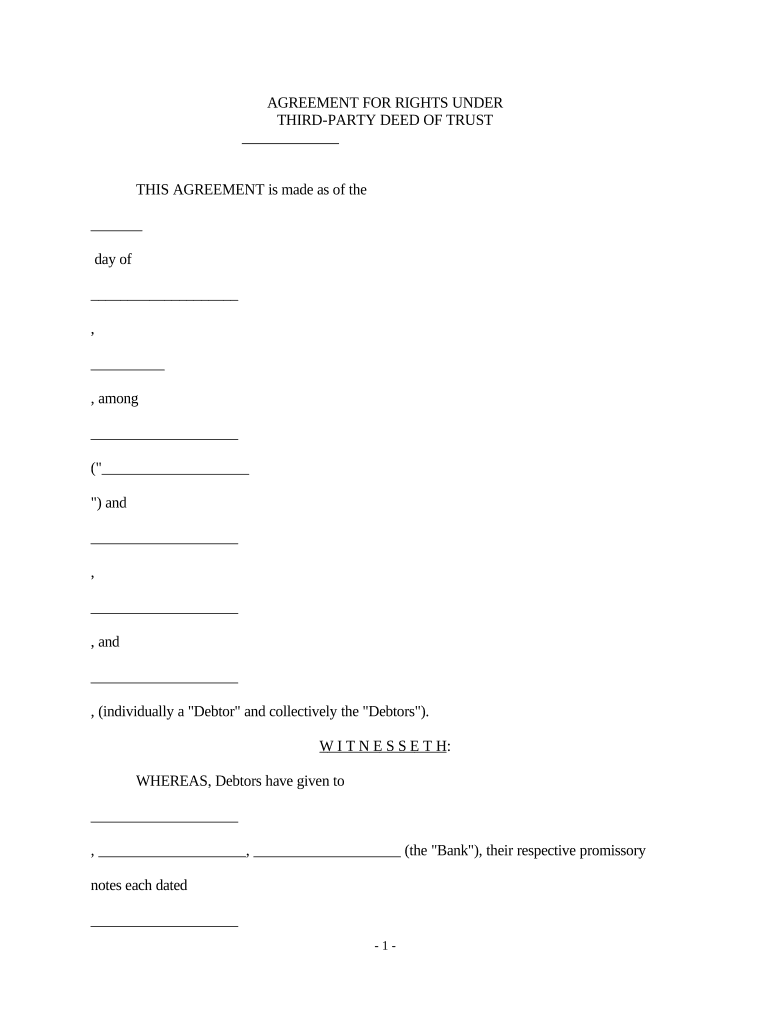
An Agreement for Rights Under Third-Party Deed of Trust documents a transfer, assignment, or license of rights that relate to property encumbered by a deed of trust held by a third party. It clarifies which rights are being conveyed, the parties involved (assignor, assignee, beneficiary, trustee), and any conditions tied to enforcement or notice. This agreement is typically used when equity, lien priority, or servicing rights are transferred without reconveying the underlying deed of trust, and it often accompanies recording or notice steps required by state law.

Why this agreement matters for title and enforcement

The agreement creates clear contractual evidence of transfer or allocation of rights that affect enforcement, collection, or subordinations while preserving the third party’s recorded deed of trust. It reduces title ambiguity and helps prevent disputes over priority, servicing rights, or payment obligations.

Why this agreement matters for title and enforcement

Who commonly uses this Agreement for Rights Under Third-Party Deed of Trust

The document aligns contractual rights with recorded instruments and provides evidence useful for title searches, enforcement, and secondary-market transfers.

  • Lenders and servicers: Use the agreement to assign servicing rights or convey collection authority while leaving the deed of trust in place.
  • Investors and note buyers: Use it to document purchase of cash flows or beneficial interests tied to the trust.
  • Title and escrow providers: Use the agreement to confirm whether recording, endorsement, or notice is necessary for closing.

Who can sign and act on this agreement

Lender Officer

A senior officer or authorized agent of the lending institution typically executes on behalf of the lender; the signer must have delegated authority documented by corporate resolution or power of attorney to bind the lender in transfers of rights.

Trustee Attorney

A trustee, servicer, or their counsel may sign when the agreement affects trustee duties; the signer should be named in trustee delegation records or have a written authorization to act on trust-related matters.

Key provisions to include in a professional agreement

A clear, well-drafted agreement should specify parties, effective dates, scope of rights transferred, consideration, notice and recording instructions, and dispute-resolution terms.

Parties

Identify assignor, assignee, beneficiary, and trustee with full legal names and contact information to avoid ambiguity in title records or enforcement actions.
Scope of Rights

Describe precisely what is transferred (servicing rights, collection rights, payment streams, foreclosure authority) and any reserved rights retained by the assignor.

Consideration

State the monetary amount or other consideration supporting the transfer and whether payments are contingent, periodic, or one-time.

Effective Date & Term

Specify the effective date (MM/DD/YYYY) and the duration of transferred rights, including any conditions that terminate or suspend the agreement.

Recording & Notice

Detail whether the agreement will be recorded, who pays recording fees, and how notice to the trustee or borrower will be delivered.

Governing Law & Disputes

Choose the governing state law and include dispute resolution clauses such as arbitration or venue for litigation to reduce forum-shopping risks.

Essential data fields to include

Party Names: Full legal names
Deed Reference: Recorded deed book/page
Property Address: Street, city, state, ZIP
Effective Date: MM/DD/YYYY
Consideration: Dollar amount or description
Notary Block: Notary signature and seal

Step-by-step: completing this agreement

Follow a consistent sequence to ensure legal sufficiency and to preserve recording and enforcement options.

  • 01
    1. Gather documents: Obtain recorded deed of trust details and title commitment excerpts.
  • 02
    2. Identify parties: Enter full legal names and verify corporate authority for signers.
  • 03
    3. Define scope: Precisely state which rights are conveyed and any retained rights.
  • 04
    4. Execute and notarize: Have authorized signers sign, and complete notary or RON steps as required.

Customize and complete this agreement online

Set up a consistent online workflow that verifies signer identity, preserves audit trails, and supports recording requirements.

Field Configuration
Signature Field Require full name, date, and witness/notary fields
Authentication Use email link + SMS code or stronger KBA where required
Audit Trail Enable IP, timestamp, and certificate of completion capture
Document Format Generate final PDF/A for reliable recording and archival

Digital signing and eSubmission considerations

Ensure the chosen provider can produce an evidentiary audit trail compatible with recording offices and that any required BAA or compliance addenda are in place for sensitive workflows.

  • Identity Proofing: KBA or ID analysis
  • Audit Trail: IP and timestamp capture
  • Output Format: Signed PDF/A export

Where to file, send, and store the executed agreement

Routing depends on whether the agreement must be recorded, delivered to the trustee, or retained for secondary-market review.

  • Recording Office: Record in the county recorder’s office if the agreement affects title priority.
  • Trustee Notice: Deliver a copy to the trustee per the deed of trust notice provisions.
  • Borrower Notice: Provide required borrower notices if the agreement changes payment or servicing rights.
  • Secure Archive: Store original executed PDF and audit trail in a secure document repository.

Key timelines and recording expectations

Track dates for effectiveness, recording, and any statutory notice periods to preserve priority and enforcement rights.

Effective Date:

Date the agreement takes effect; use MM/DD/YYYY format to avoid ambiguity.

Recording Window:

Record promptly if title priority is affected; delays may impair third-party rights.

Notarization Timing:

Sign and notarize on the same date where state practice requires consistent acknowledgment.

Retention of RON Recordings:

If RON used, retain audio-video recordings per state RON rules (typically 5–10 years).

Title Report Updates:

Order an updated title commitment before closing to confirm priorities and liens.

Common mistakes to avoid when preparing the agreement

  • Using informal party names instead of exact legal entity names, which can result in title defects or the need for corrective assignments.
  • Failing to reference the recorded deed of trust precisely (instrument number, book/page), making it difficult for clerks or title companies to verify linkage.
  • Neglecting necessary notary or witness steps for the applicable jurisdiction, which can render the agreement unrecordable or unenforceable.
  • Omitting notice language to the trustee and borrower when the deed or loan documents require formal notice for assignments or servicing changes.

Penalties and legal risks of an incorrect agreement

Title Defect: May impair marketability
Enforcement Delay: Court action may be required
Recording Rejection: Clerk may refuse improper form
Tax Exposure: Misreported consideration triggers IRS review
Liability for Damages: Breach claims by parties or borrowers
Regulatory Noncompliance: State law or consumer-protection violations

Typical eSignature vendor pricing and capability comparisons for this agreement

Choose a provider that supports notarization or RON, produces a tamper-evident PDF, and captures a comprehensive audit trail; signNow is listed first for comparison.

signNow DocuSign Adobe Sign PandaDoc HelloSign
Starting Price $8/user/mo $15/user/mo $14/user/mo $19/user/mo $15/user/mo
Free Trial 7-day free trial Varies by plan Varies by plan Varies by plan Varies by plan
Bulk Send Yes Yes Yes Yes No
Audit Trail Yes Yes Yes Yes Yes
HIPAA Compliant Yes Yes Yes No No

Frequently asked questions and common issues

Answers to frequent questions about execution, recording, and e-signature validity for these agreements.


Need help? Contact support

be ready to get more
Join over 28 million airSlate SignNow users