Parties
Identify each party with full legal names and capacity (individual, corporation, trustee). Include contact details and counsel information; mismatched names can invalidate enforcement or trigger amendments.
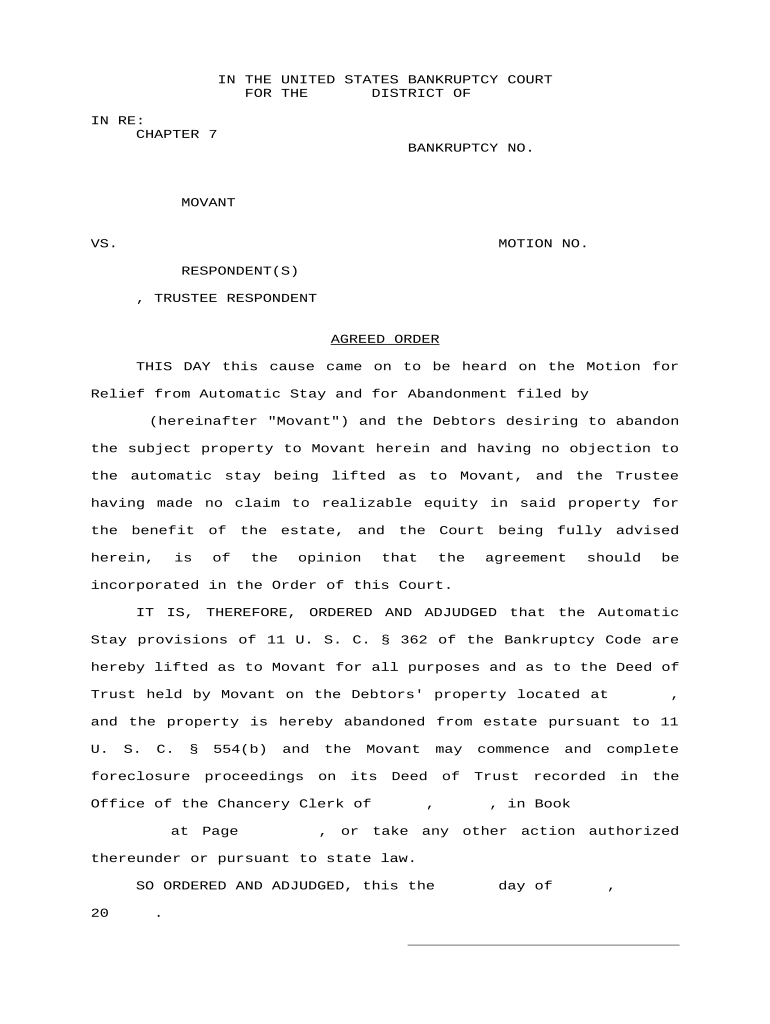
Use an Agreed Order to create a clear, enforceable record of party agreements that a judge will enter as an order. It narrows disputes, sets binding deadlines, and reduces litigation risk while preserving the court’s enforcement authority under applicable procedural rules.

Civil litigants, attorneys, agency counsel, mediators, and settlement representatives commonly prepare or sign Agreed Orders to formalize negotiated terms for court entry.
Identify each party with full legal names and capacity (individual, corporation, trustee). Include contact details and counsel information; mismatched names can invalidate enforcement or trigger amendments.
Explain factual background and legal basis briefly. Use neutral language to summarize prior proceedings, stipulations, or mediation results that led to the agreement, and identify the docket number.
State obligations, deadlines, payments, or specific actions. Provide measurable milestones and avoid vague phrases such as 'promptly' or 'as soon as possible' to prevent disputes.
Include remedies, contempt procedures, dispute resolution pathways, and who bears fees. Specify jurisdiction, whether the order can be enforced as a judgment, and notice requirements for breach.
Provide dated signature lines for each party and counsel. If a corporate party signs, include printed name, title, and authority to bind the entity under state law.
Note who will file the order, whether the judge must sign in open court, and where clerk’s office filings, service copies, and proposed orders should be submitted.
| Field | Configuration |
|---|---|
| Template name | Include case caption and filing court. |
| Signer order | Sequential or parallel per agreement. |
| Authentication method | Email link, SMS code, or multi-factor. |
| Require exhibits | Attach exhibits before final signature. |
When using eSignature and e-filing, confirm platform meets court authentication and document integrity requirements, supports required file types, and preserves a complete audit trail.
Allow three to seven business days for negotiation and internal review.
Obtain signatures within three to ten business days after final draft.
File promptly per local rules; some courts require filing within days of signature.
Judge may sign immediately or schedule entry; timing often ranges from one to thirty days.
Submit proof of service when filing; courts may require electronic certification or a signed affidavit.
Parties reach consensus and prepare the proposed order.
Counsel and authorized signatories review and authorize the text.
Signatures collected and dated, with authority and title specified.
File with clerk, serve parties, and obtain judge's signed entry or docket notation.
| signNow | DocuSign | Adobe Sign | PandaDoc | HelloSign | |
|---|---|---|---|---|---|
| Starting Price | $8/user/mo | $15/user/mo | $14/user/mo | $19/user/mo | $15/user/mo |
| Free Trial | 7-day free trial | No | No | Yes, limited | Yes, limited |
| Bulk Send | Yes | Yes | Yes | Yes | No |
| Audit Trail | Yes | Yes | Yes | Yes | Yes |
| HIPAA Compliant | Yes | Yes | Yes | No | No |
Optica Ventures streamlined document execution across clients and counsel, reducing coordination delays and ensuring identical court filings across jurisdictions.
BIS prioritized compliance when executing consent orders and settlement stipulations across multiple clients and needed verifiable, standards-based signatures and logs.