Establishing secure connection…Loading editor…Preparing document…

Voir Dire Sample

This template is fully customizable. Edit the text, fill out the fields, and send it for signature. Give it a try!
Voir Dire Sample

What a Voir Dire Sample Is and how it’s used

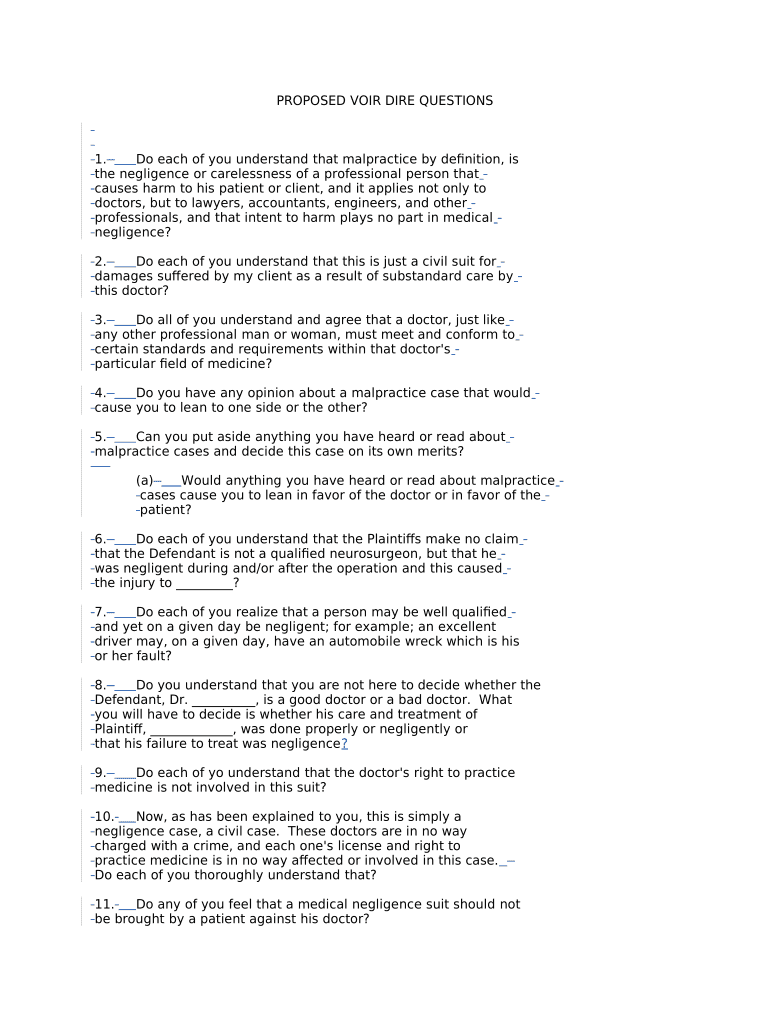
A Voir Dire Sample is a jury-selection questionnaire used by attorneys and courts to screen prospective jurors, identify potential biases, and narrow the pool for trial. It typically collects background, employment, prior jury service, relationship or experience relevant to the case, and opinions on issues likely to arise at trial. The sample helps counsel and the court craft targeted oral voir dire, prepare challenges for cause, and streamline juror selection while preserving a clear record of each prospective juror’s responses for trial administration.

Why a clear Voir Dire Sample matters for case preparation

A well-structured Voir Dire Sample saves courtroom time, surfaces disqualifying biases early, and documents juror disclosures for the record. It supports efficient use of peremptory challenges and may reduce later motions or claims of impropriety during jury selection when completed consistently and preserved reliably.

Why a clear Voir Dire Sample matters for case preparation

Who typically prepares and completes a Voir Dire Sample

Common users include trial attorneys, court clerks, and litigation support teams who draft, distribute, and analyze juror responses.

  • Trial attorneys and litigators preparing case-specific voir dire and challenge strategy.
  • Court administrators and clerks managing juror intake and recordkeeping for a trial calendar.
  • Prospective jurors completing the questionnaire to disclose background, relationships, or biases.

Core components of a professional Voir Dire Sample

A complete sample balances concise demographic prompts with targeted case-specific questions and clear instructions about confidentiality, perjury, and submission method.

Identifying Data

Full legal name, address, preferred contact method, and any juror identification number assigned by the court.
Background

Employment history, education, military service, and household composition to reveal potential conflicts or scheduling constraints.

Prior Service

Prior jury service, civil or criminal case experience, or involvement as a party, witness, or victim in litigation.

Case Exposure

Knowledge of parties, attorneys, witnesses, media exposure, or preexisting opinions about issues in the case.

Beliefs & Biases

Attitudes about law enforcement, corporations, medical care, damages, liability, or issues central to the case.

Legal Notices

Instructions about signing under penalty of perjury, confidentiality expectations, and how responses will be used.

Step-by-step: preparing and using a Voir Dire Sample in a case

Follow an ordered workflow from drafting to review, distribution, collection, and preservation of juror questionnaires.

  • 01
    Draft questions: Target issues central to the case and narrow unnecessary breadth.
  • 02
    Court review: Confirm format complies with local rules and judge preferences.
  • 03
    Distribute: Provide to jurors via chosen method (paper, secure portal, or e-file).
  • 04
    Collect & preserve: Maintain a secure record for the court file and counsel review.

How to configure an online Voir Dire workflow

Set clear fields, signer roles, authentication, and retention before distributing questionnaires electronically.

Field Configuration
Required fields Make name, signature, and date mandatory.
Authentication Use email or SMS code for basic verification; stronger methods for restricted courts.
Access control Limit editing to each juror; grant read-only access to counsel as needed.
Retention Enable audit trail and export to PDF for the court record.

Typical routing for a juror questionnaire

A standard flow ensures questionnaires reach the right parties with secure tracking and an unbroken audit trail.

  • Upload: Clerk or counsel uploads the questionnaire template to the system.
  • Assign: Assign per-juror fields and designate respondent email addresses.
  • Sign: Juror completes and signs electronically or returns a paper form.
  • Archive: System retains signed PDF and audit trail for the case file.

Technical considerations for electronic distribution

Verify that your platform supports secure document formats, signer authentication, and audit trails before sharing voir dire questionnaires.

  • File formats: PDF and DOCX supported
  • Integrations: Works with common systems
  • Authentication: Email, SMS, or stronger

Typical timing and deadlines for issuing a Voir Dire Sample

Key deadlines vary by jurisdiction; plan distribution so counsel and the court have time to review before the scheduled voir dire.

Pretrial distribution window:

Provide questionnaires at least 7–14 days before jury selection where feasible.

Return deadline:

Set a clear return deadline tied to the jury panel date to allow review.

Objection period:

Allow sufficient time for counsel to raise challenges before voir dire begins.

Court filing deadline:

File any sealed or redacted questionnaires per local court e-filing rules.

Retention schedule:

Preserve copies through any appeal period or as required by retention policies.

Common mistakes to avoid when preparing a Voir Dire Sample

  • Asking leading or argumentative questions that invade issues reserved for trial can prompt objections and limit usefulness.
  • Collecting unnecessary sensitive data without a clear case purpose raises confidentiality and privacy concerns.
  • Failing to standardize questions across the panel undermines comparability and may expose counsel to claims of unequal treatment.
  • Neglecting to secure signed questionnaires and audit trails increases risk of lost records or disputes about authenticity.

Risks and potential sanctions for inaccurate or improper questionnaires

Perjury exposure: False answers may lead to perjury allegations.
Contempt risk: Noncompliance with court orders can result in contempt.
Sanctions: Improper disclosure may prompt judicial sanctions.
Challenge impact: Incomplete responses can produce waived challenges.
Privacy liability: Sensitive data mishandling may trigger claims.
Record rejection: Unsigned or unauthenticated forms may be unusable.

Security and compliance essentials for electronic Voir Dire distribution

Encryption: TLS 1.2/1.3 in transit; AES-256 at rest
Audit trail: Timestamps, IP address, and action log
HIPAA: BAA available for PHI workflows
ESIGN/UETA: Meets ESIGN and UETA signature requirements
Access controls: Role-based permissions and SSO options
Certifications: SOC 2 Type II, ISO 27001

Practical examples: how Voir Dire Samples are used in real cases

Two brief scenarios illustrate how a concise questionnaire clarifies juror suitability and speeds selection.

Large civil trial

Counsel used a targeted questionnaire to screen for prior medical malpractice exposure and social-media bias.

  • The focused items identified five disqualified jurors early.
  • Preserving signed PDFs and an audit trail reduced in-court questioning time and supported transparent peremptory challenge decisions.

Criminal matter

Defense counsel circulated a voir dire sample to assess law-enforcement contacts and prior convictions.

  • Several jurors disclosed direct police family ties.
  • That disclosure allowed counsel to raise timely cause challenges and aided the court in supervising voir dire to avoid bias claims.

Practical tips for accurate and efficient Voir Dire completion

Apply consistent formats, set clear return expectations, and preserve an auditable record of all completed questionnaires.

Keep questions targeted
Limit questions to those that directly relate to bias, qualifications, or case facts. Concise items reduce nonresponses and improve juror comprehension while minimizing objection risk.
Standardize formats
Use consistent field types (checkboxes, short answer, date fields) and validated formats (MM/DD/YYYY) to reduce transcription errors and speed review by counsel and court staff.
Protect sensitive answers
Redact or seal sensitive health or minor-related disclosures consistent with court rules and privacy statutes to avoid unnecessary exposure and preserve juror privacy.
Preserve audit records
Export signed PDFs with metadata and retain server logs; these records support authentication and reduce disputes over submission timing or content.

Comparison: eSignature vendor pricing and core features

The table summarizes basic starting price and common capabilities across vendors; signNow is listed first to reflect plan and feature distinctions.

signNow DocuSign Adobe Sign PandaDoc HelloSign
Starting Price $8/user/mo $15/user/mo $14/user/mo $19/user/mo $15/user/mo
Free Trial Yes, 7-day free trial Yes, trial available Yes, trial available Yes, trial available Yes, trial available
Bulk Send Yes Yes Yes Yes No
Audit Trail Yes Yes Yes Yes Yes
HIPAA Compliant Yes Yes Yes No No

FAQs and troubleshooting for Voir Dire Samples

Answers to common questions about form validity, e-signatures, notarization, and submission to court.


Need help? Contact support

be ready to get more
Join over 28 million airSlate SignNow users