Find and Replace Text in a PDF

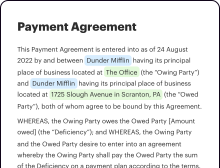

See airSlate SignNow eSignatures in action
Create secure and intuitive eSignature workflows on any device, track the status of documents right in your account, build online fillable forms – all within a single solution.
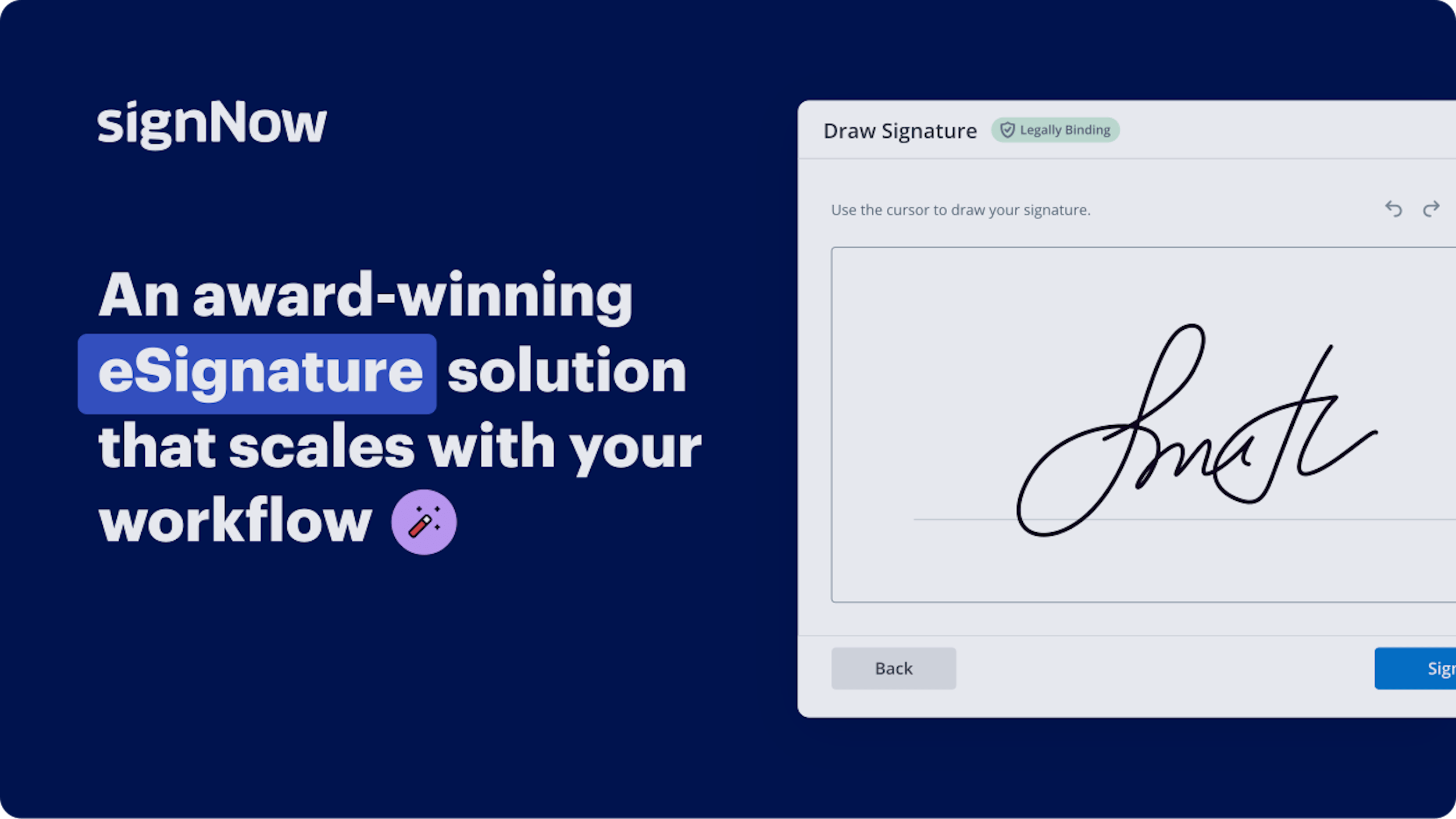
airSlate SignNow regularly wins awards for ease of use and setup




How to Search and Substitute Text in a PDF
Are you struggling to find a reliable tool for all your document editing and signing requirements, including the capability to Search and Substitute Text in a PDF? airSlate SignNow is here to enhance your file editing and completion experience, making it as seamless as possible, no matter the challenge. Our service provides a diverse range of business-ready document editing, signing, collaboration, and organization features that are designed to be user-friendly for both beginners and seasoned professionals.
- Visit the airSlate SignNow website.
- Create an account or log into your existing one.
- Select a method to upload your file.
- Access your document in our editor.
- Examine the left and top toolbar to locate the option to Search and Substitute Text in a PDF.
- Utilize additional functionalities to enhance or organize your documents.
- Save your modifications and download the document.
Regardless of the features you utilize or the tasks you execute, airSlate SignNow consistently ensures that your work remains safe and hassle-free. Sign up for airSlate SignNow today and acquire a comprehensive solution that integrates into any workflow!
How it works
eSignatures and beyond — simplify document workflows with advanced airSlate SignNow features

-
Best ROI. Our customers achieve an average 7x ROI within the first six months.
-
Scales with your use cases. From SMBs to mid-market, airSlate SignNow delivers results for businesses of all sizes.
-
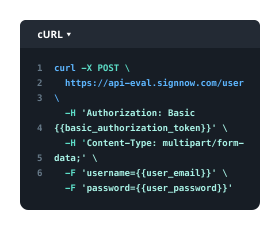
Intuitive UI and API. Sign and send documents from your apps in minutes.
Our user reviews speak for themselves











FAQs
-
How can I find and replace text in a PDF using airSlate SignNow?
To find and replace text in a PDF using airSlate SignNow, simply upload your PDF document and utilize the editing tools available in the platform. Our user-friendly interface allows you to easily locate the specific text you want to replace and input your desired changes. This makes it seamless to edit important documents directly. -
Is there a cost associated with using the find and replace feature in airSlate SignNow?
airSlate SignNow offers a variety of pricing plans that include the find and replace text in a PDF feature. You can choose a plan that suits your business needs, ensuring you have access to powerful editing tools at a competitive price. Check our pricing page for more details on features included in each plan. -
What are the benefits of using airSlate SignNow to find and replace text in PDFs?
Using airSlate SignNow to find and replace text in a PDF saves you time and enhances document accuracy. The intuitive editing capabilities allow you to make quick updates without needing specialized software. This ensures your documents remain professional and up-to-date with minimal effort. -
Does airSlate SignNow integrate with other software for PDF editing?
Yes, airSlate SignNow offers integrations with various software solutions, enhancing your workflow when you find and replace text in a PDF. These integrations allow you to connect with other tools you already use, making it easy to incorporate document management into your existing processes.
-
Can I use airSlate SignNow on mobile devices to find and replace text in PDFs?
Absolutely! airSlate SignNow is accessible on mobile devices, allowing you to find and replace text in a PDF on the go. Whether you’re using a smartphone or tablet, you can manage your documents and make necessary edits from anywhere, ensuring flexibility for your busy schedule. -
Is it easy to learn how to find and replace text in a PDF on airSlate SignNow?
Yes, airSlate SignNow is designed with user experience in mind, making it easy to learn how to find and replace text in a PDF. Our platform offers tutorials and support resources to help you quickly become familiar with the editing tools, ensuring you can make changes efficiently. -
What types of PDFs can I edit with the find and replace feature?
You can edit various types of PDFs using the find and replace feature in airSlate SignNow, including contracts, agreements, and forms. Our platform supports standard PDF formats, allowing you to make necessary text updates quickly and easily, regardless of the document type. -
Does airSlate SignNow provide customer support for finding and replacing text in PDFs?
Yes, airSlate SignNow offers comprehensive customer support for users needing assistance with finding and replacing text in PDFs. Our dedicated support team is available to answer questions and provide guidance, ensuring you can make the most of our features with confidence.