Authority
Define delegated powers, decision-making limits, signatory capacity, and any required approvals. Specify whether the agent can bind the principal in contracts, financial transactions, or communications with third parties.
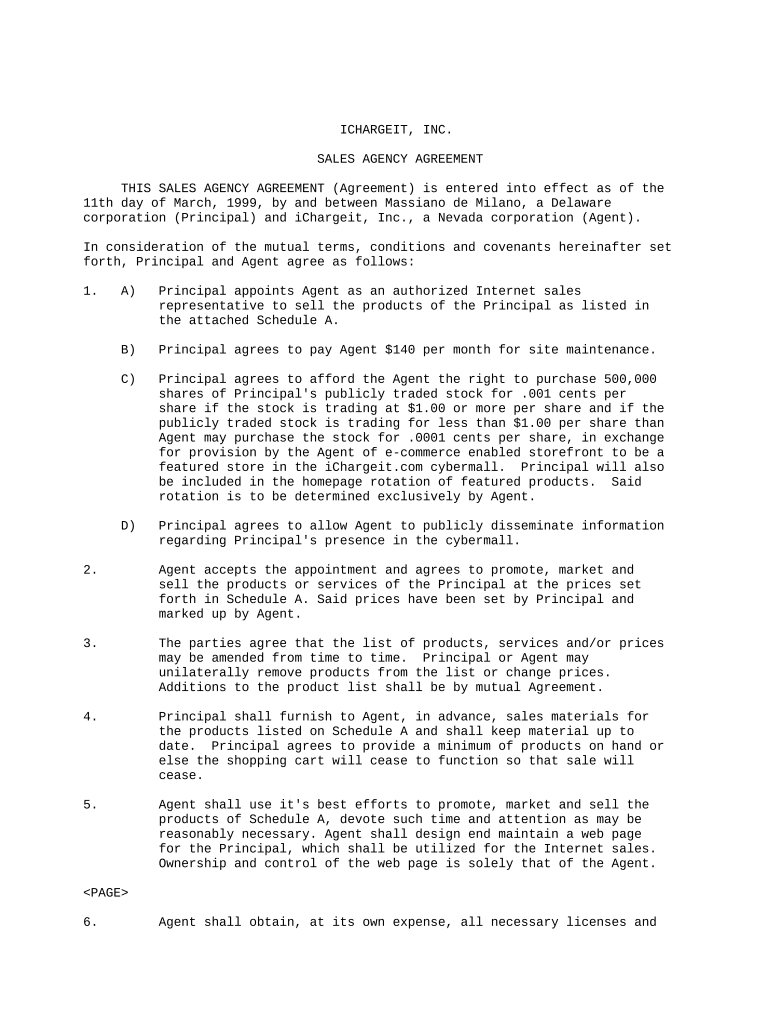
A clear Agency Agreement reduces ambiguity, documents delegated authority, preserves rights, and defines remedies. It supports regulatory compliance and creates evidence of intent and consent when using electronic execution under ESIGN and state UETA laws.

Typical users include principals, agents, brokers, and contractors who need documented authority, reporting, and compensation terms.
Define delegated powers, decision-making limits, signatory capacity, and any required approvals. Specify whether the agent can bind the principal in contracts, financial transactions, or communications with third parties.
List agent obligations, reporting frequency, performance standards, and any metrics. Tie duties to deliverables and include remedies for nonperformance to ensure measurable accountability.
Specify commissions, hourly rates, retainers, expense reimbursement, invoicing intervals, bonuses, conditions for withholding or clawbacks, and identify tax reporting responsibilities and who bears payroll or withholding obligations.
Allocate indemnities, limits of liability, insurance requirements, and disclaimers. Clarify whether agents have personal liability or whether the principal indemnifies the agent, include caps on damages and procedures for notice and defense.
Describe confidentiality obligations, permitted disclosures, duration, handling of trade secrets, post-termination duties, and required security measures for electronic records, including HIPAA protections when health information is involved.
State termination for convenience, for cause, notice periods, cure periods, effect on outstanding obligations, transition assistance, and survival of key provisions such as confidentiality and indemnity.
A small business owner uses an Agency Agreement to delegate sales and account management tasks. The agreement limits agent authority, spells out commissions and reporting, and ensures the owner retains final approval rights while enabling efficient client interactions.
In-house counsel reviews Agency Agreements to confirm compliance with corporate bylaws, regulatory obligations, and risk allocation. They verify signature authority, insurance requirements, indemnity language, and consistency with procurement policies before approving execution.
| Field name and configuration details | Configuration |
|---|---|
| Routing sequence and signer authentication | Sequential or parallel with email or SMS authentication |
| Signer authentication methods and strength | Email link, SMS code, or KBA as required |
| Conditional fields, validations, and logic | Show fields based on role or contract values |
| Document retention, storage, and access settings | Encrypted storage with audit log retention rules |
Typical platform requirements include supported formats, integrations, authentication options, and audit capabilities to meet legal and operational needs.
Enter as MM/DD/YYYY and confirm with all parties
Specify days required for notice and cure periods
Provide payer deadlines for 1099 and W-9 exchange
Tie payments and termination rights to objective milestones
Retain signed agreements and logs per retention schedule
| signNow | DocuSign | Adobe Sign | PandaDoc | HelloSign | |
|---|---|---|---|---|---|
| Starting Price | $8/user/mo | $15/user/mo | $14/user/mo | $19/user/mo | $15/user/mo |
| Free Trial | Yes, 7-day trial | Varies | Varies | Varies | Varies |
| Bulk Send | Yes | Yes | Yes | Yes | No |
| Audit Trail | Yes | Yes | Yes | Yes | Yes |
| HIPAA Compliant | Yes | Yes | Yes | No | No |